Admin/Team Settings - Create New Tax Rate
This guide demonstrates how to create a new tax rate within Administrative Settings in Voqara.
Made by Tusk Support with Scribe
This guide demonstrates how to create a new tax rate within Administrative Settings in Voqara.
1. Log into Voqara
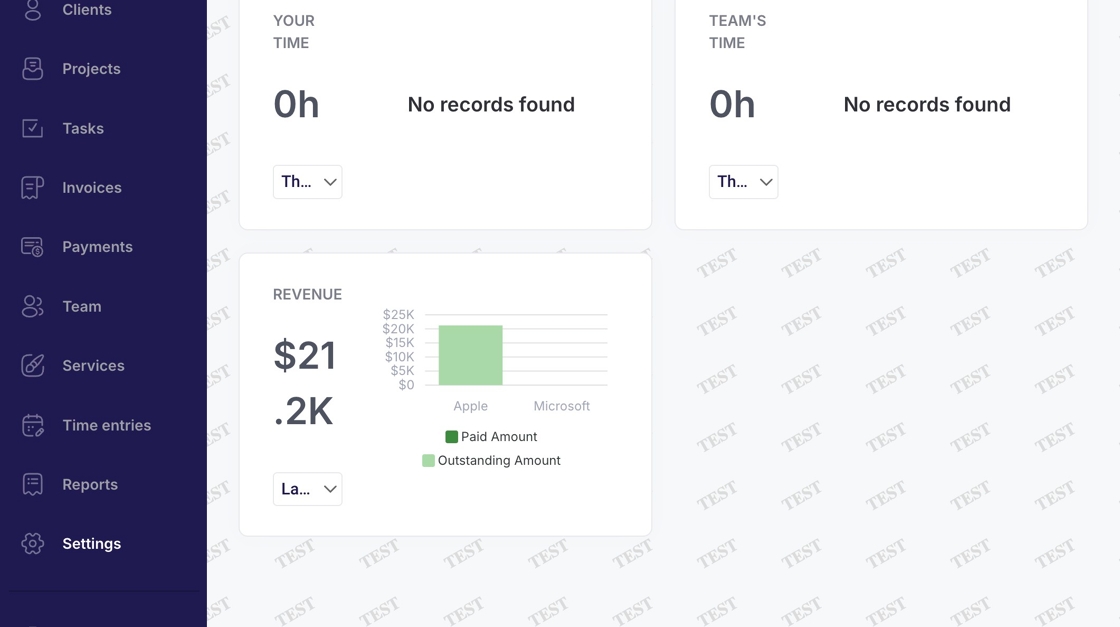
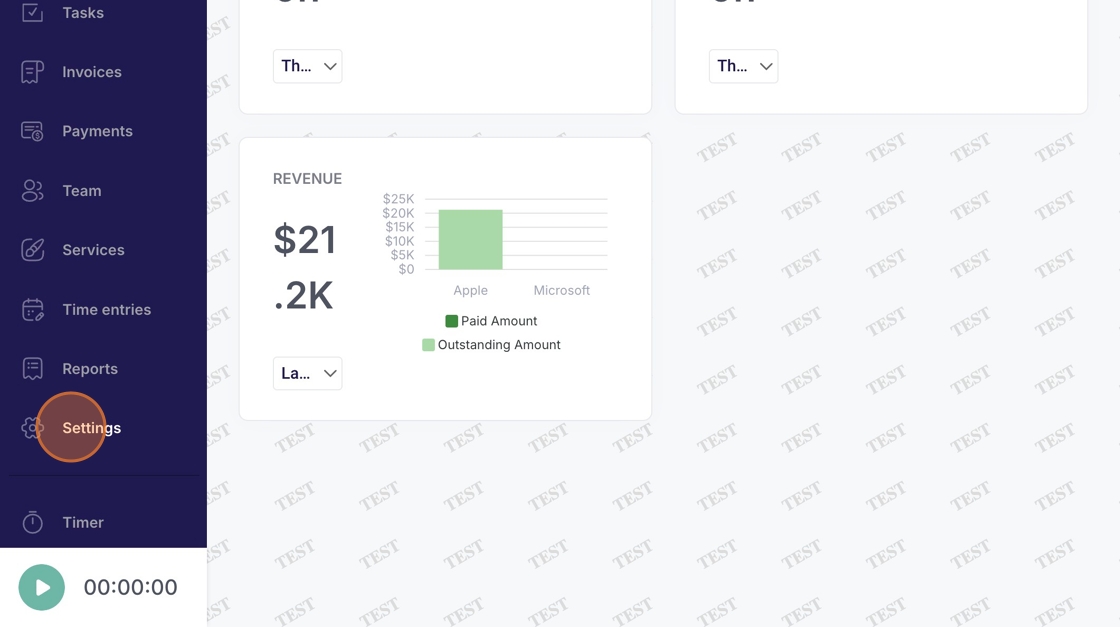
2. Navigate to "Settings"
3. Click "Tax Rates"
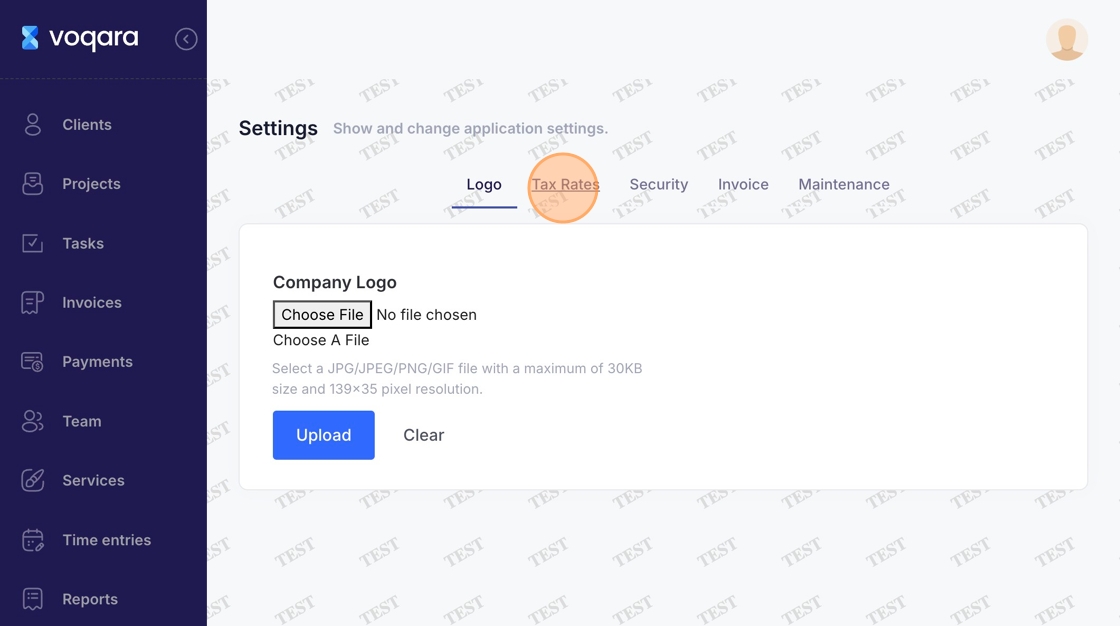
4. Click "Create New Tax Rate"
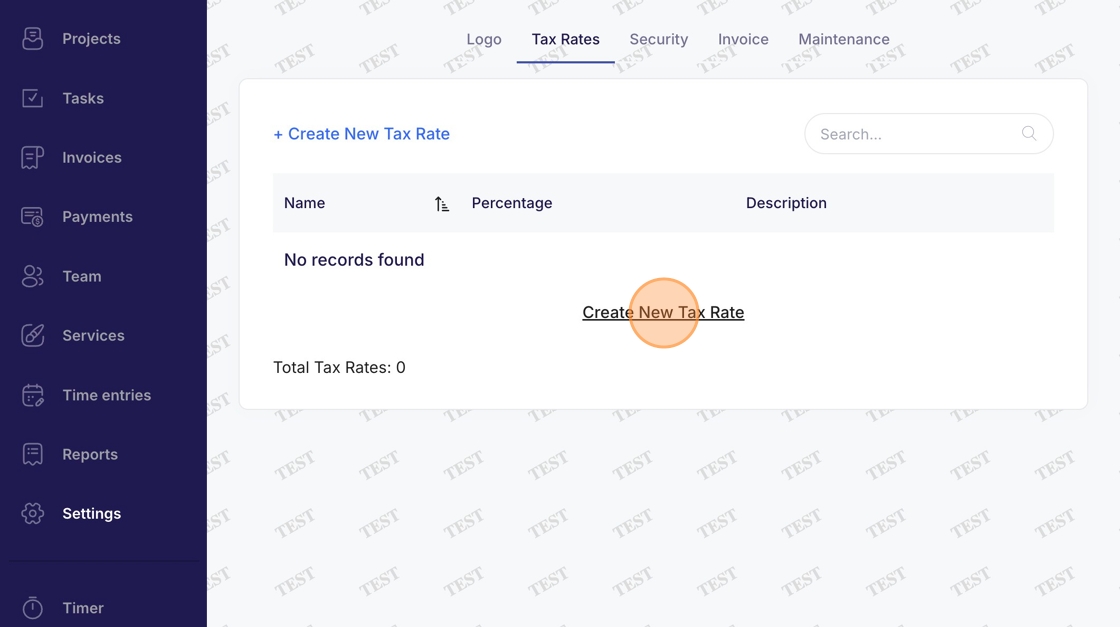
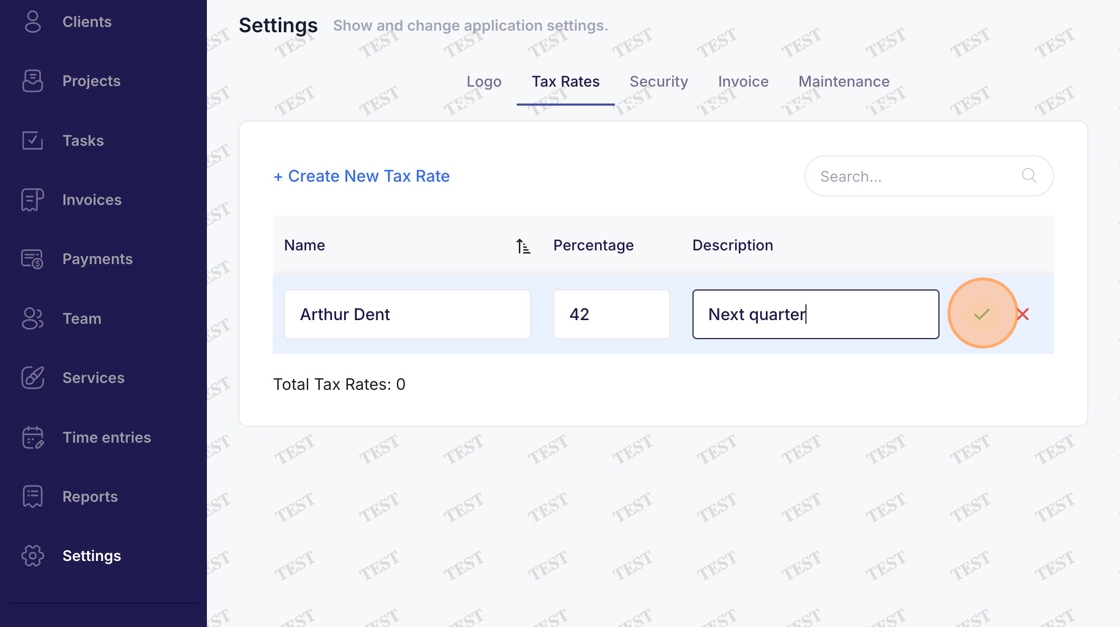
5. Click "Name" text field
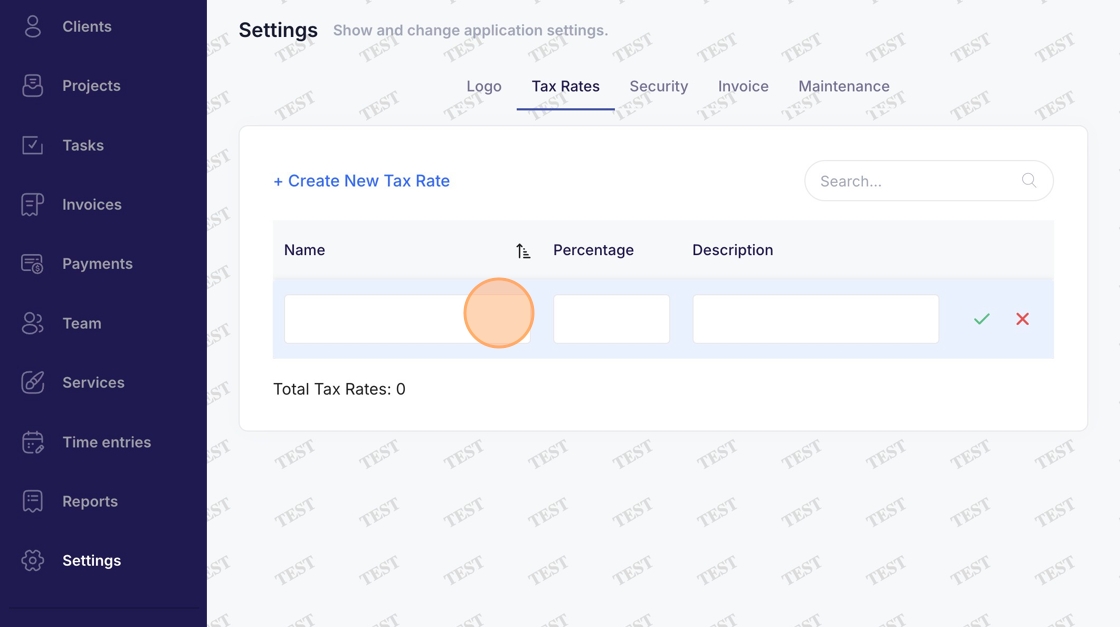
6. Enter a name
7. Click "Percentage" dropdown menu
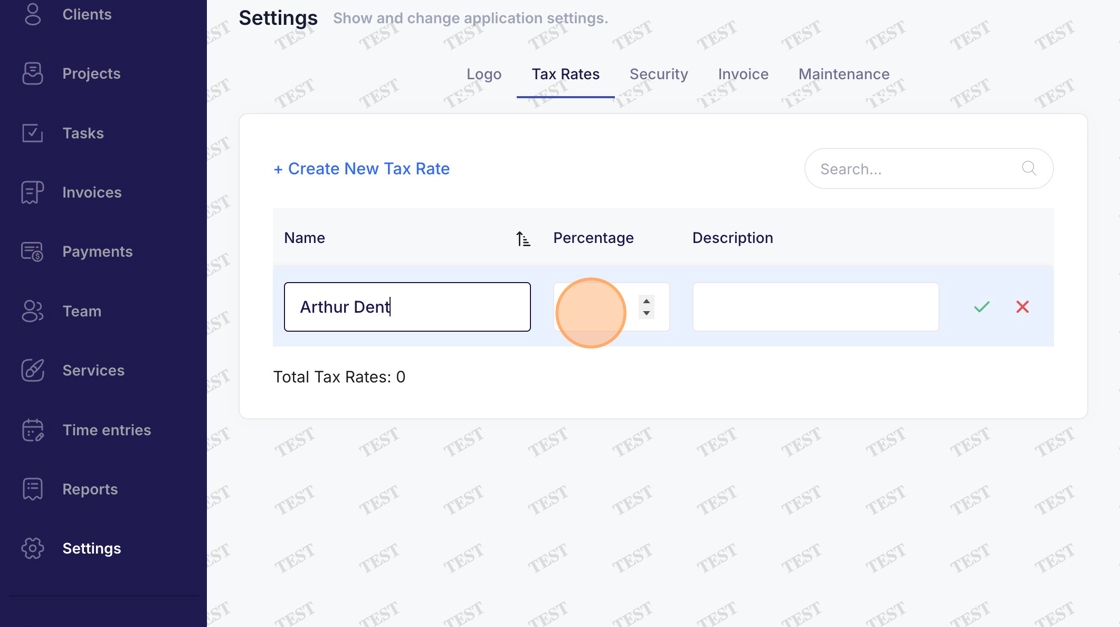
8. Enter a percentage
9. Click "Description" dropdown menu
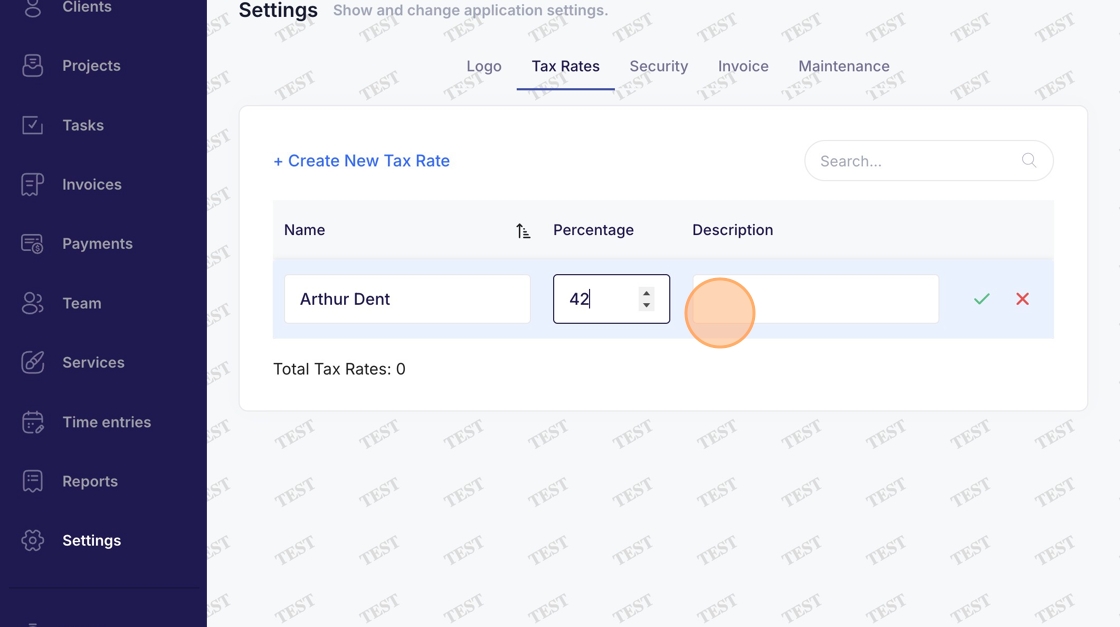
10. Enter description
11. Click green checkmark on right to complete creating new tax rate