Admin/Team Settings - Edit Invoice Information
This guide demonstrates the process for updating invoice information in Voqara.
Made by Tusk Support with Scribe
This guide demonstrates the process for updating invoice information in Voqara.
1. Log into Voqara
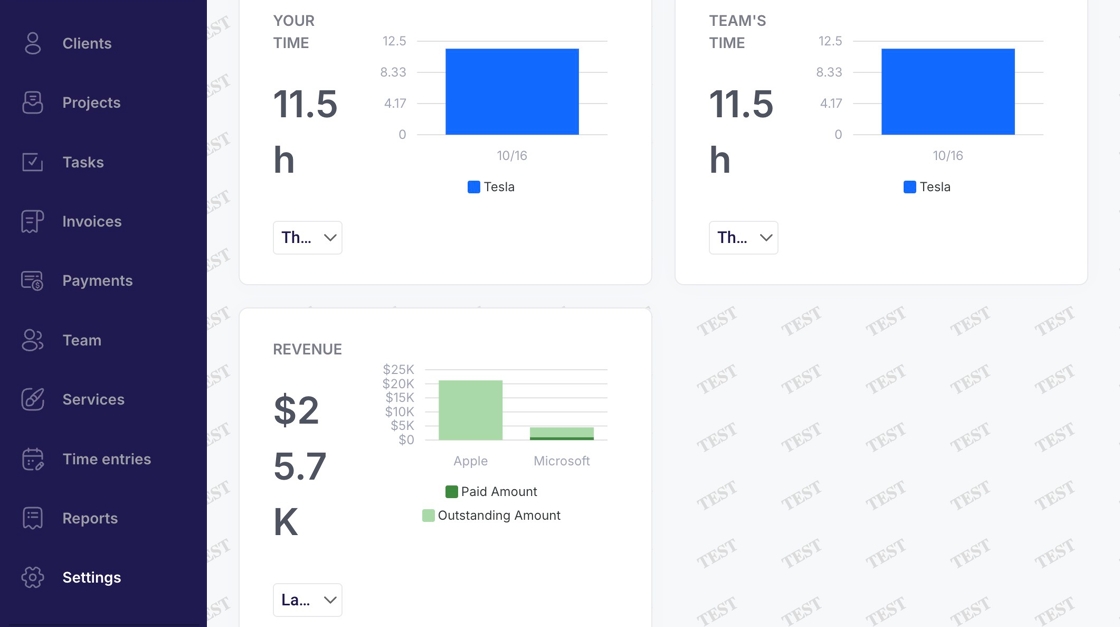
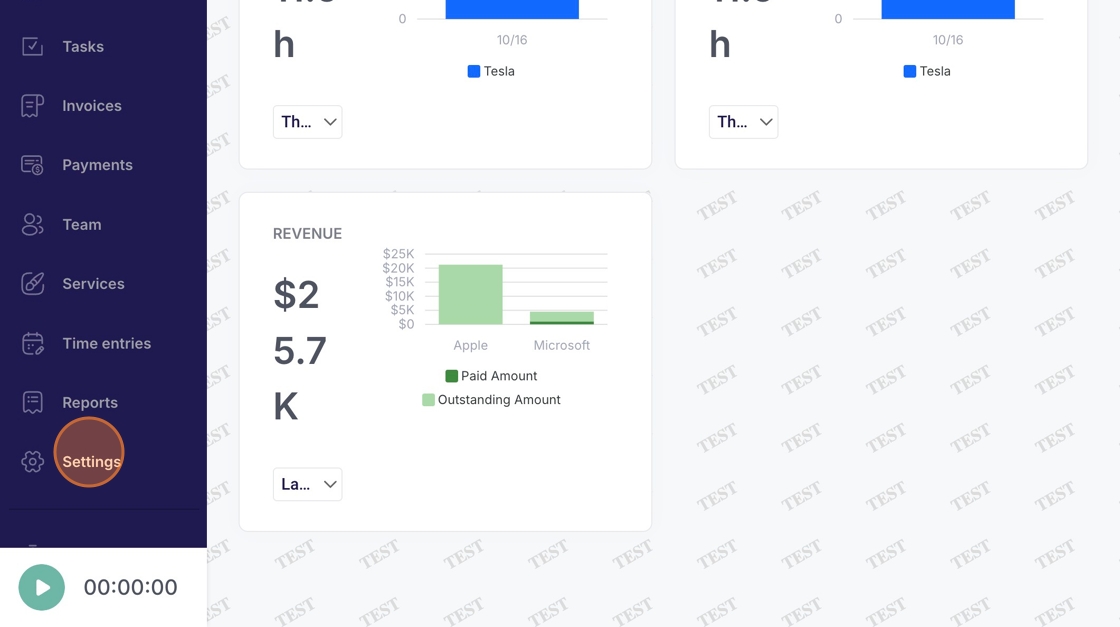
2. Navigate to "Settings"
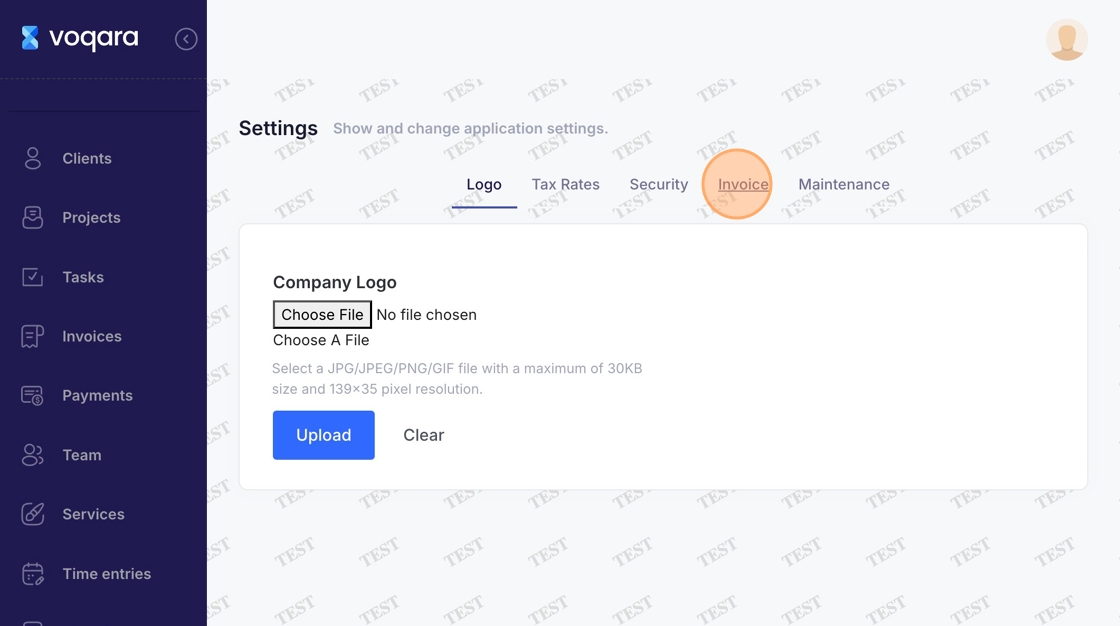
3. Click "Invoice"
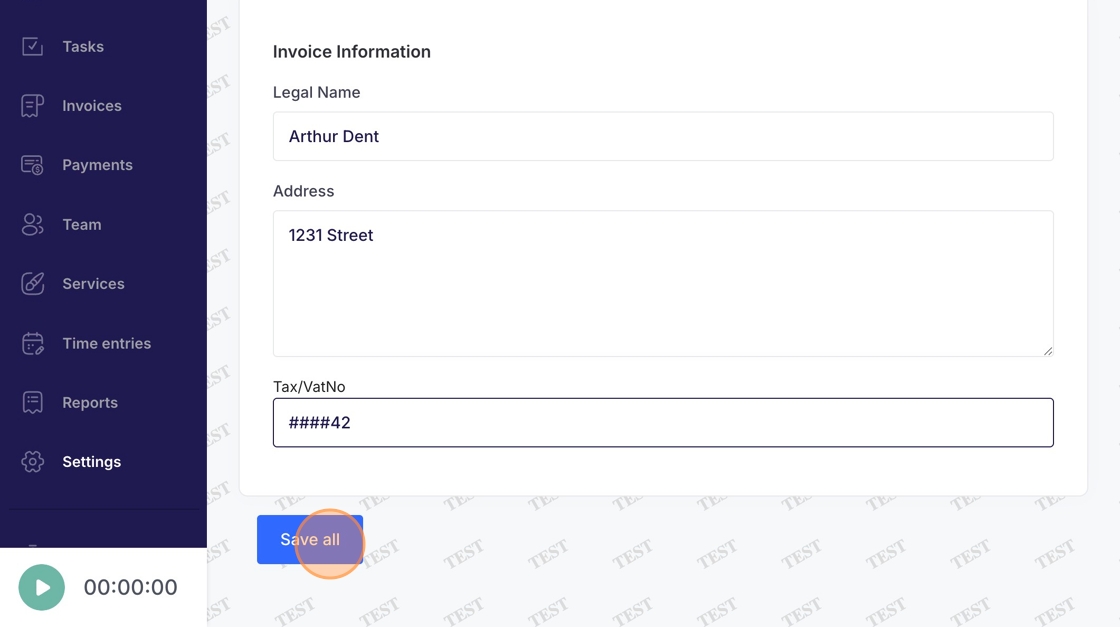
4. Enter a legal name
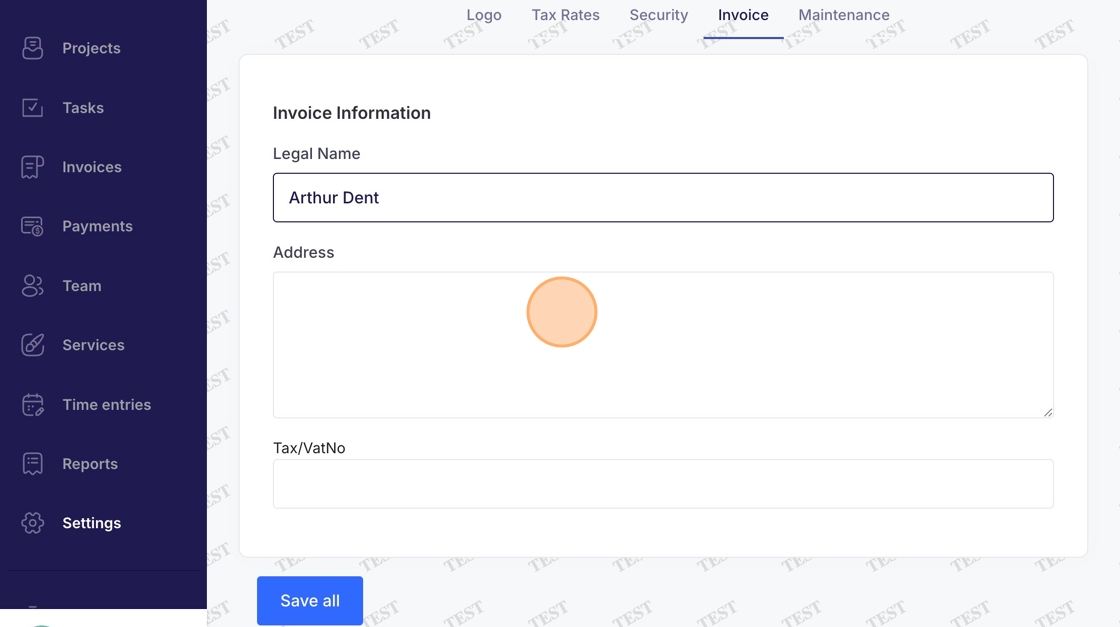
5. Enter address
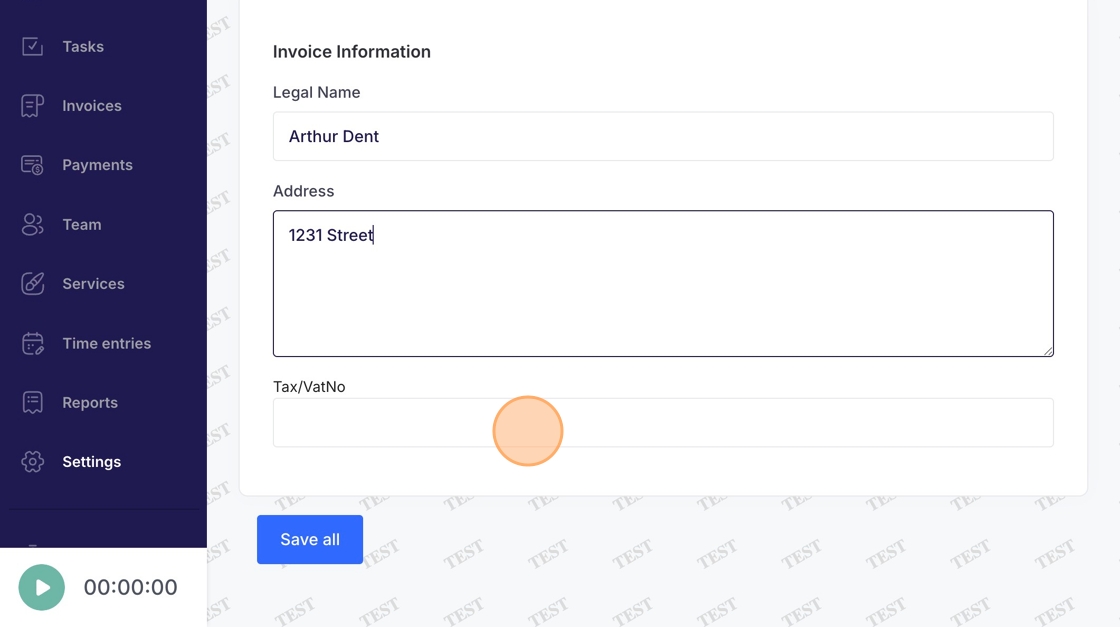
6. Enter Tax/VatNo
7. Click "Save all" to complete editing invoice information