Clients - Archive
This guide provides a straightforward process for archiving a client in Voqara, ensuring that users can efficiently manage their client lists. By following the simple steps outlined, users can maintain an organized database, which is crucial for effective client management. Whether you're new to Voqara or looking to streamline your workflow, this guide offers essential insights to enhance your experience.
Made by Tusk Support with Scribe
This guide provides a straightforward process for archiving a client in Voqara, ensuring that users can efficiently manage their client lists. By following the simple steps outlined, users can maintain an organized database, which is crucial for effective client management. Whether you're new to Voqara or looking to streamline your workflow, this guide offers essential insights to enhance your experience.
1. Log into Voqara
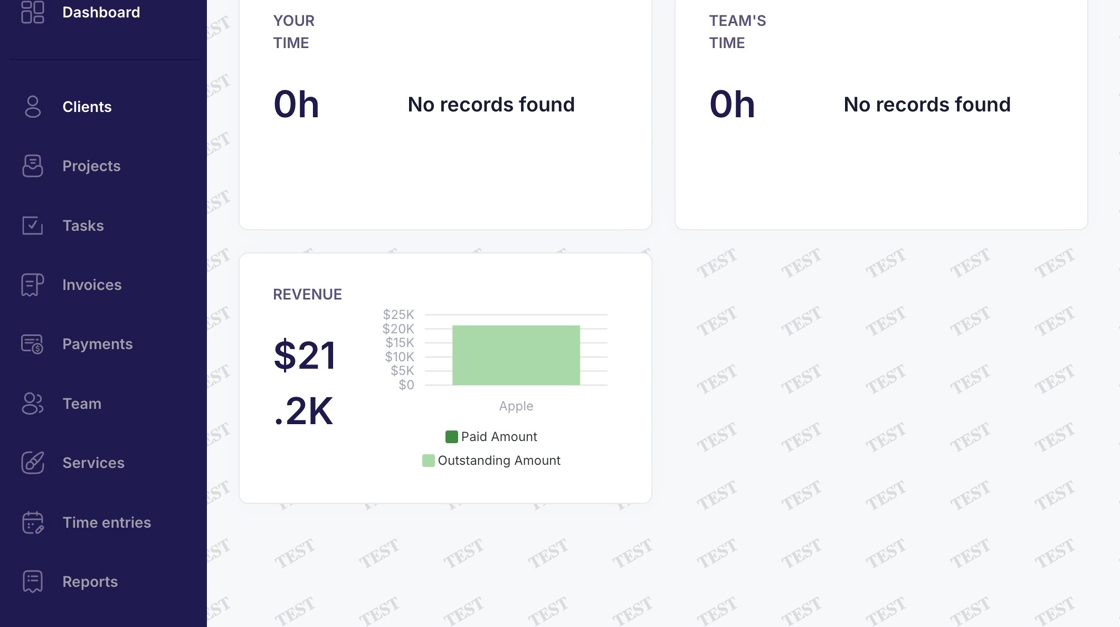
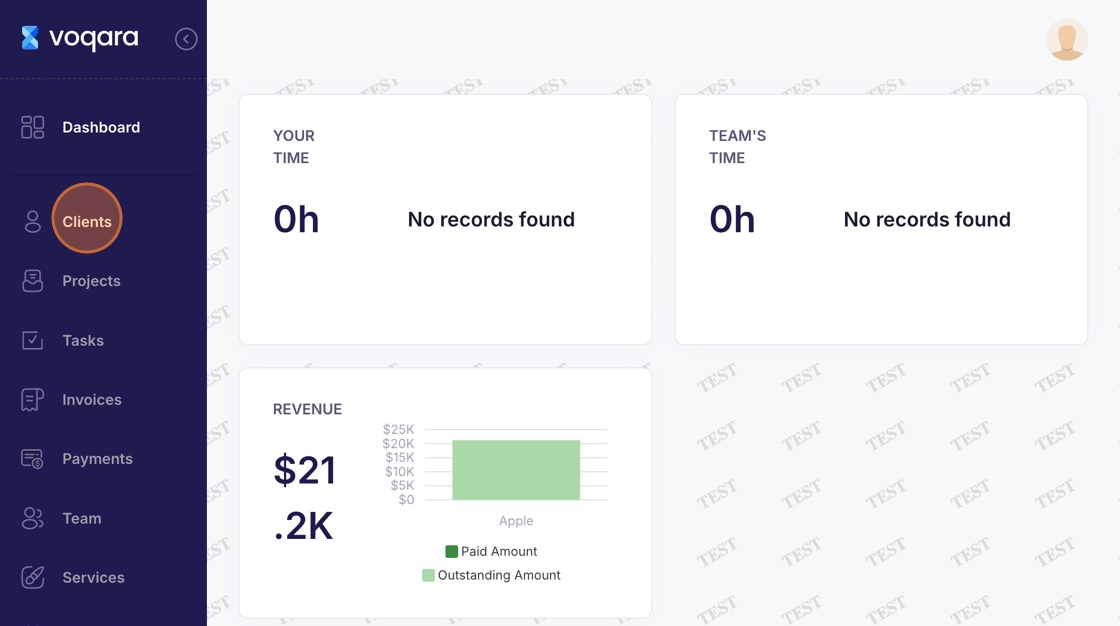
2. Navigate to "Clients"
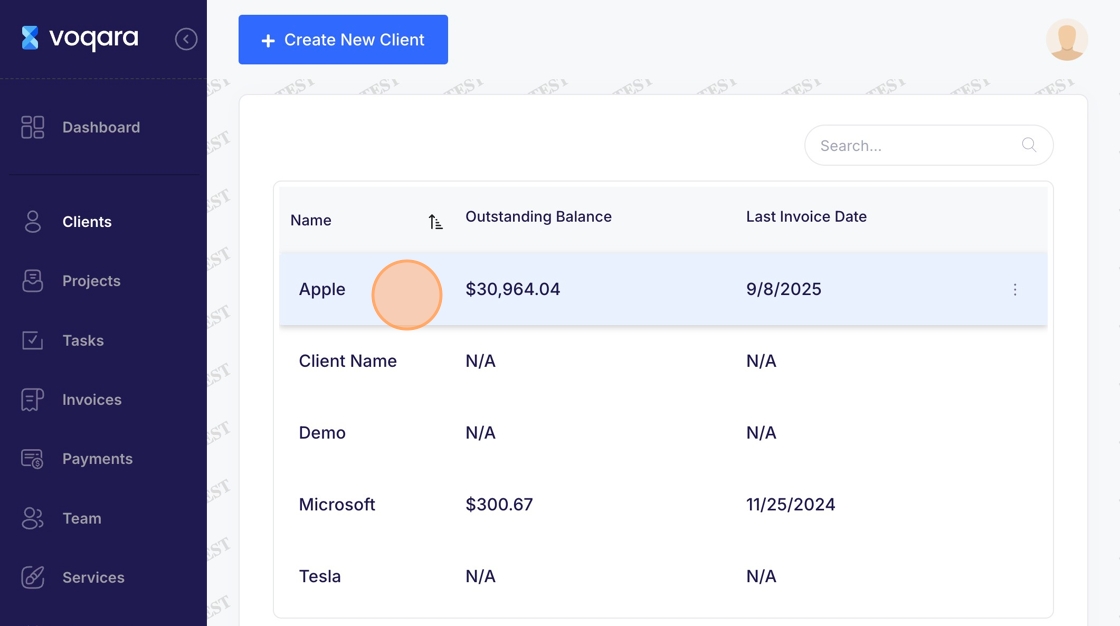
3. Select a client
4. Navigate to "Edit"
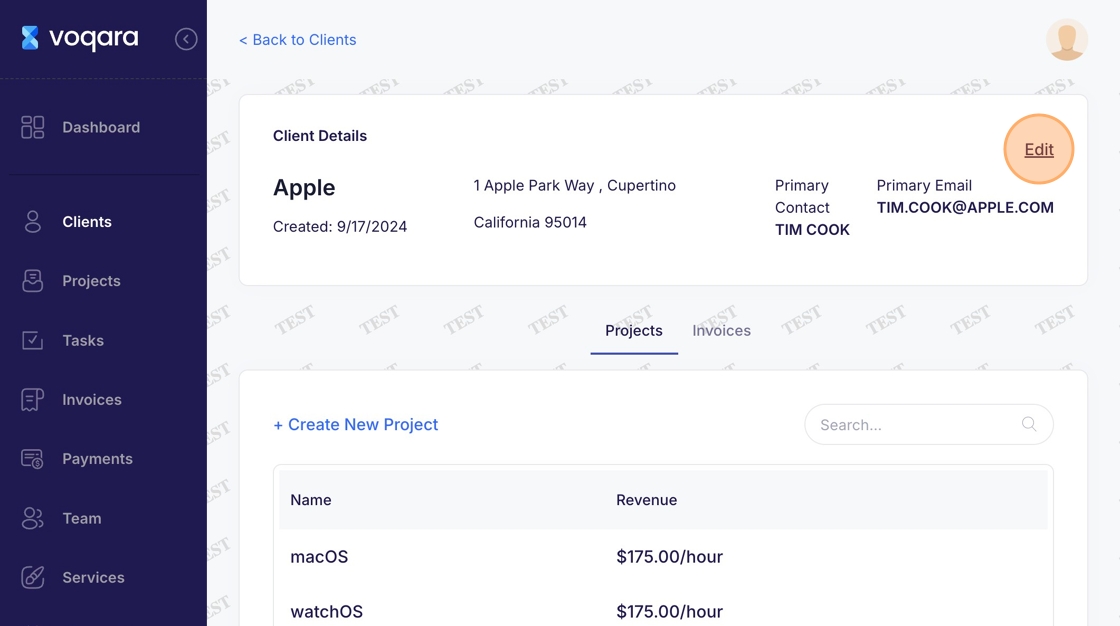
5. Scroll down to "Archive Project"
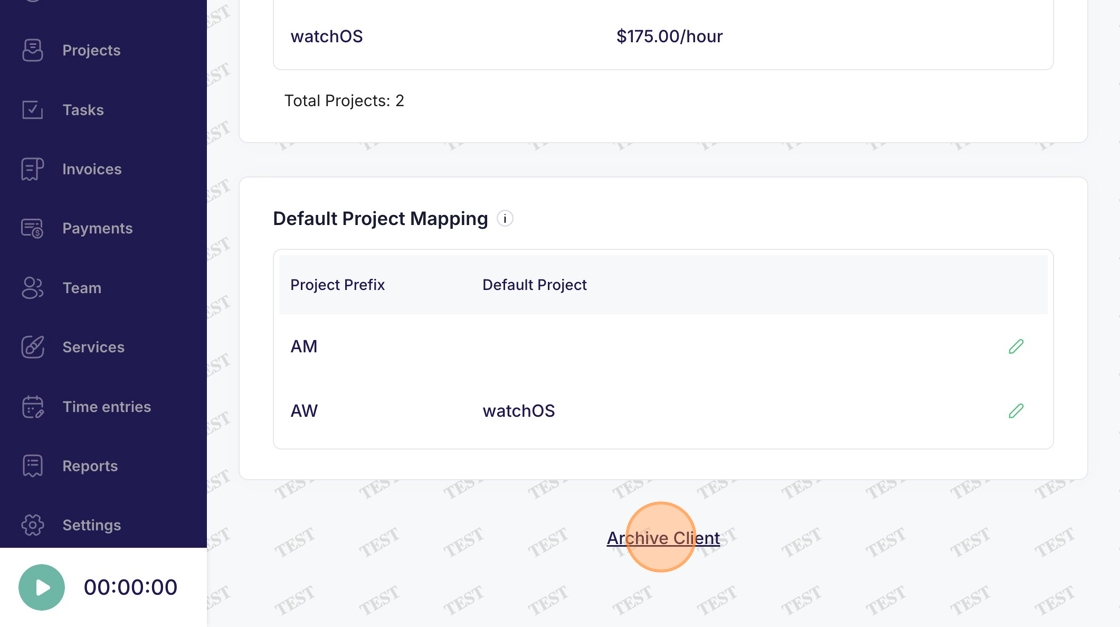
6. Click "Archive Client" to complete client archivization