Clients - Create
This guide provides a straightforward, step-by-step process for creating a new client in Voqara, ensuring users can efficiently navigate the platform. It simplifies the task by breaking it down into clear actions, making it accessible even for those unfamiliar with the software. By following this guide, users can save time and avoid potential errors, enhancing their overall experience with Voqara.
Made by Tusk Support with Scribe
This guide provides a straightforward, step-by-step process for creating a new client in Voqara, ensuring users can efficiently navigate the platform. It simplifies the task by breaking it down into clear actions, making it accessible even for those unfamiliar with the software. By following this guide, users can save time and avoid potential errors, enhancing their overall experience with Voqara.
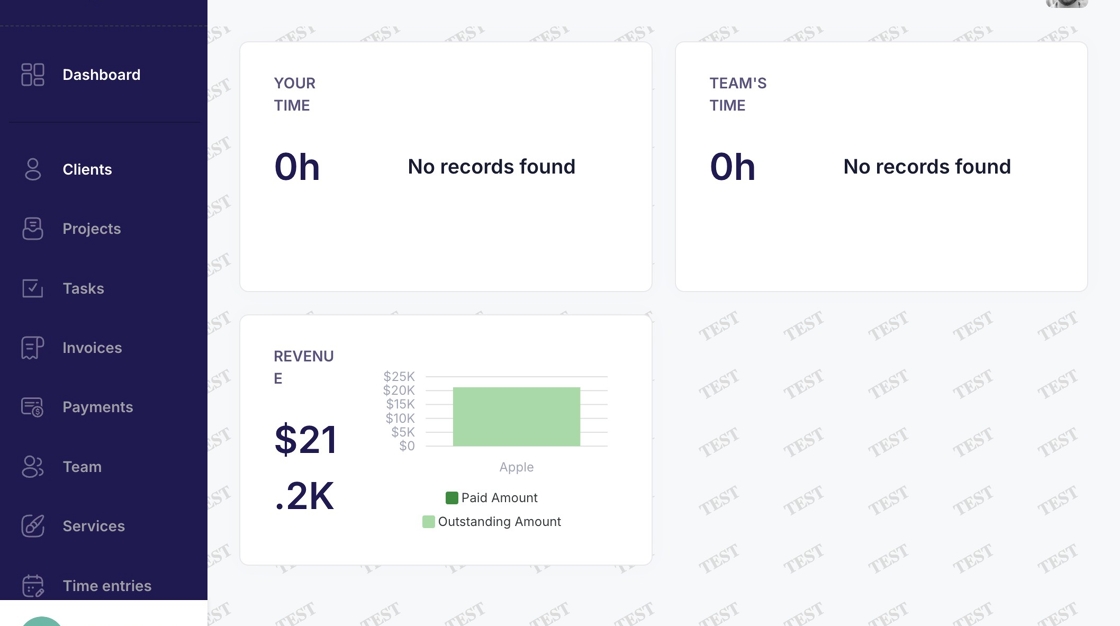
1. Log into Voqara
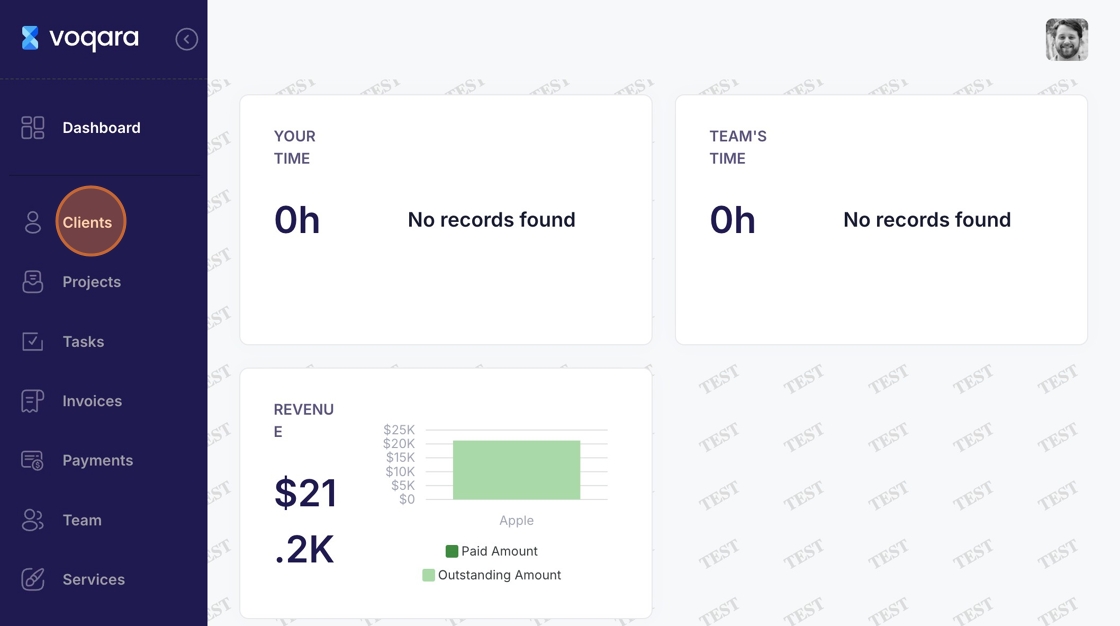
2. Navigate to "Clients"
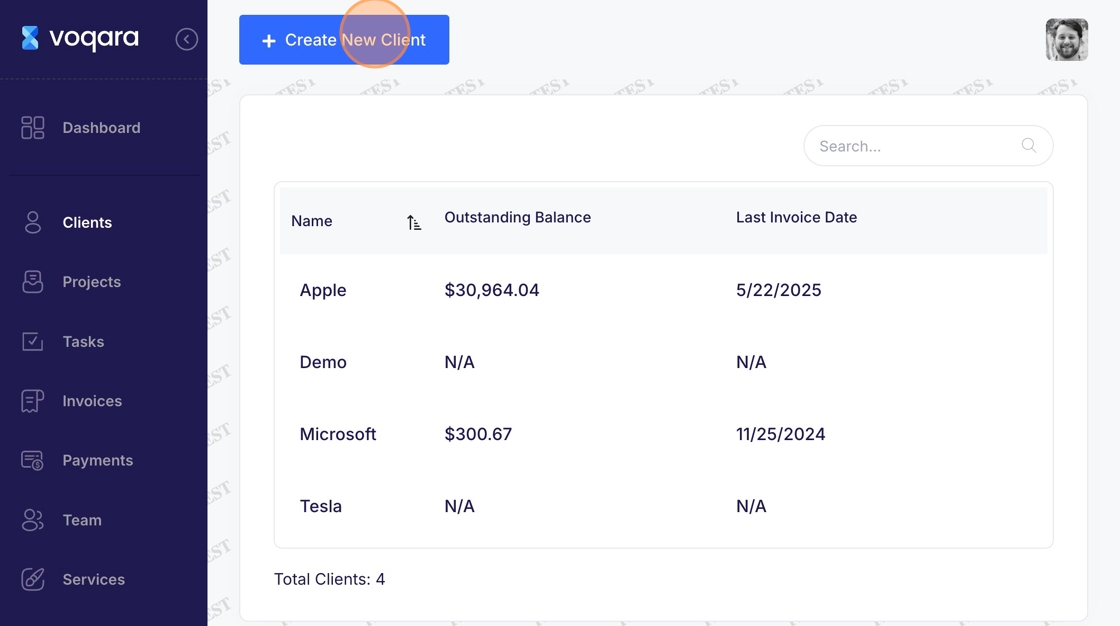
3. Click "Create New Client"
4. Enter client name
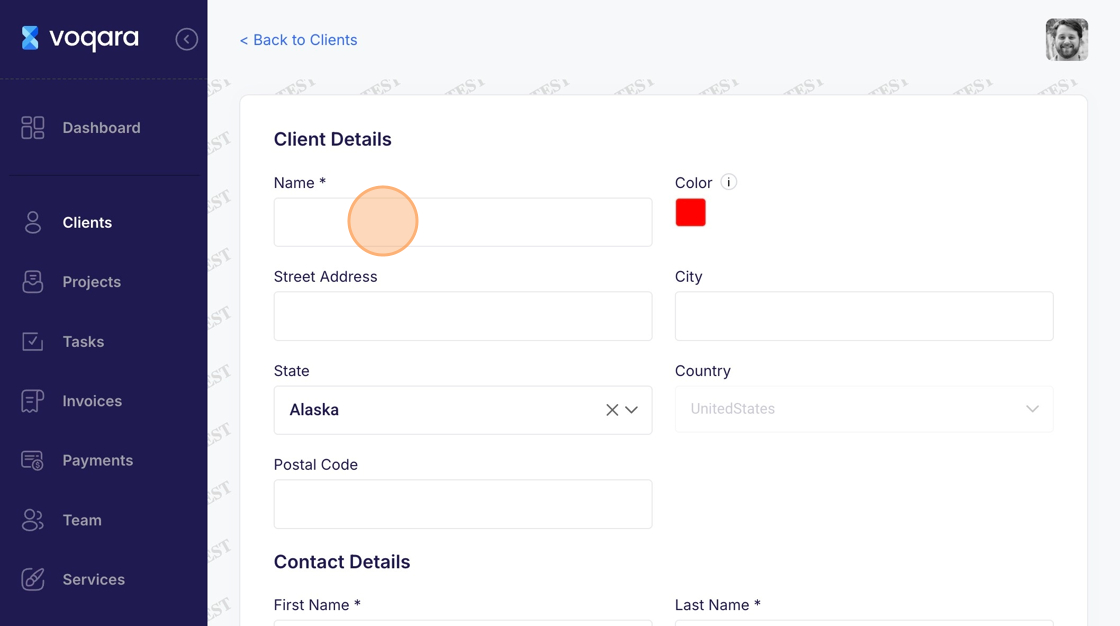
5. Select a color for the client
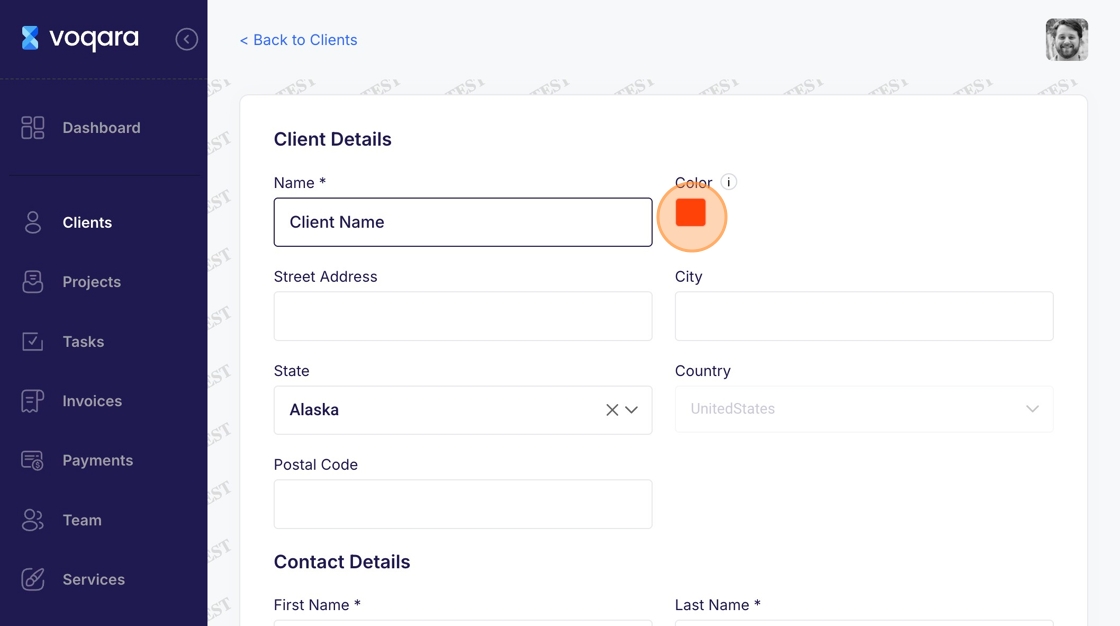
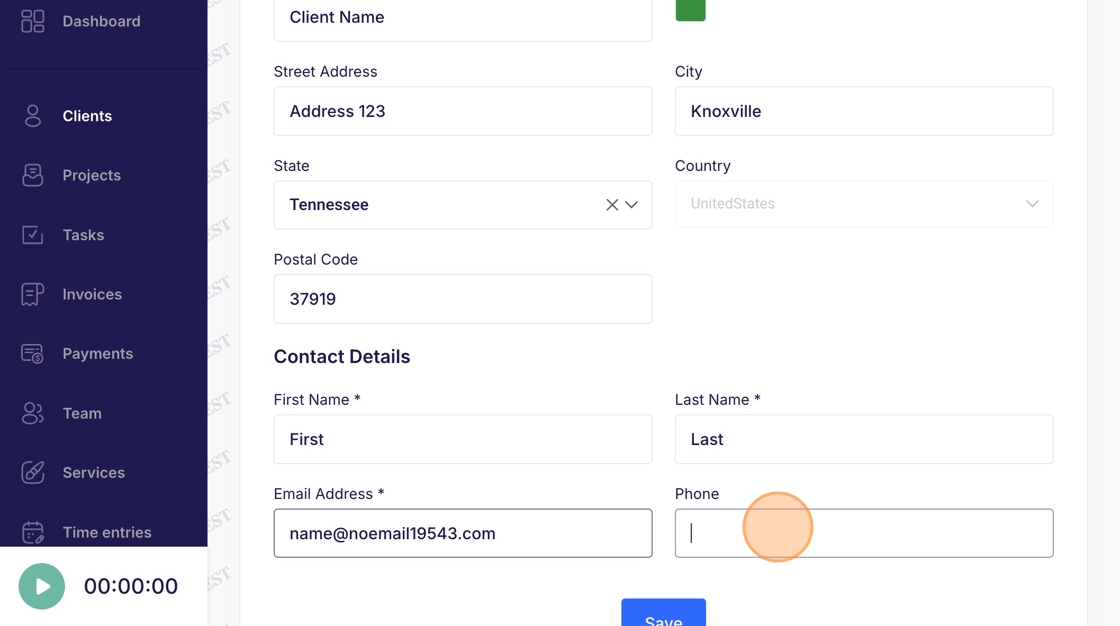
6. Enter a "street address"
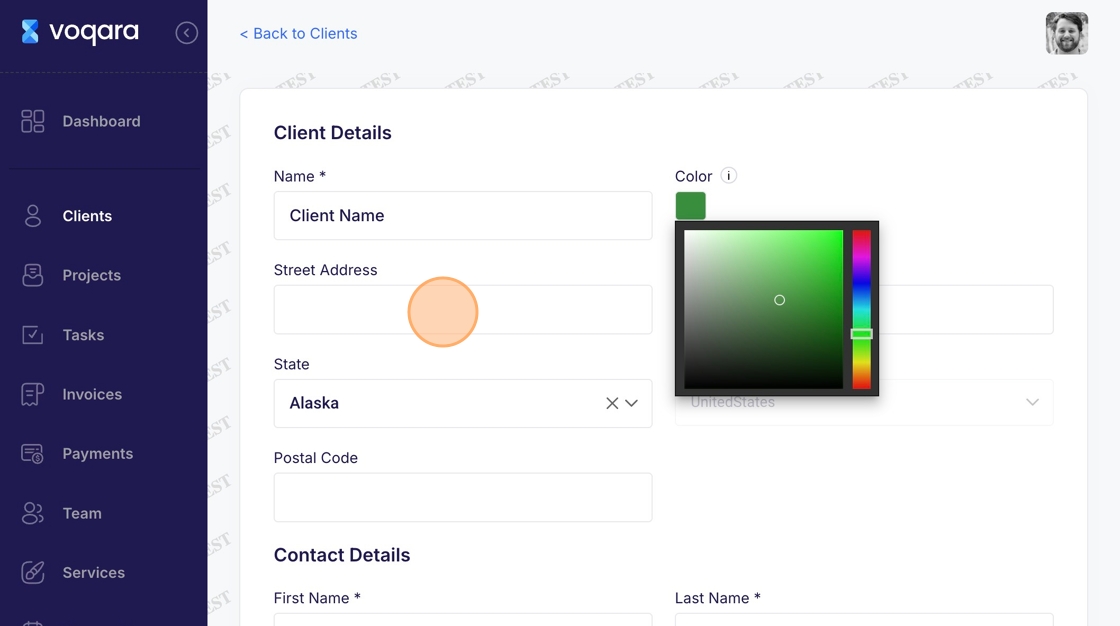
7. Click the state box and select a state
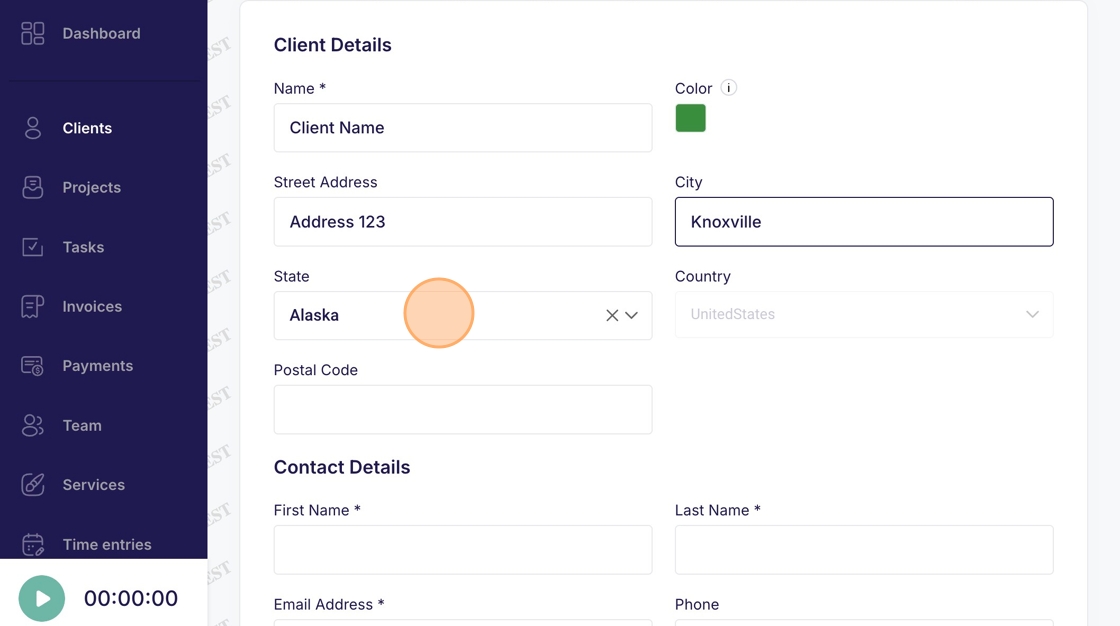
8. Enter a "postal code"
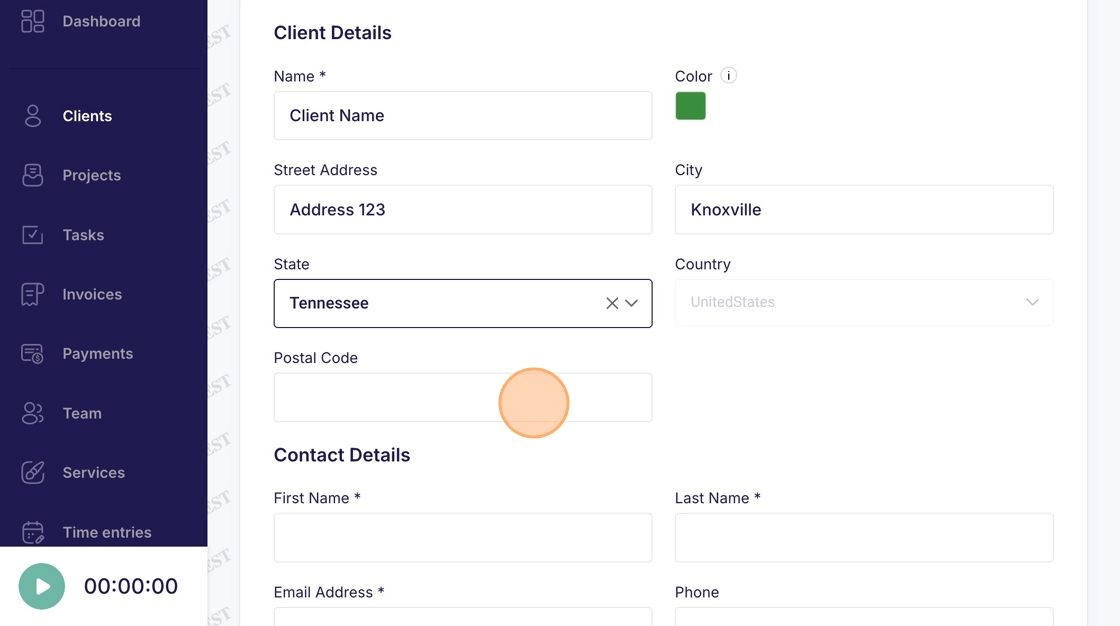
9. Enter a "first name"
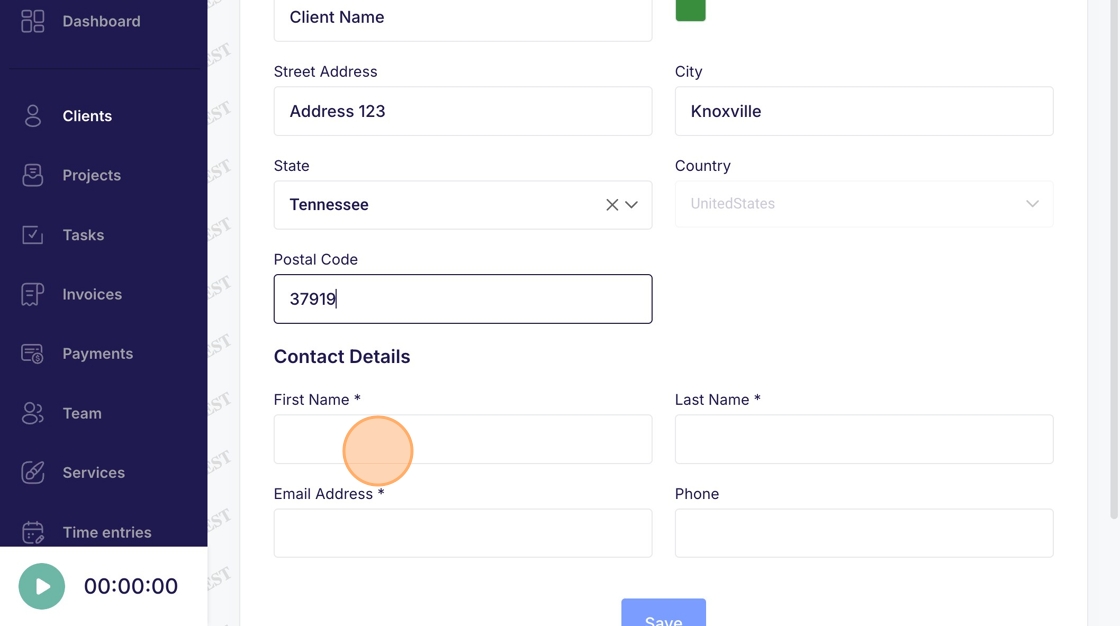
10. Enter a "last name"
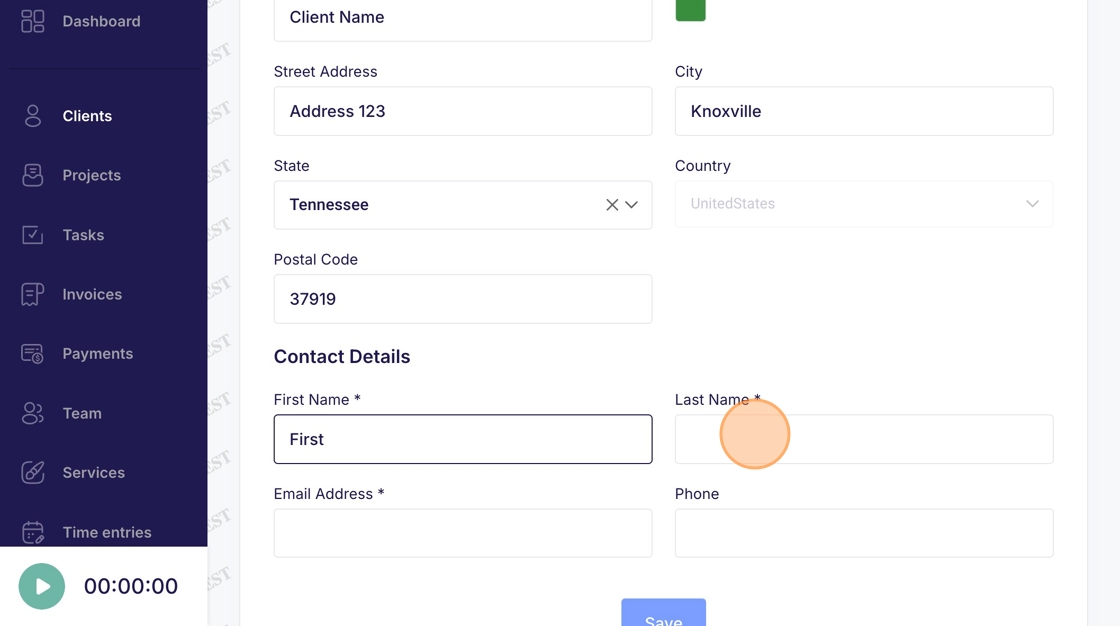
11. Enter an "email address"
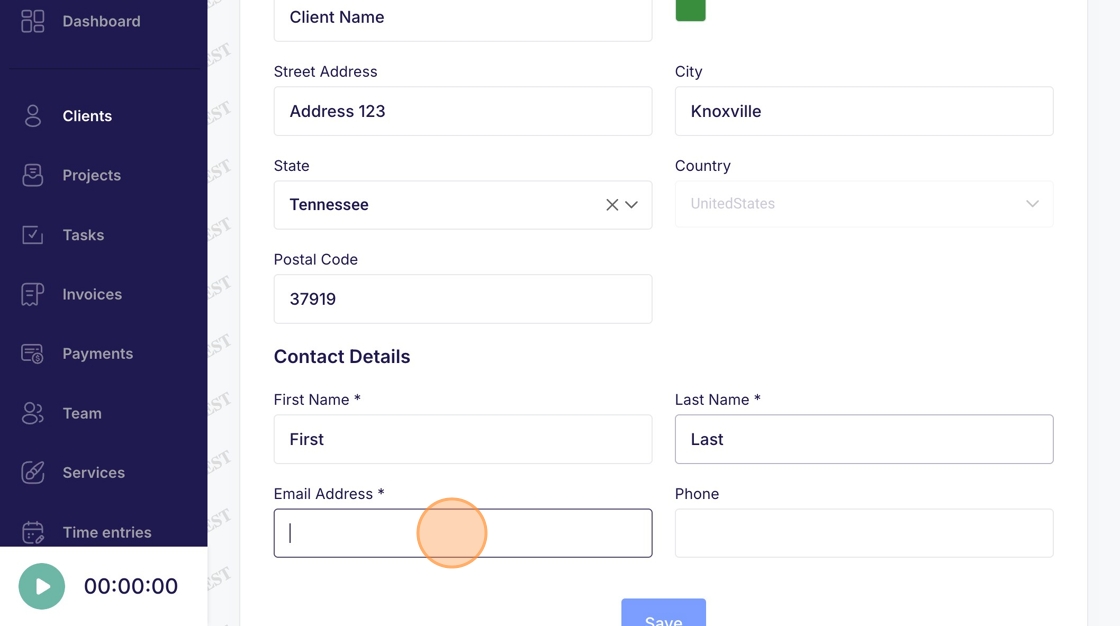
12. Enter a "phone number"
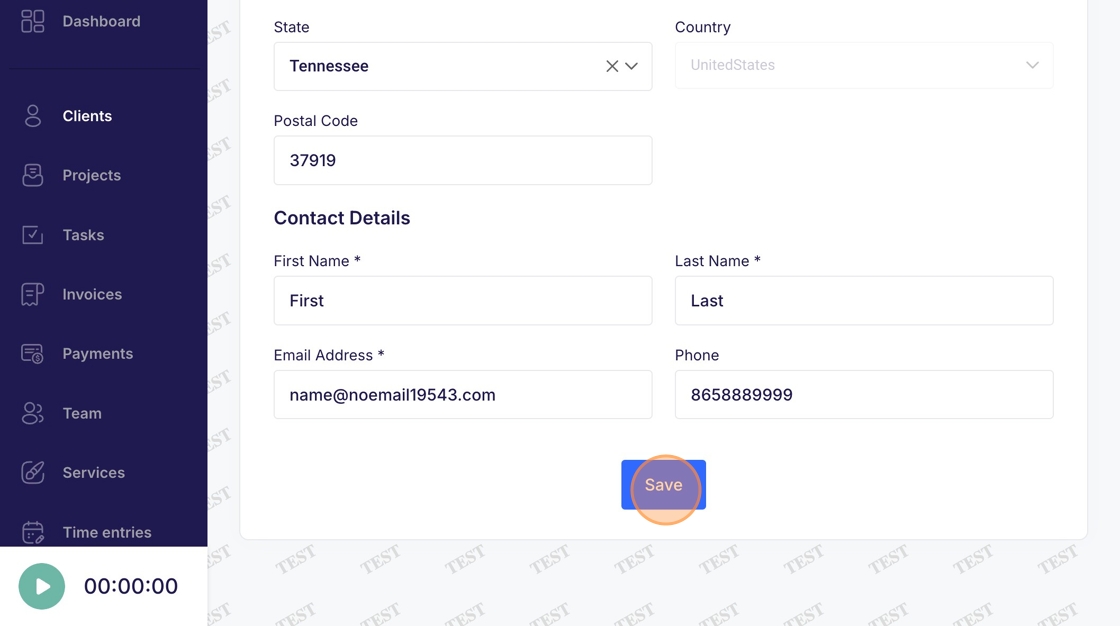
13. Click "Save"
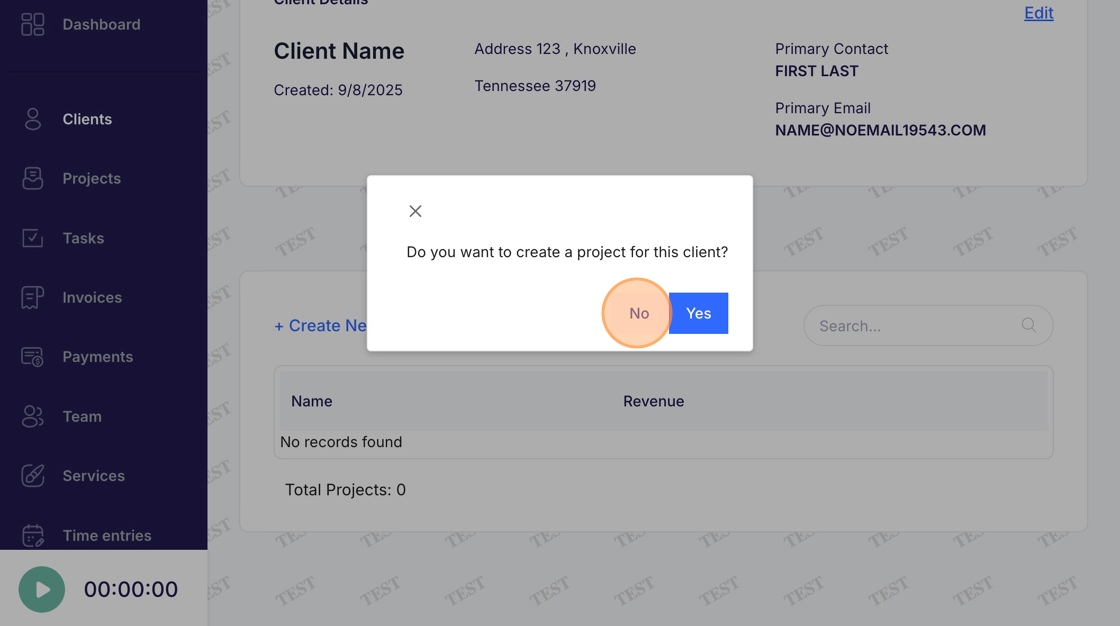
14. Click "No" to add a project later or click "Yes" to start adding the first project