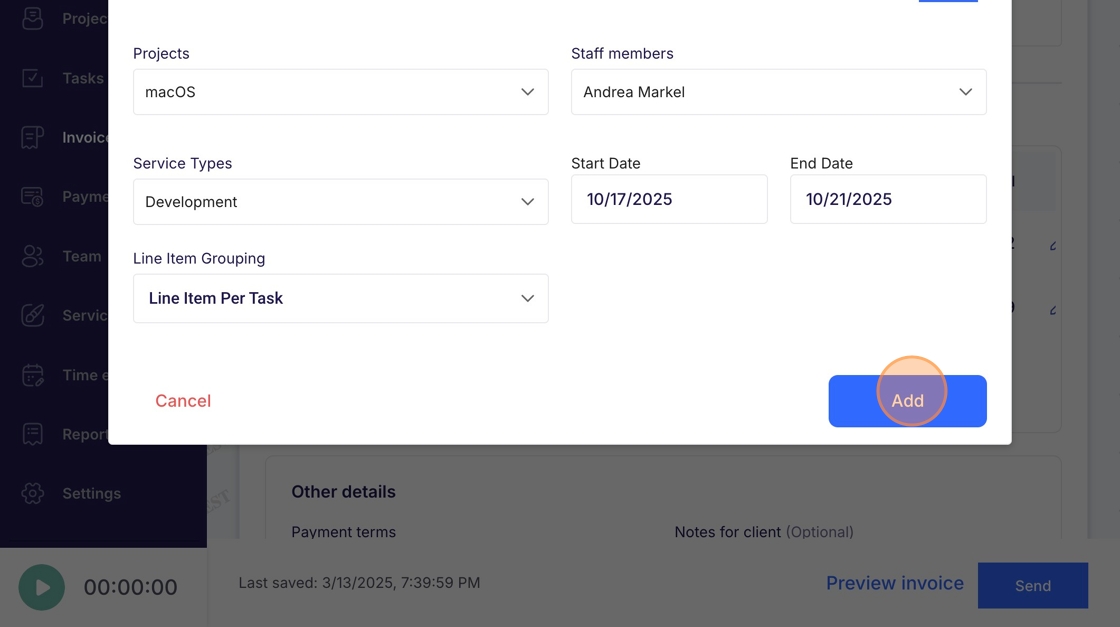
Invoices - Add Unbilled Items
This guide demonstrates how to add unbilled items to an invoice in Voqara.
Made by Tusk Support with Scribe
This guide demonstrates how to add unbilled items to an invoice in Voqara.
1. Log into Voqara
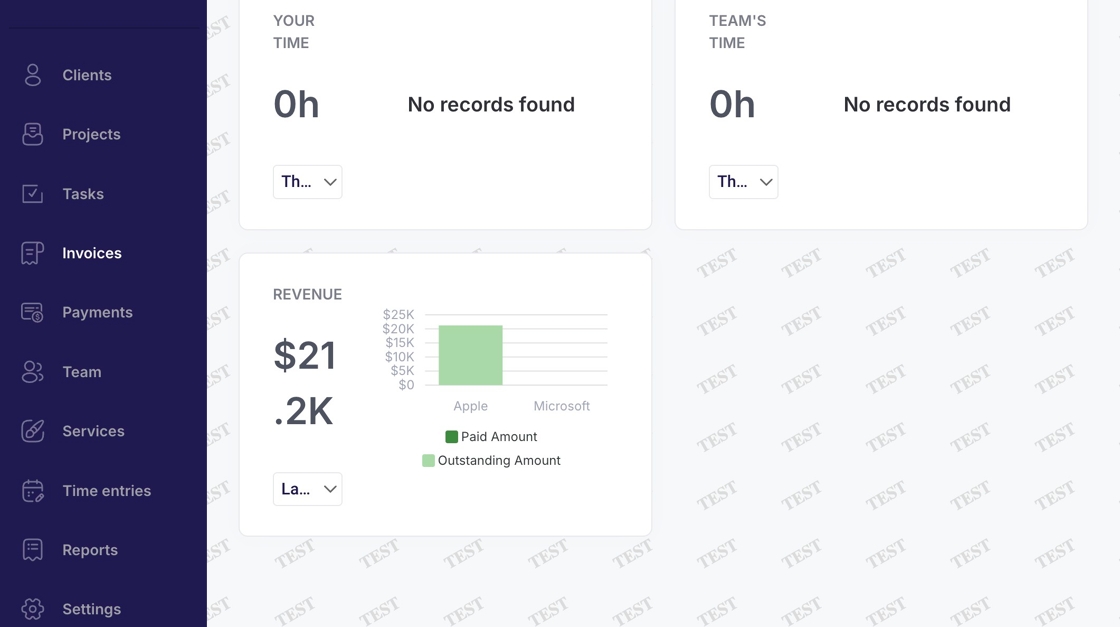
2. Navigate to "Invoices"
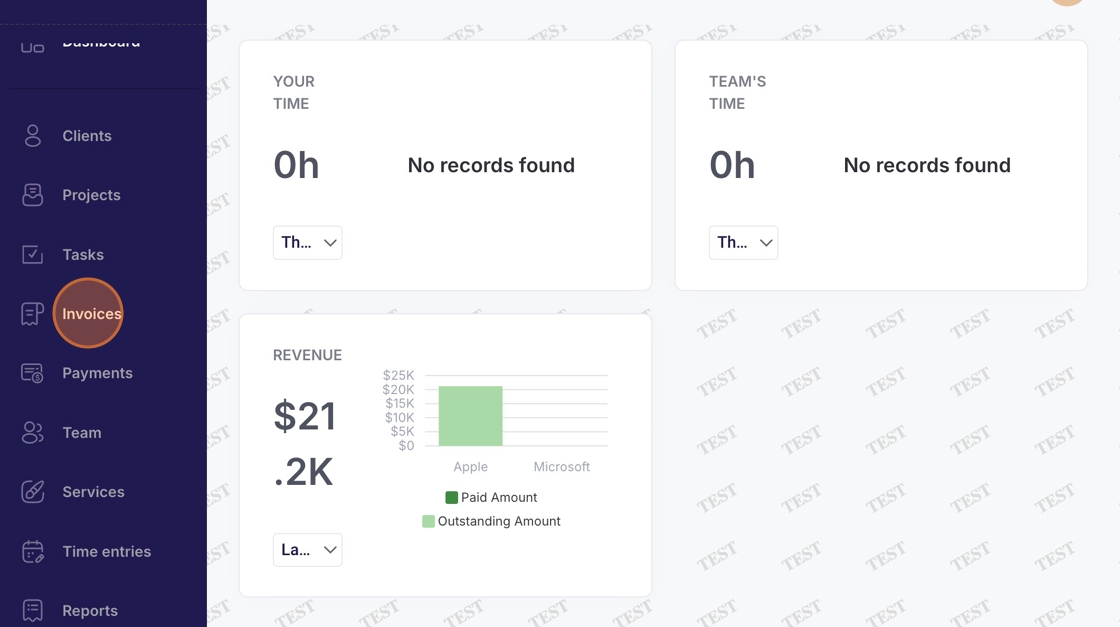
3. Select a client
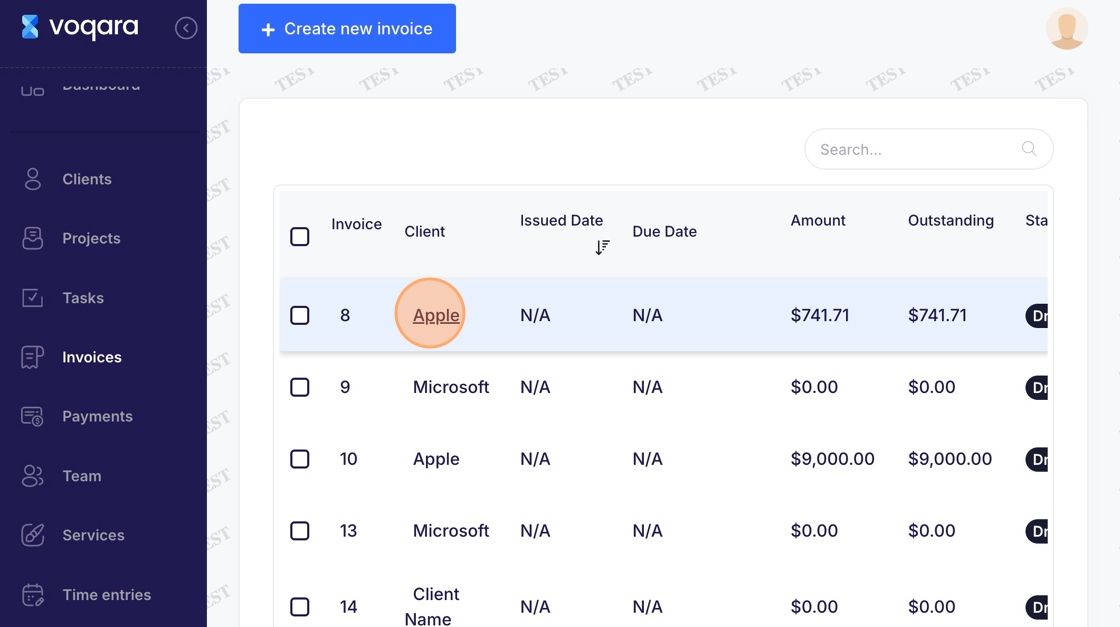
4. Scroll to section beneath "Line items"
5. Click "Add unbilled items"
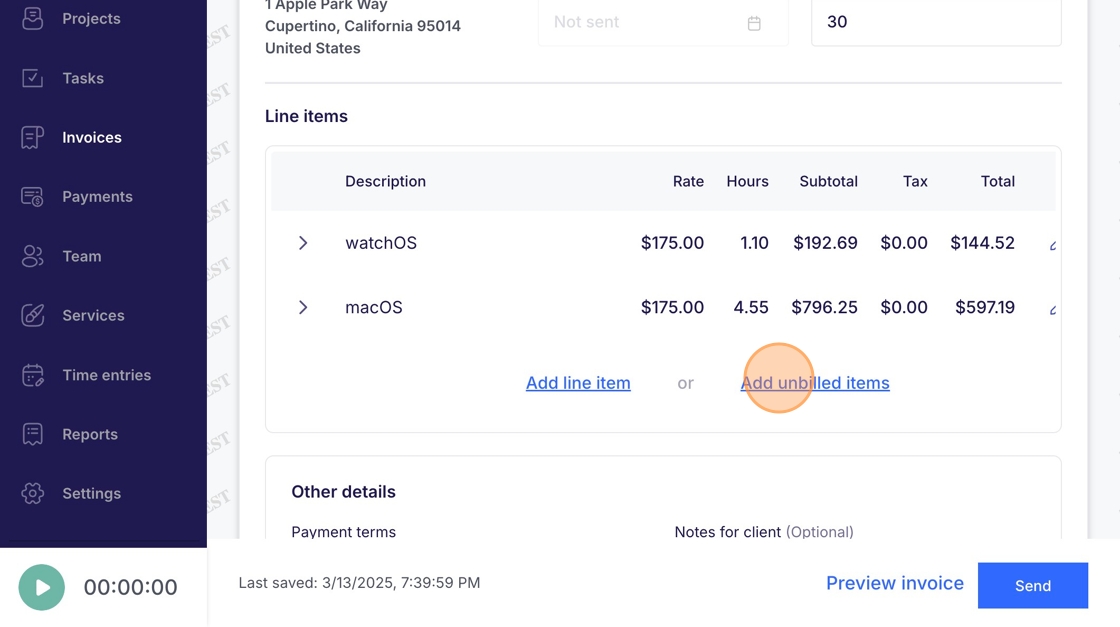
6. Click "Projects" dropdown menu
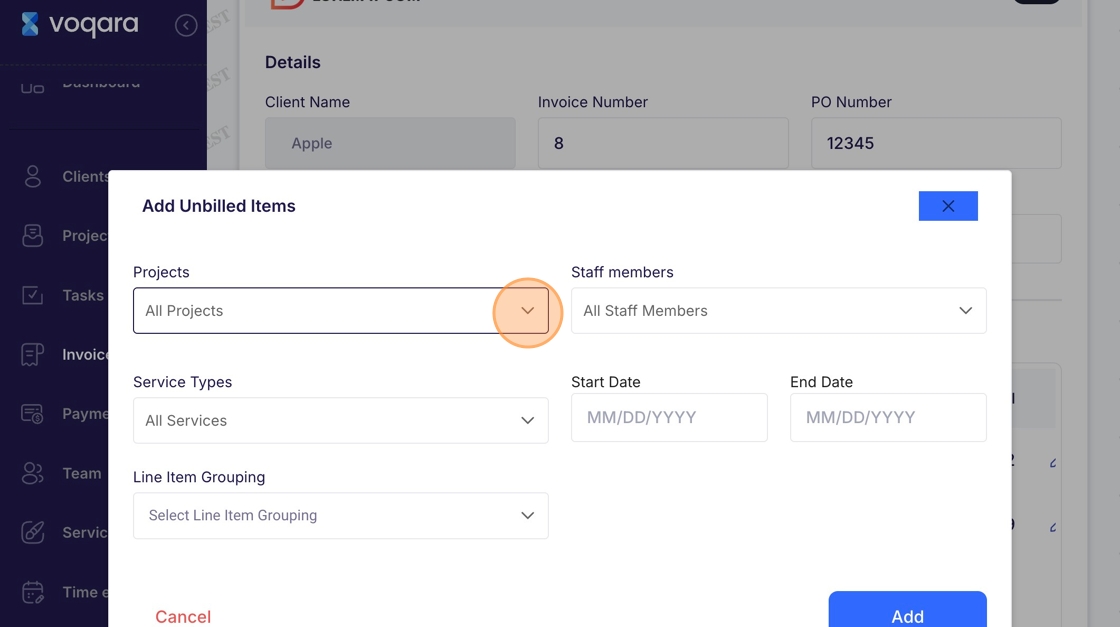
7. Select a project
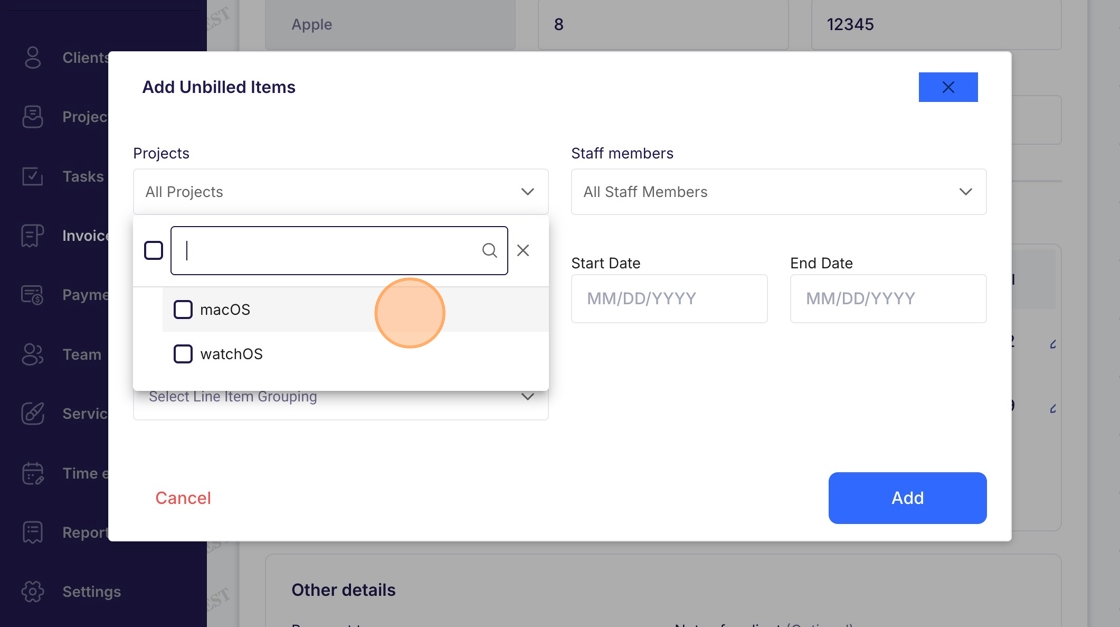
8. Click "Staff members" dropdown menu
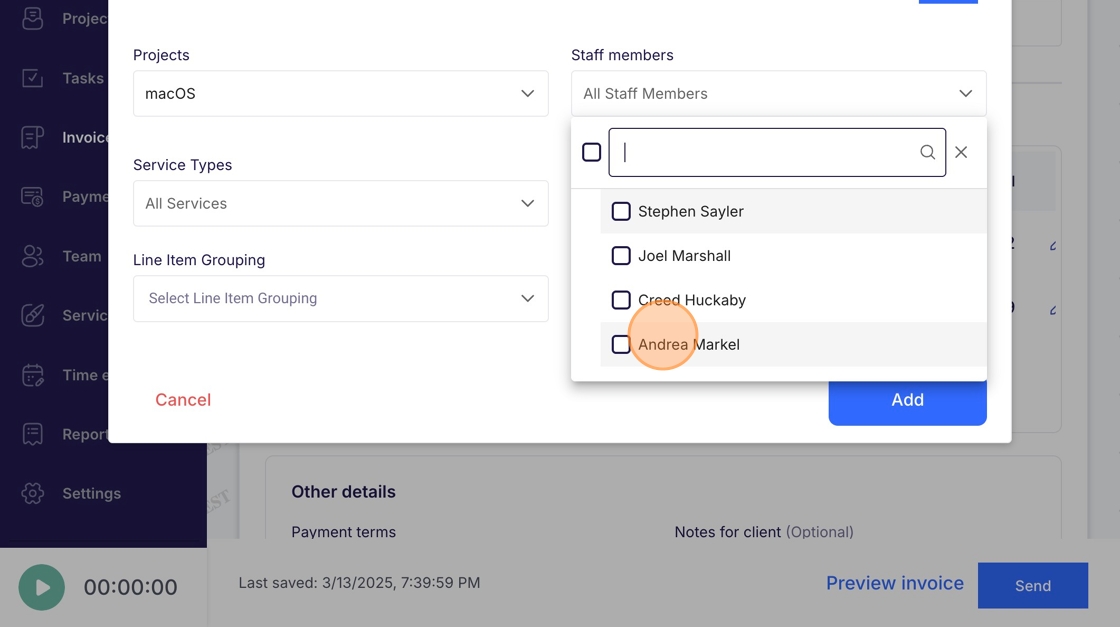
9. Select a staff member
10. Click "Service Types" dropdown menu
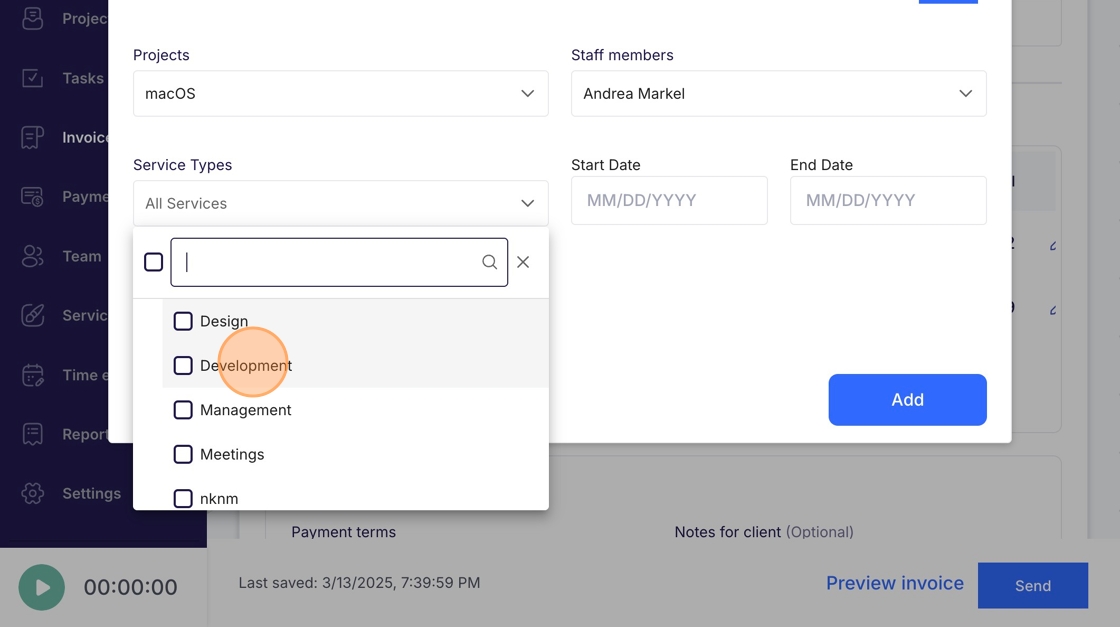
11. Select a service
12. Click "Start Date" dropdown menu
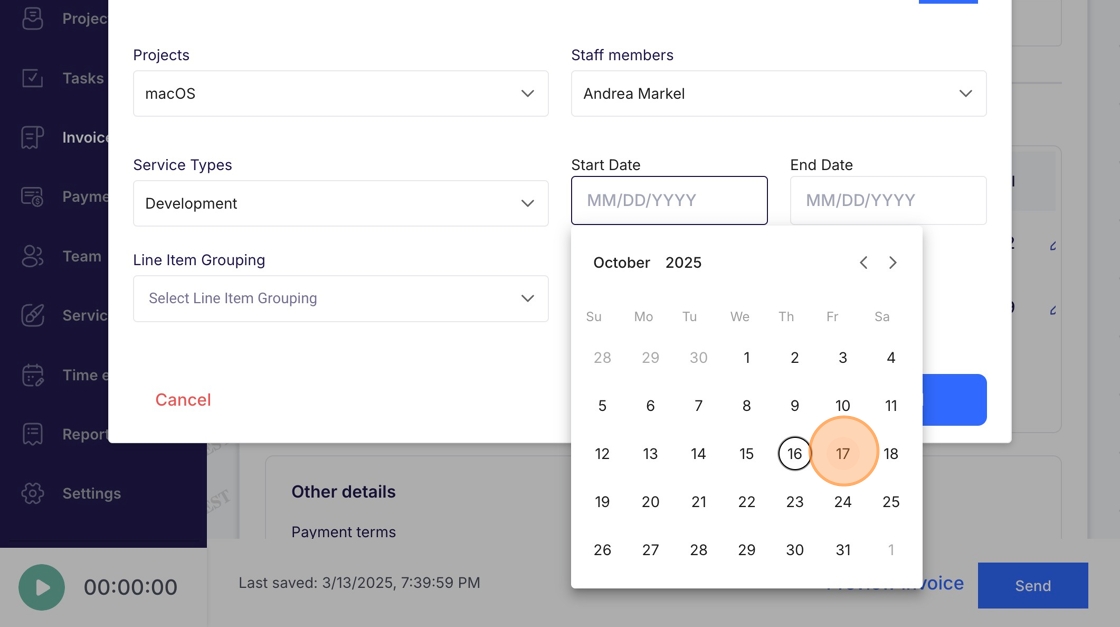
13. Select a start date
14. Click "End Date" dropdown menu
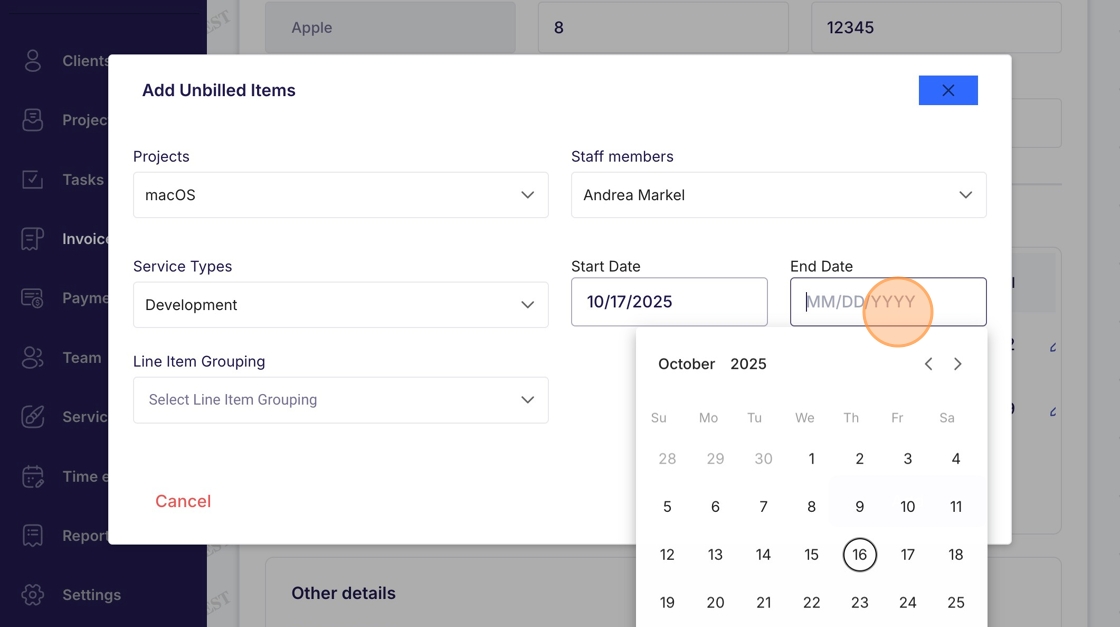
15. Select an end date
16. Click "Line Item Grouping" dropdown menu
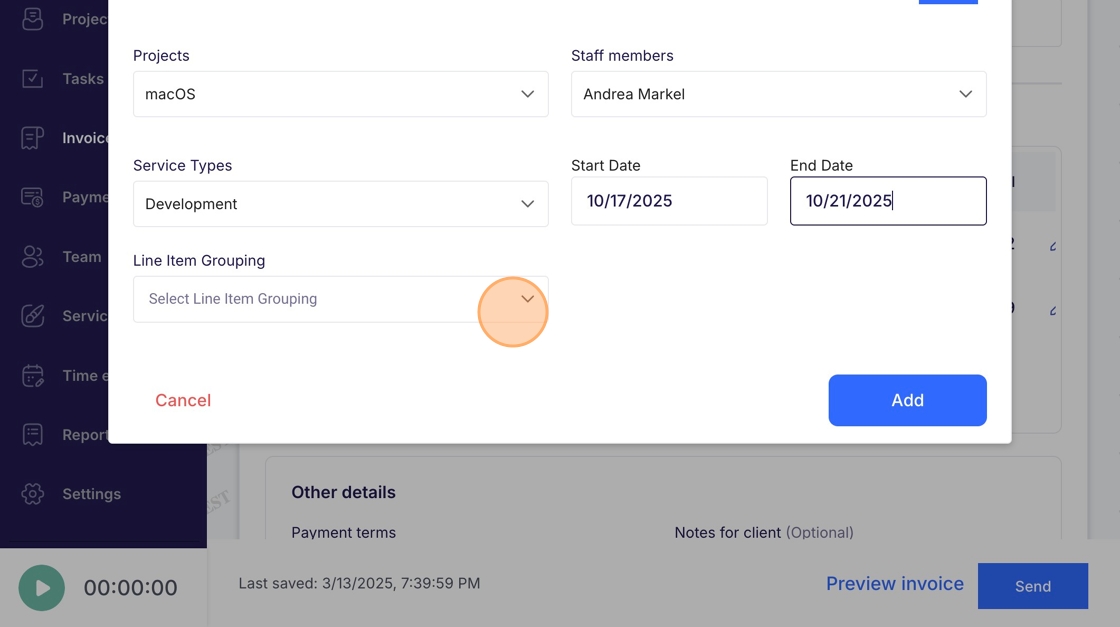
17. Select a line item grouping
18. Click "Add"
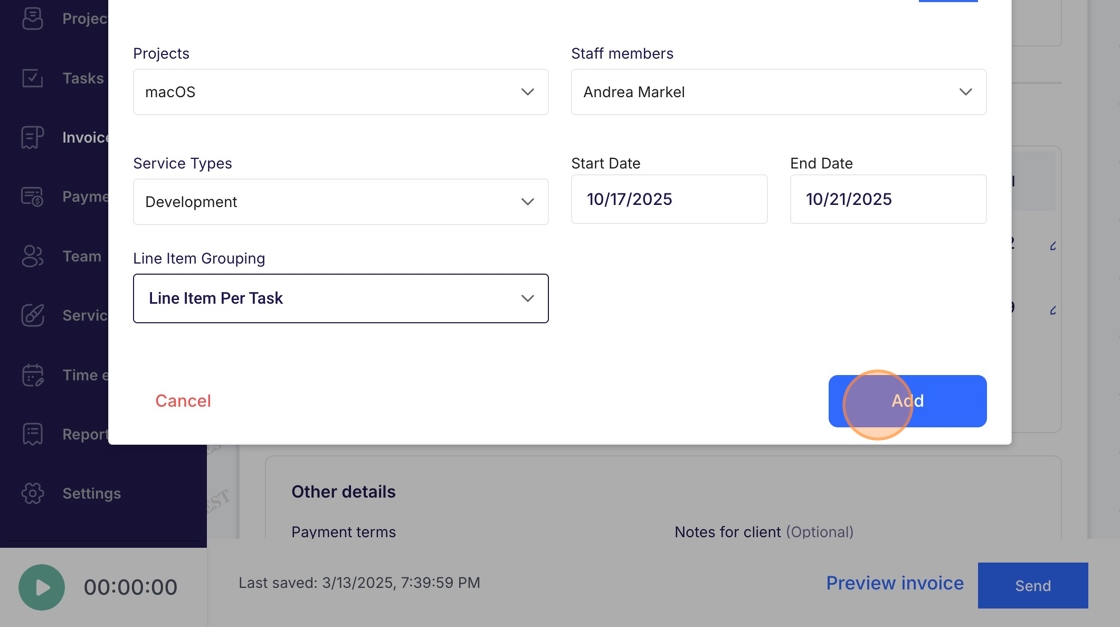
19. Click "Add" to complete adding unbilled items to invoice