Invoices - Create Custom Invoice
This guide demonstrates the process of creating a Custom Invoice in Voqara.
Made by Tusk Support with Scribe
This guide demonstrates the process of creating a Custom Invoice in Voqara.
1. Log into Voqara
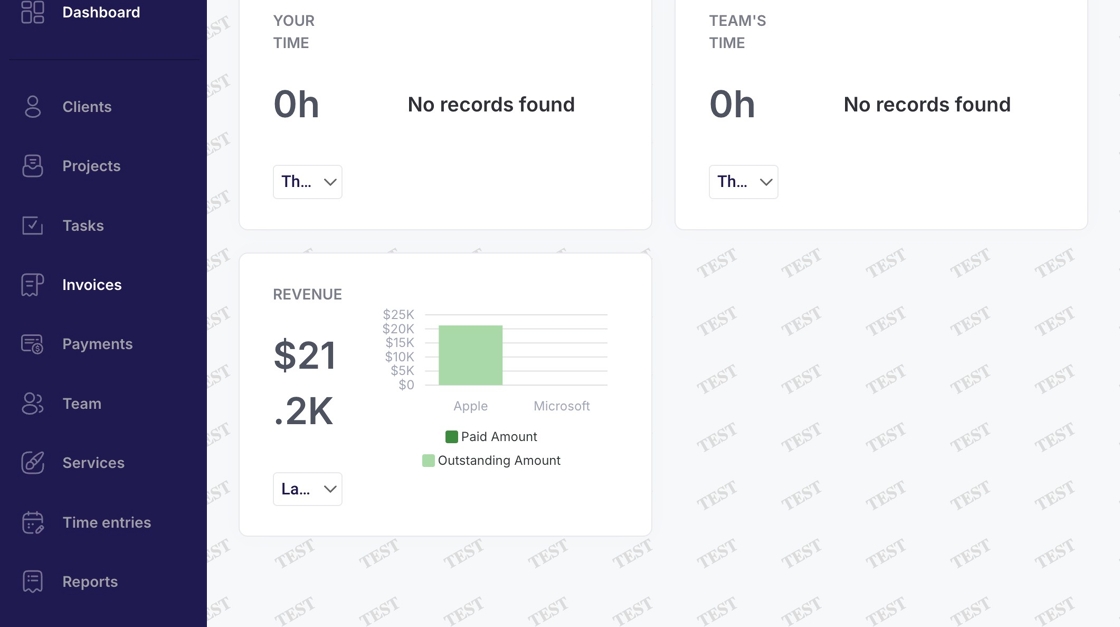
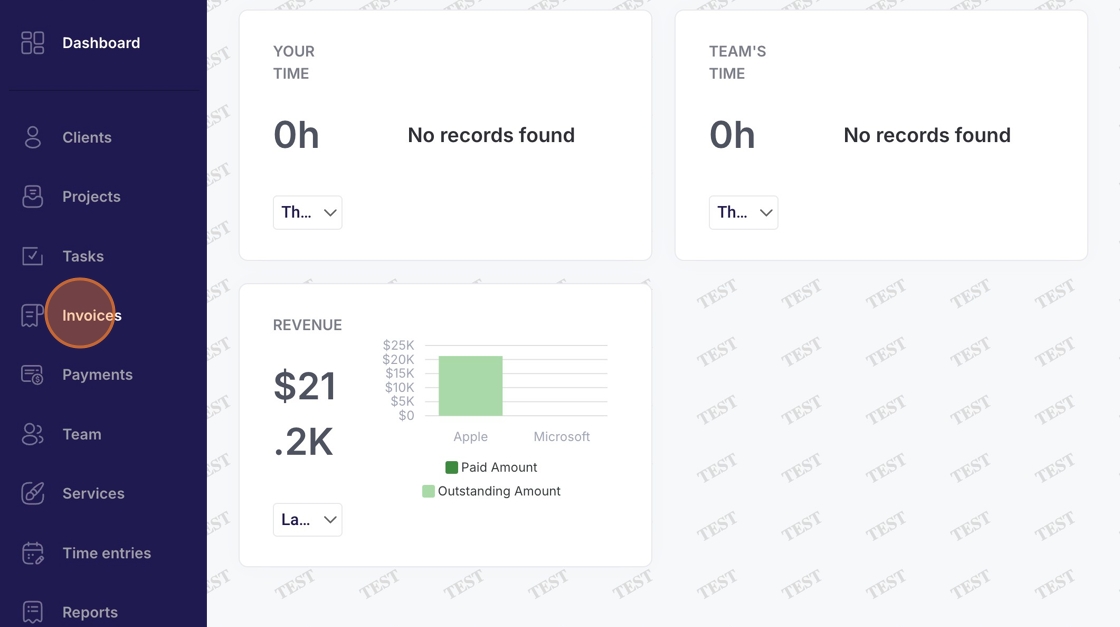
2. Navigate to "Invoices"
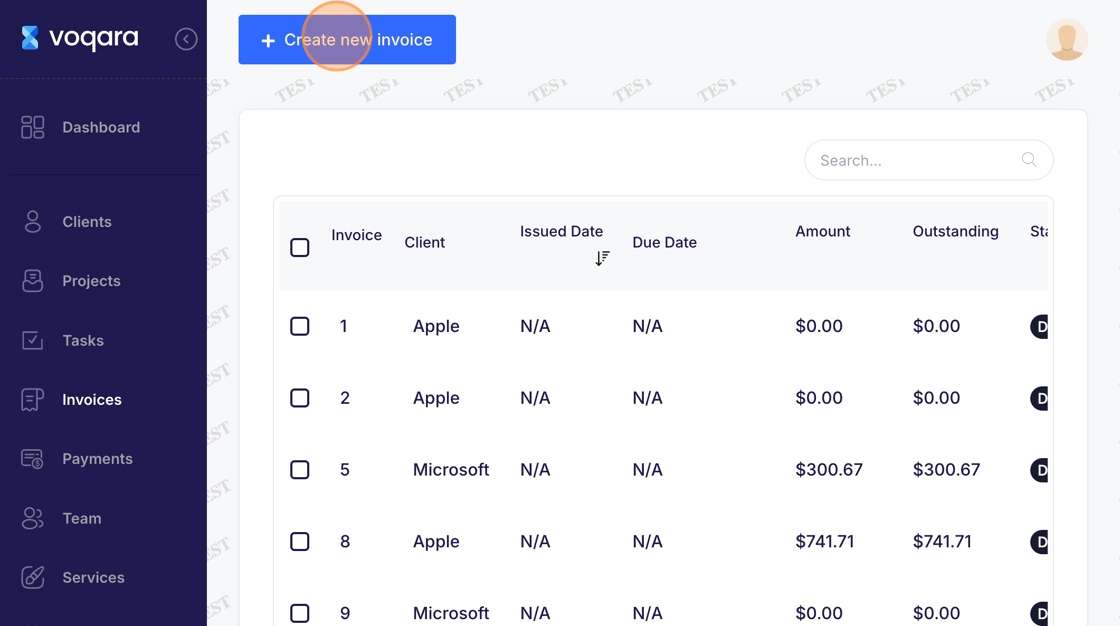
3. Click "Create new invoice"
4. Click "Select Client"
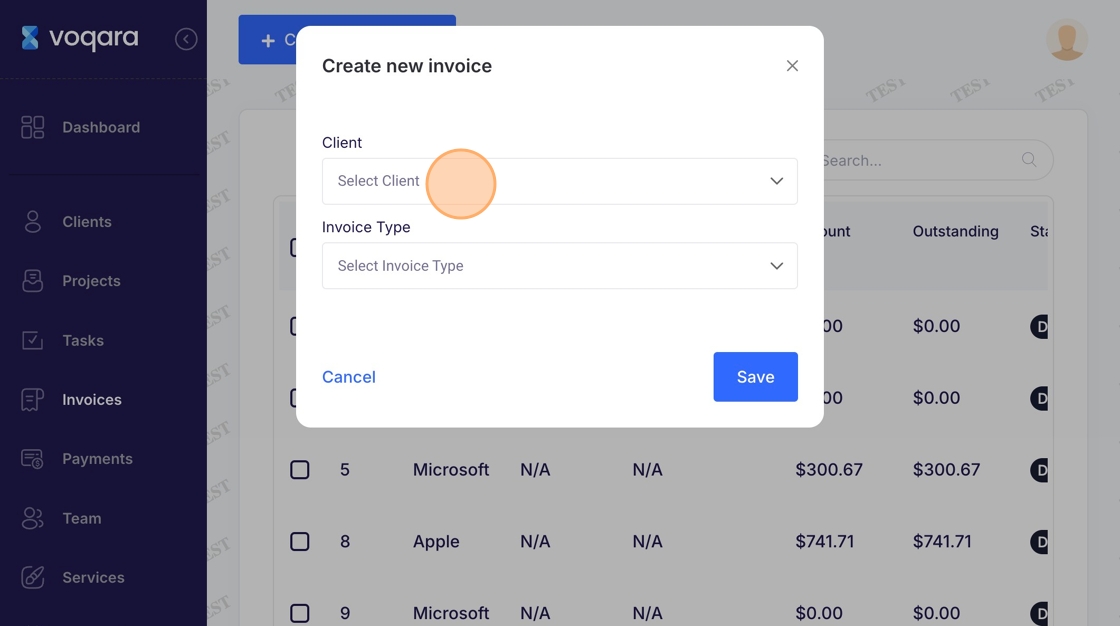
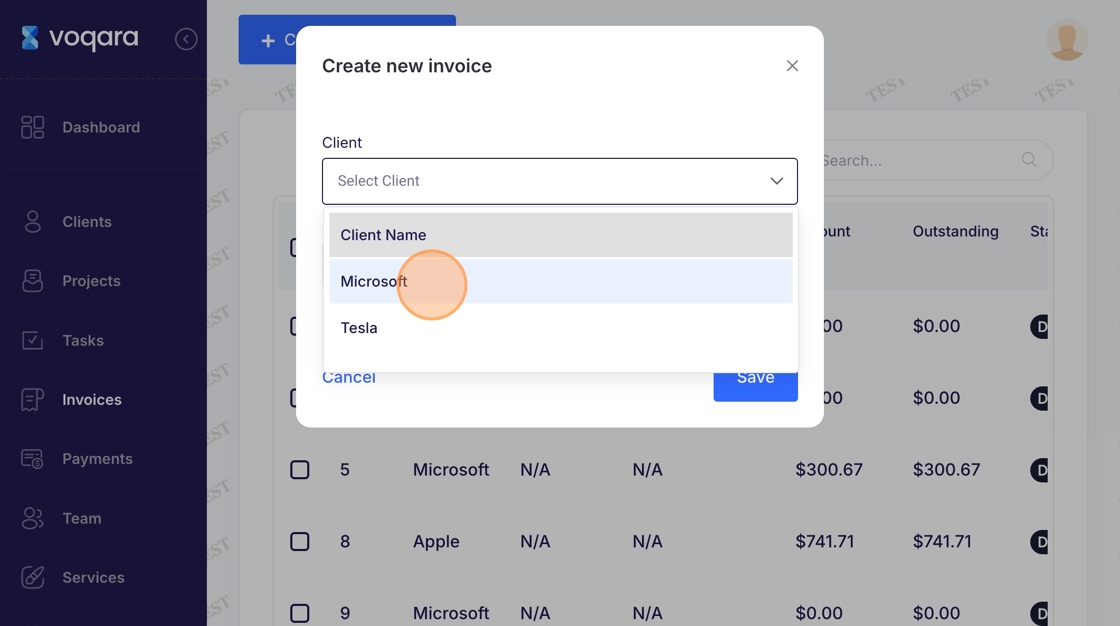
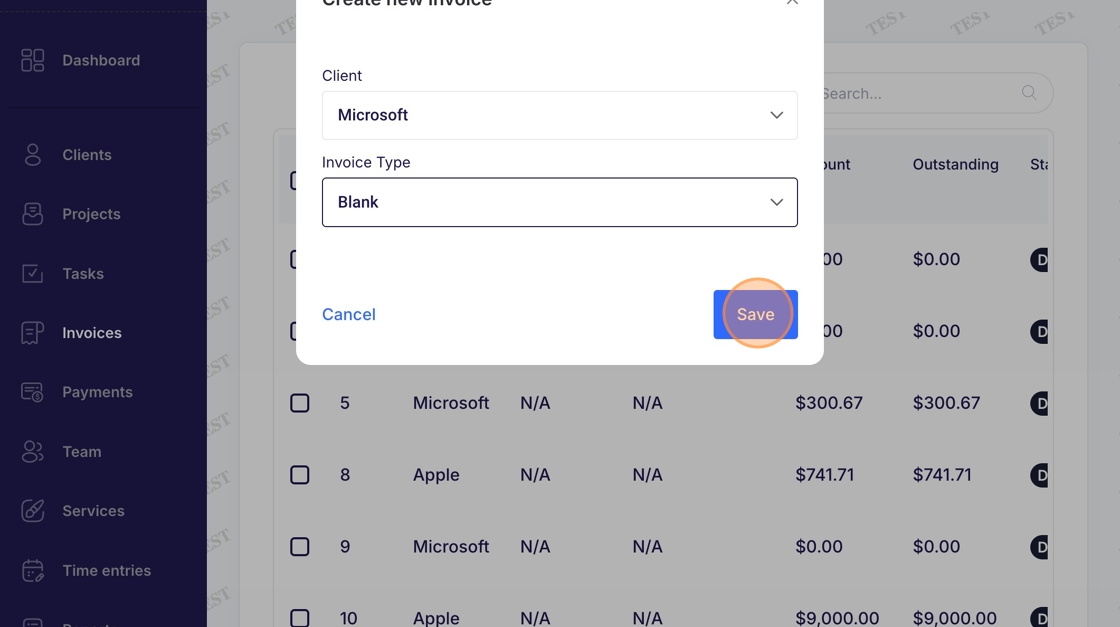
5. Select a client
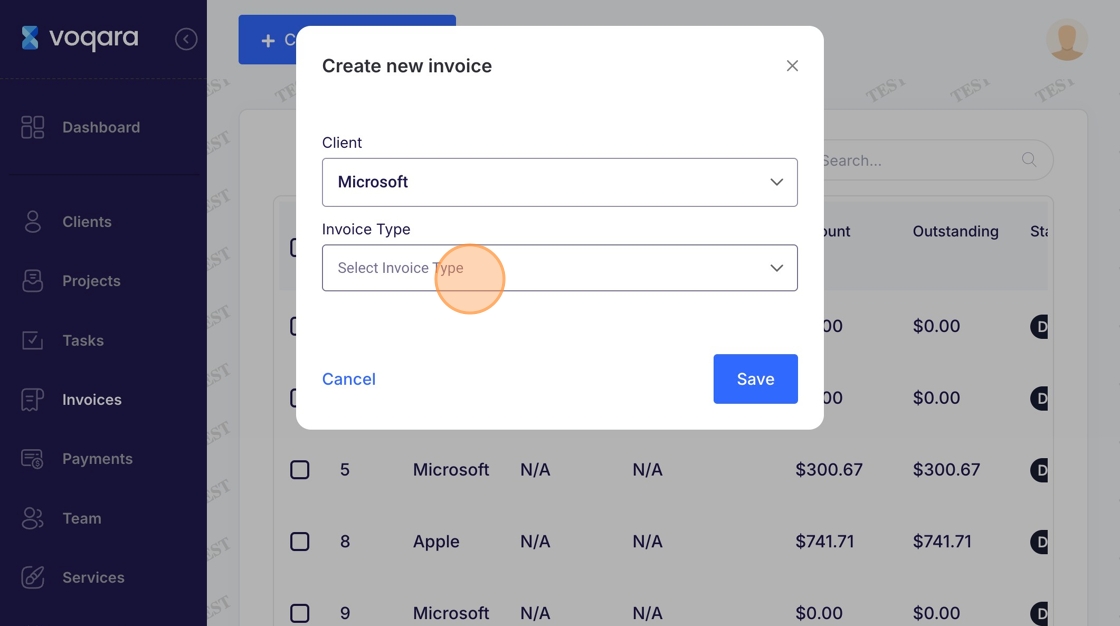
6. Click "Select Invoice Type"
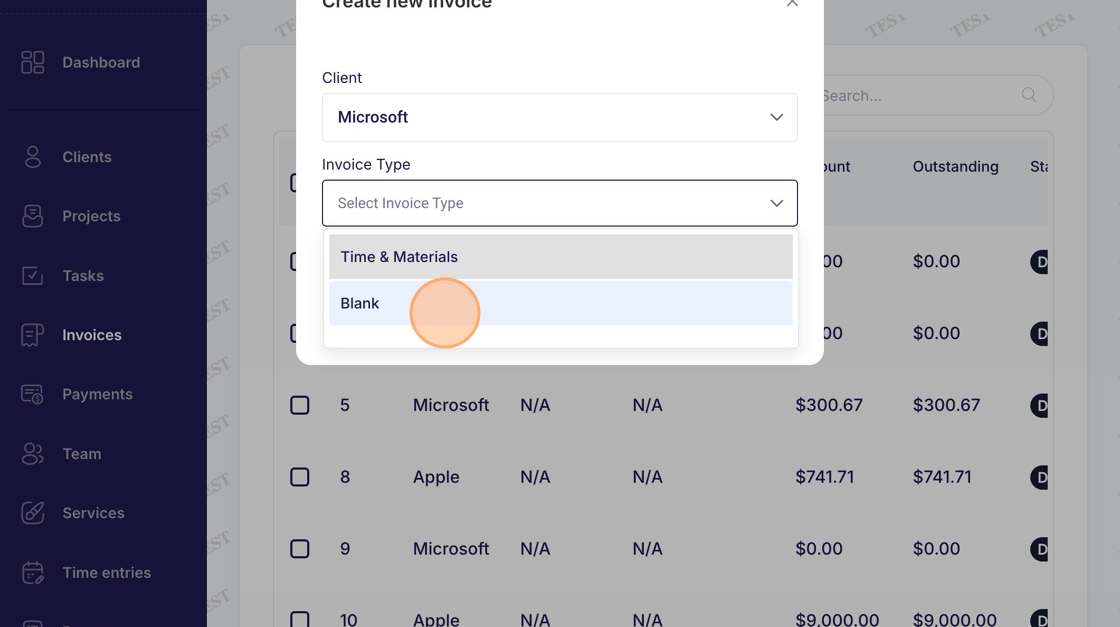
7. Click "Blank"
8. Click "Save"
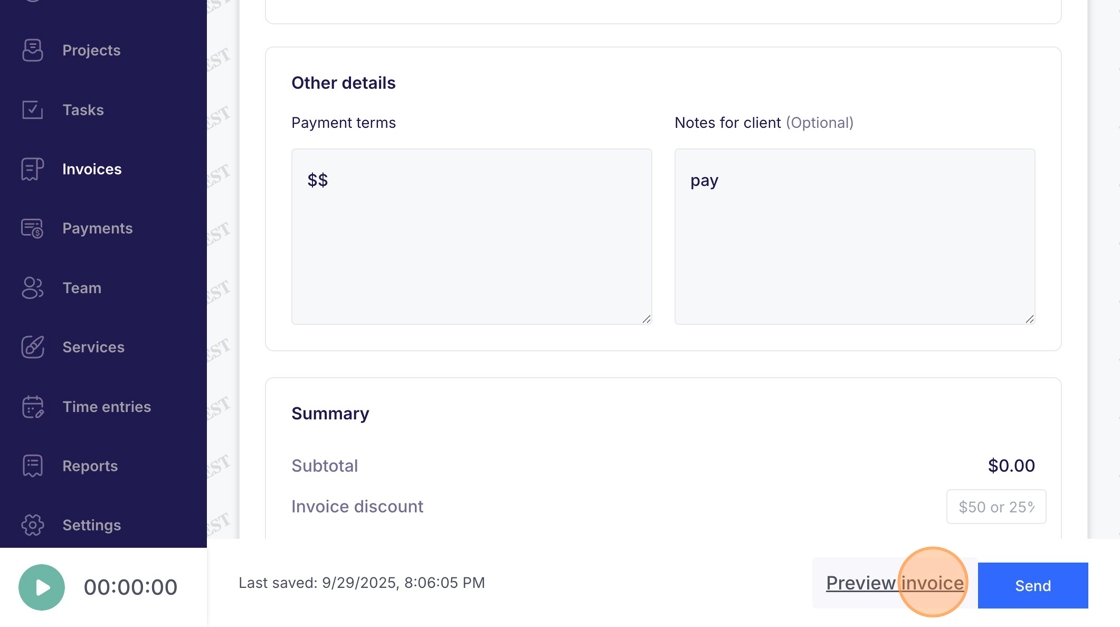
9. Enter payment terms and notes for client (optional)
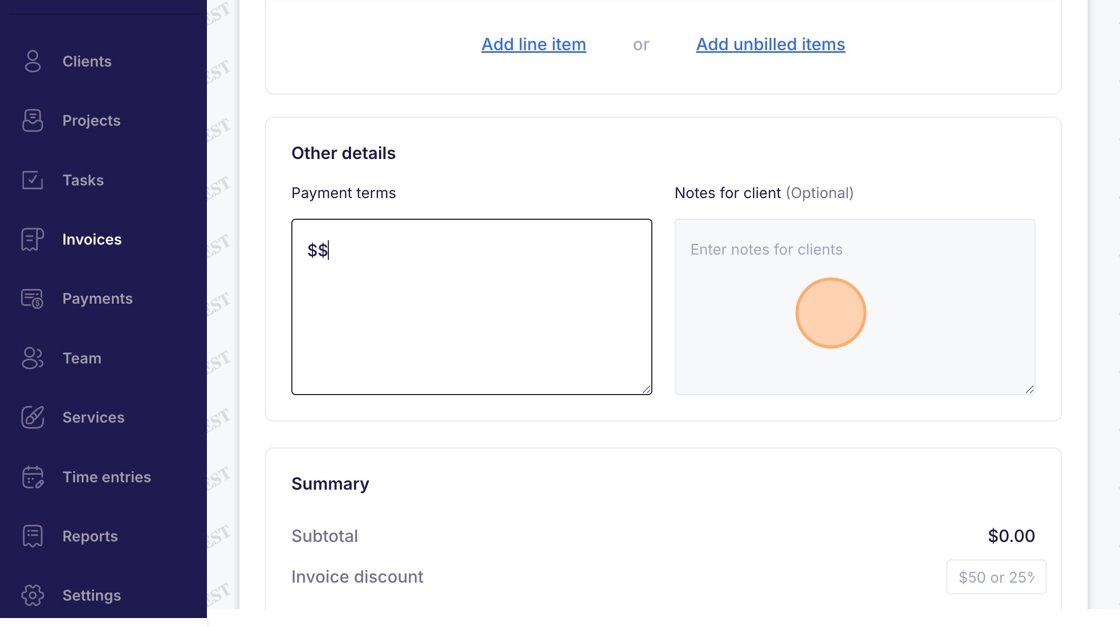
10. Click "Send" to send invoice or "Preview Invoice" to preview invoice