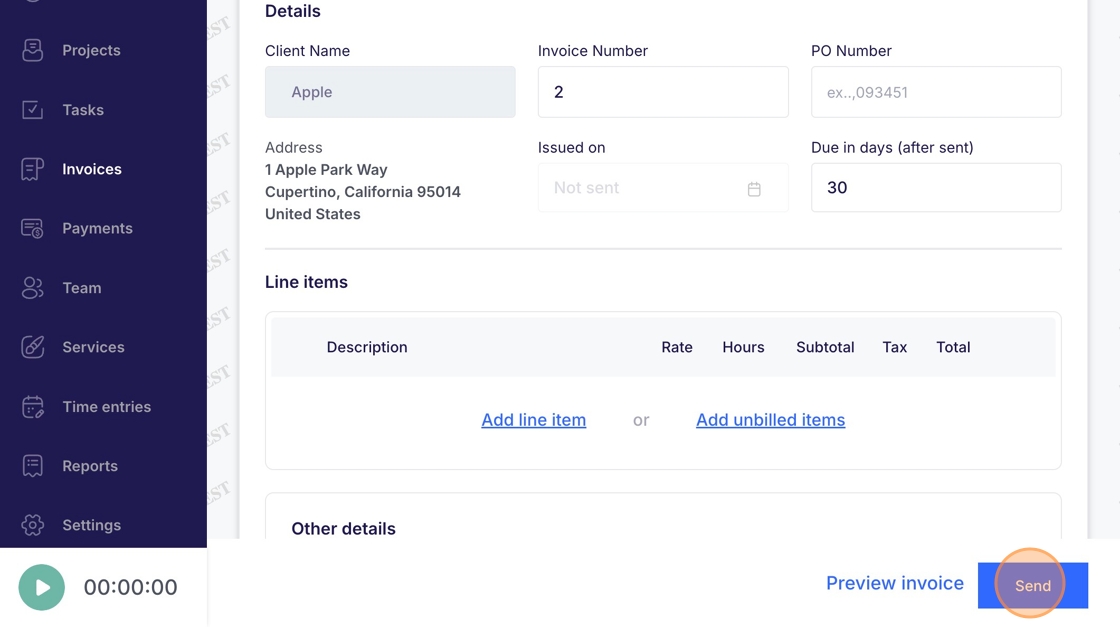
Invoices - Send
This guide details the process for sending an invoice to a client through Voqara.
Made by Tusk Support with Scribe
This guide details the process for sending an invoice to a client through Voqara.
1. Log into Voqara
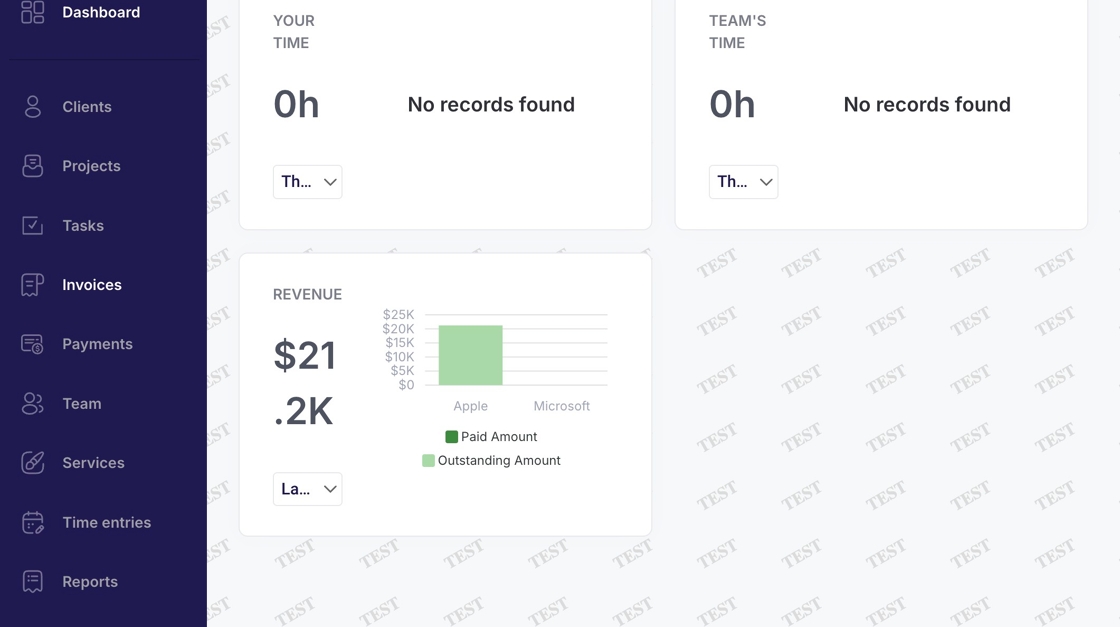
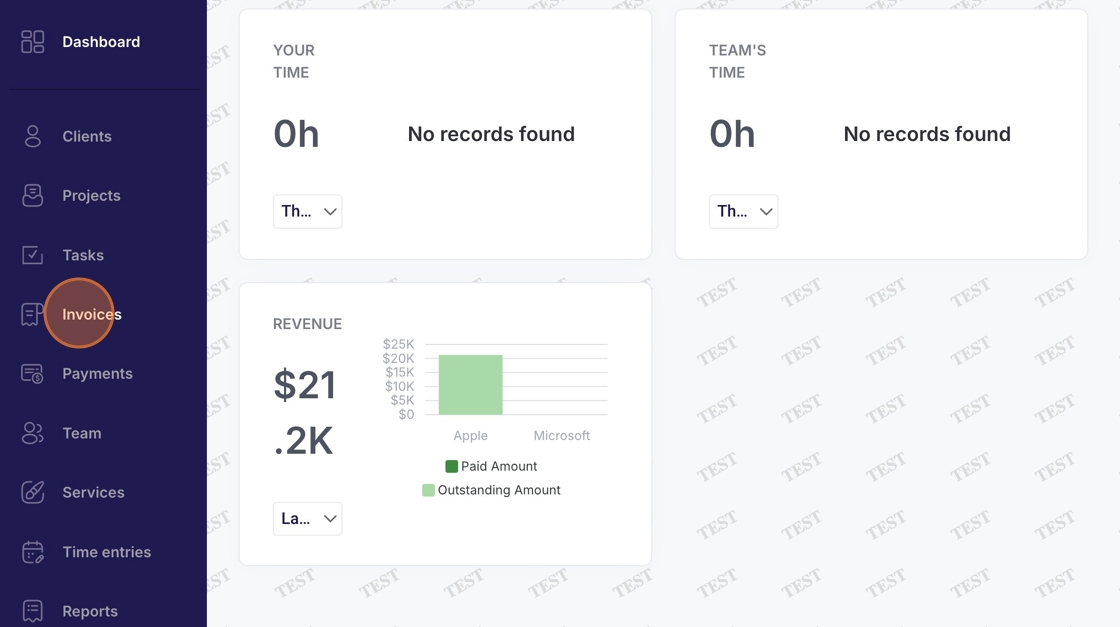
2. Navigate to "Invoices"
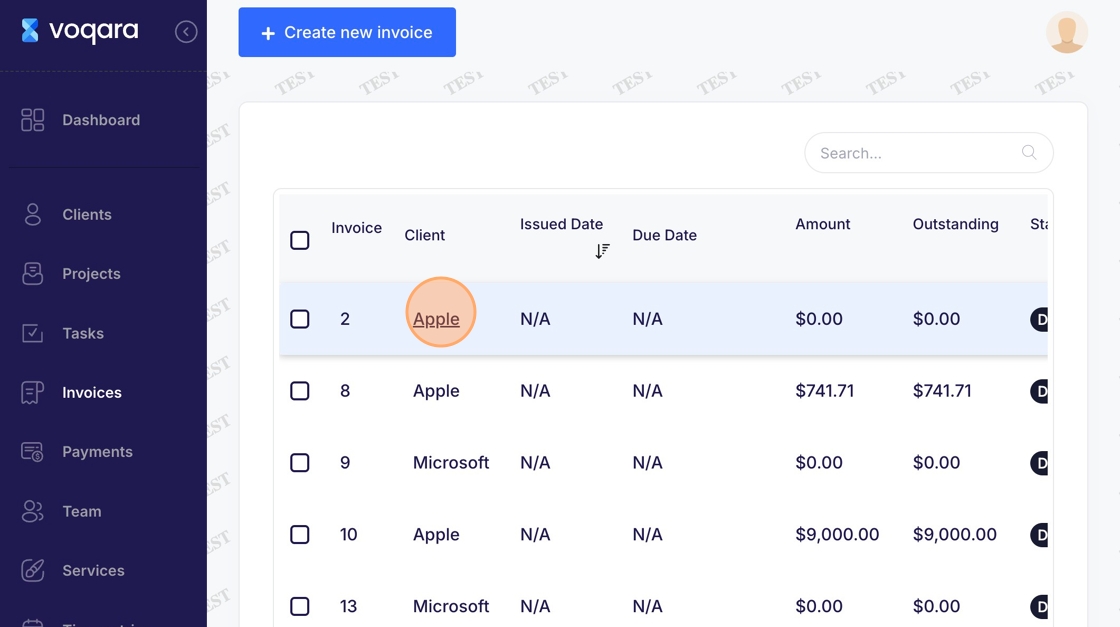
3. Select an invoice
4. Scroll down to bottom right
5. Click "Send" to send invoice