Payments - Add Payment
This guide details the process for adding a payment in Voqara.
Made by Tusk Support with Scribe
This guide details the process for adding a payment in Voqara.
1. Log into Voqara
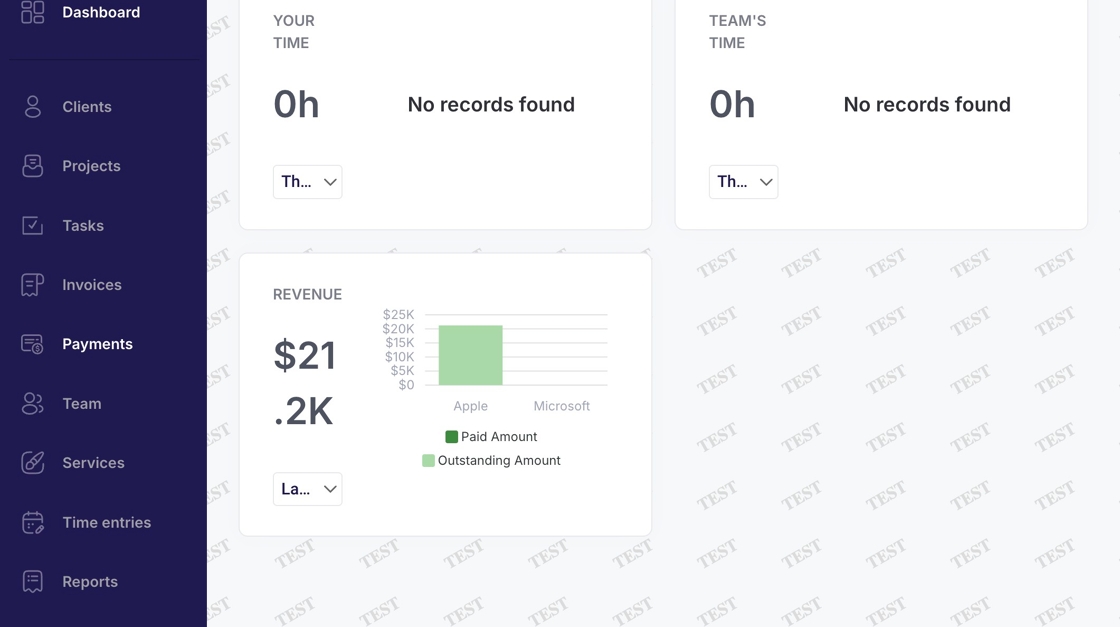
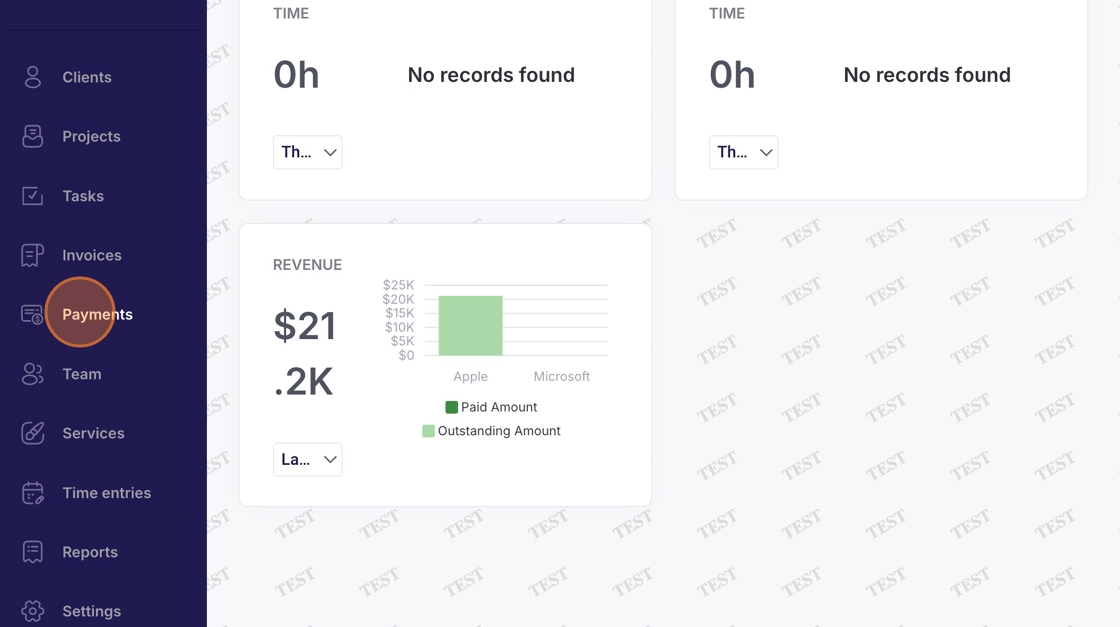
2. Navigate to "Payments"
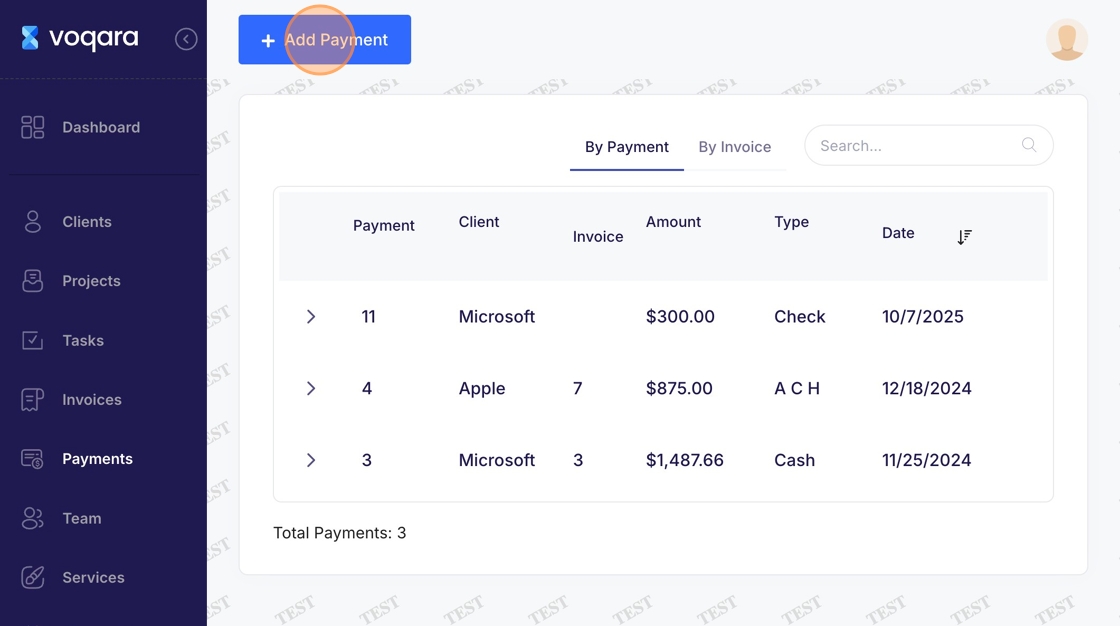
3. Click "Add Payment"
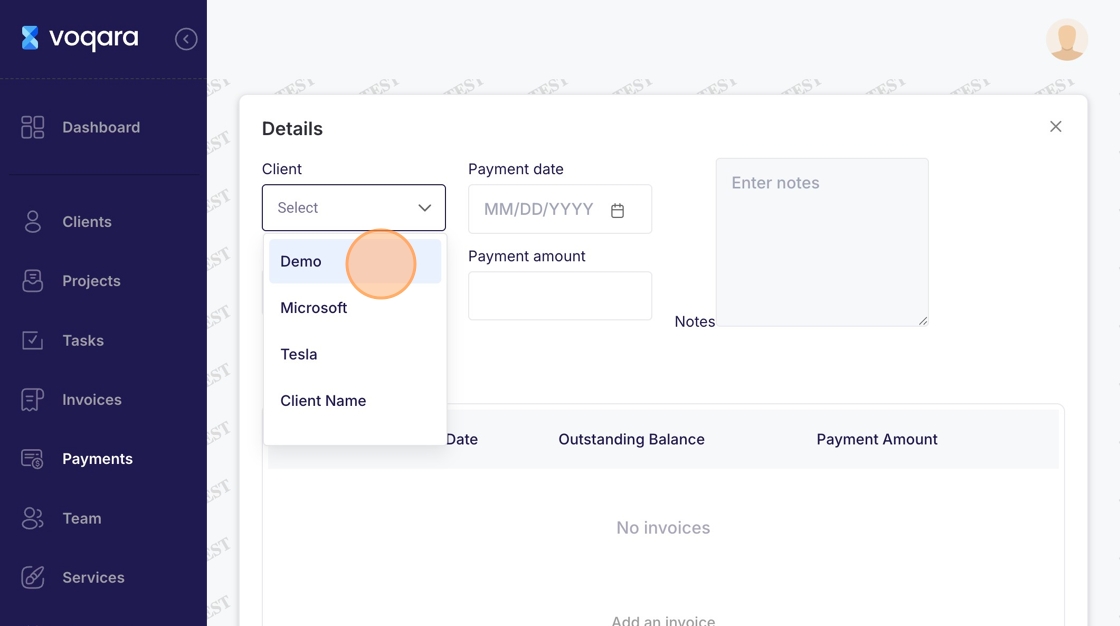
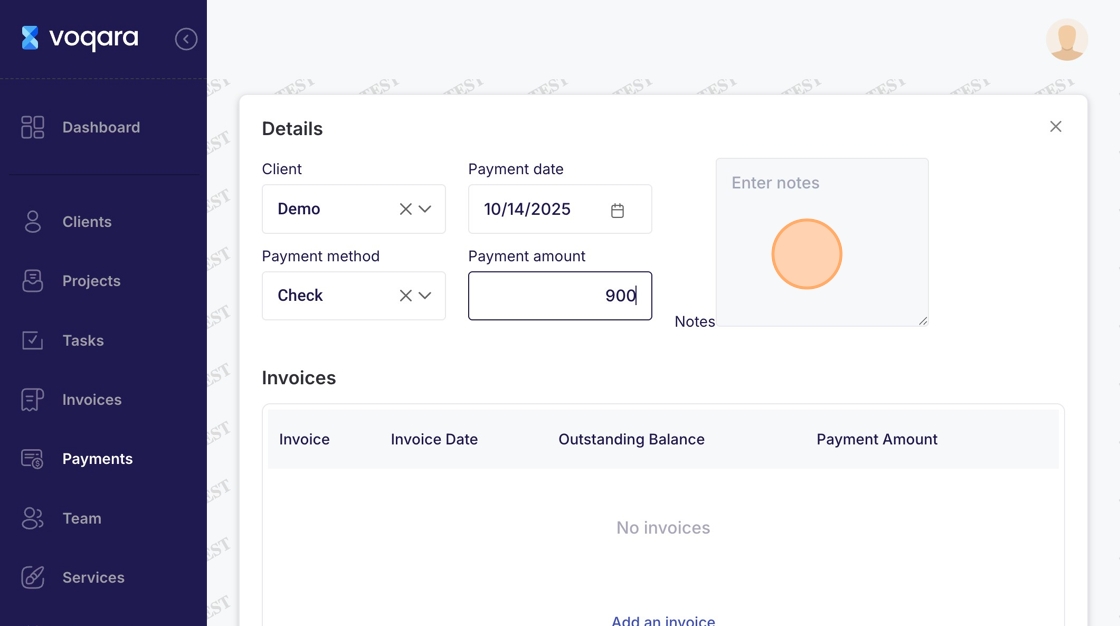
4. Select a client
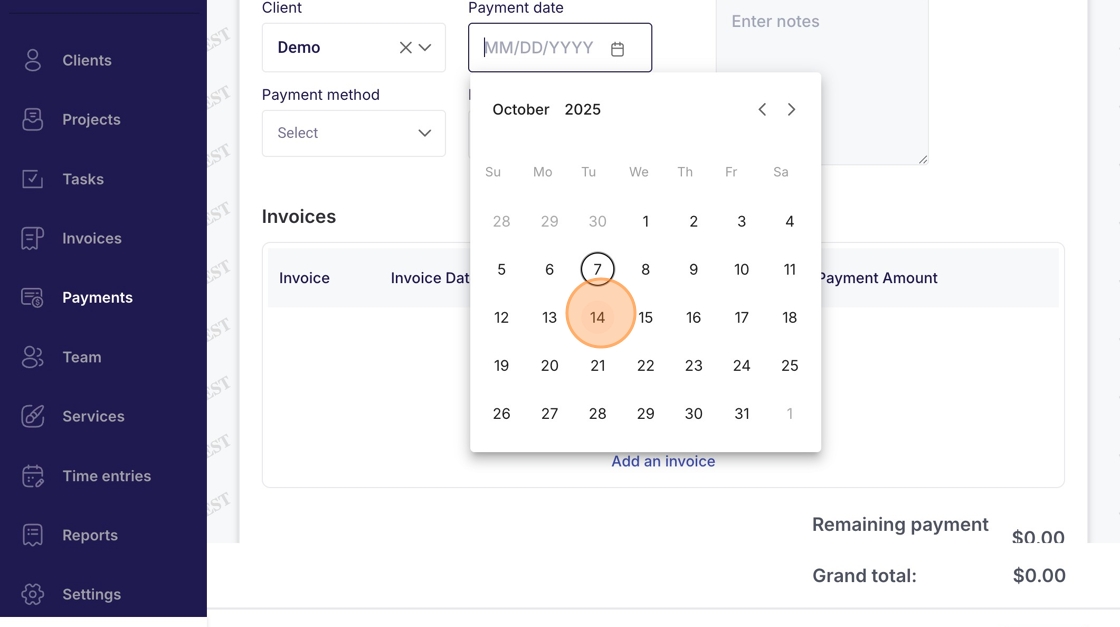
5. Select a payment date from the dropdown calendar
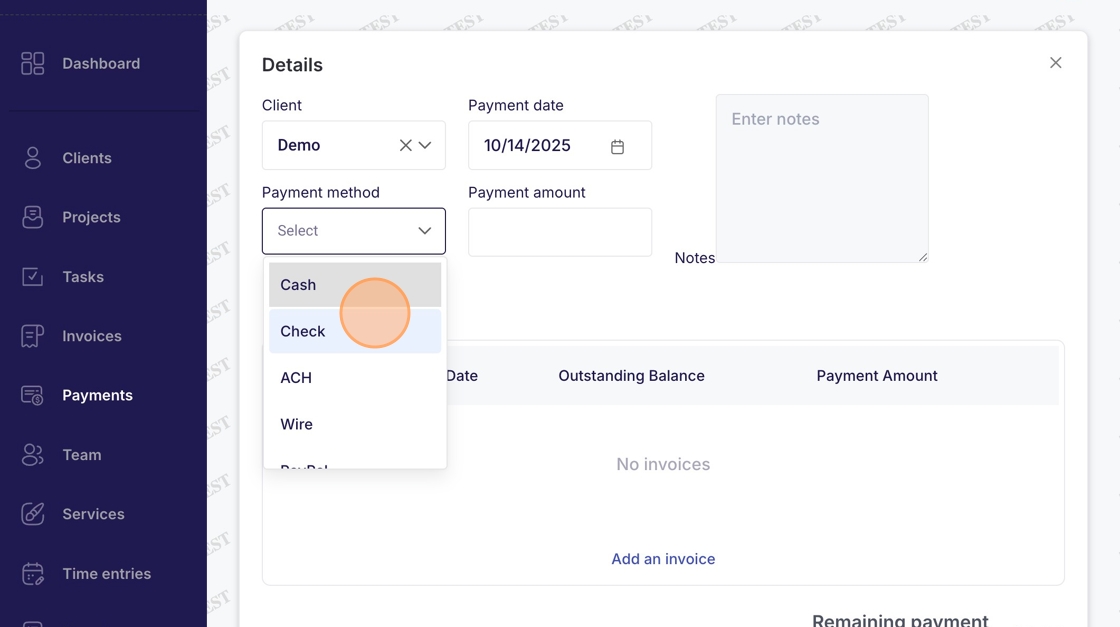
6. Select a payment method from the dropdown box
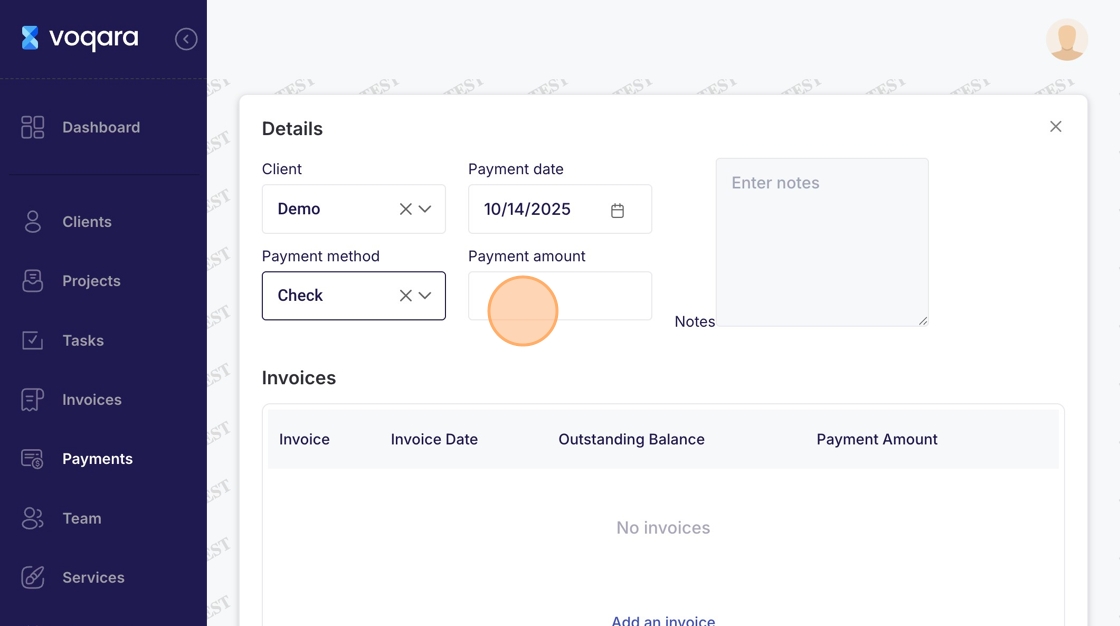
7. Enter the payment amount
8. Enter any desired notes pertaining to the new payment
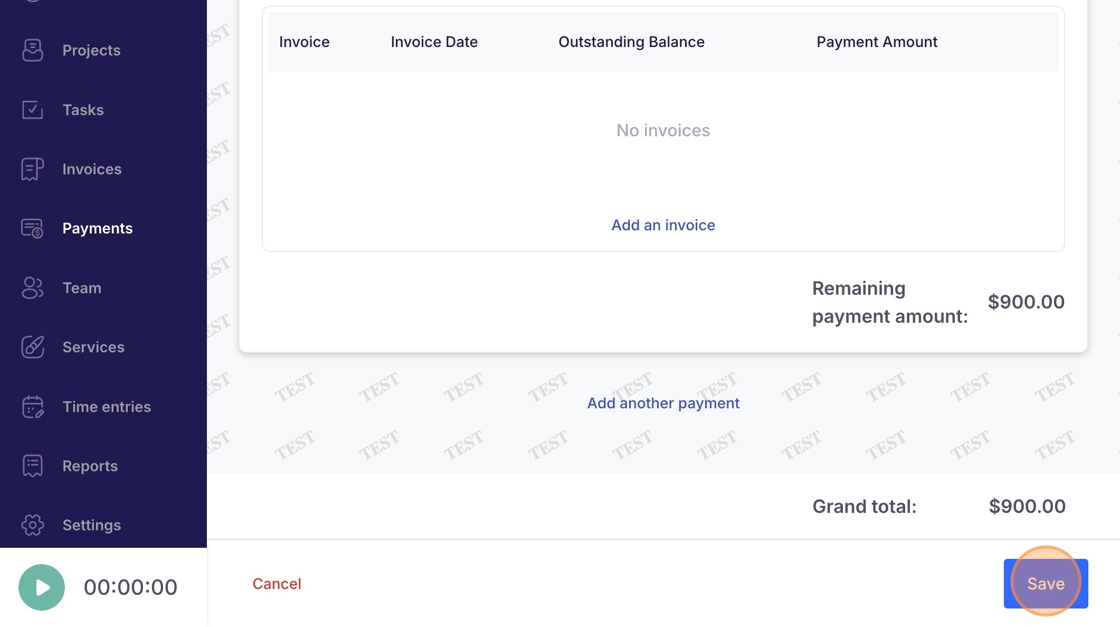
9. Click "Save" to complete new payment entry