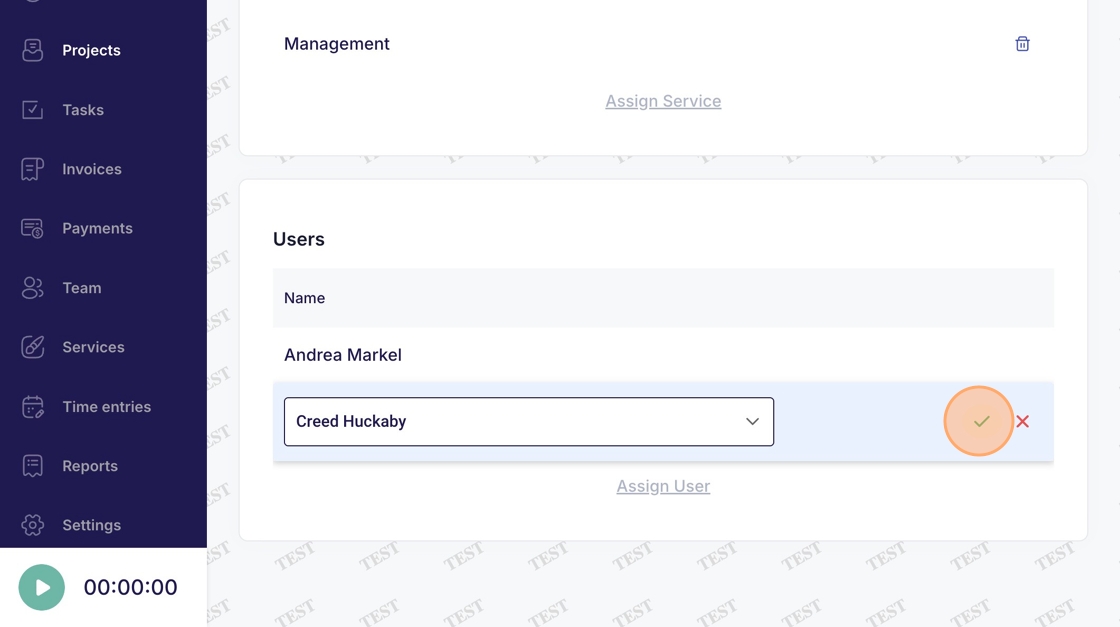
Projects - Assign User
This guide provides a straightforward process for assigning users to projects within the Voqara application. It simplifies the task by breaking it down into easy-to-follow steps, ensuring that users can efficiently manage project assignments. By following this guide, users can enhance collaboration and streamline project workflows, making it an essential resource for effective project management.
Made by Tusk Support with Scribe
This guide provides a straightforward process for assigning users to projects within the Voqara application. It simplifies the task by breaking it down into easy-to-follow steps, ensuring that users can efficiently manage project assignments. By following this guide, users can enhance collaboration and streamline project workflows, making it an essential resource for effective project management.
1. Log into Voqara
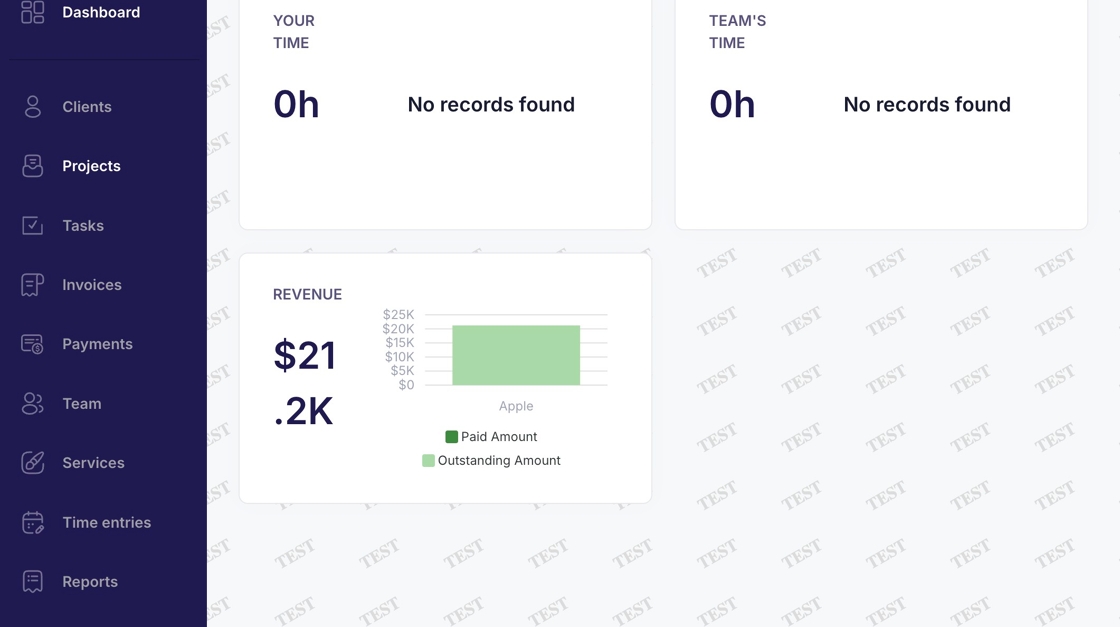
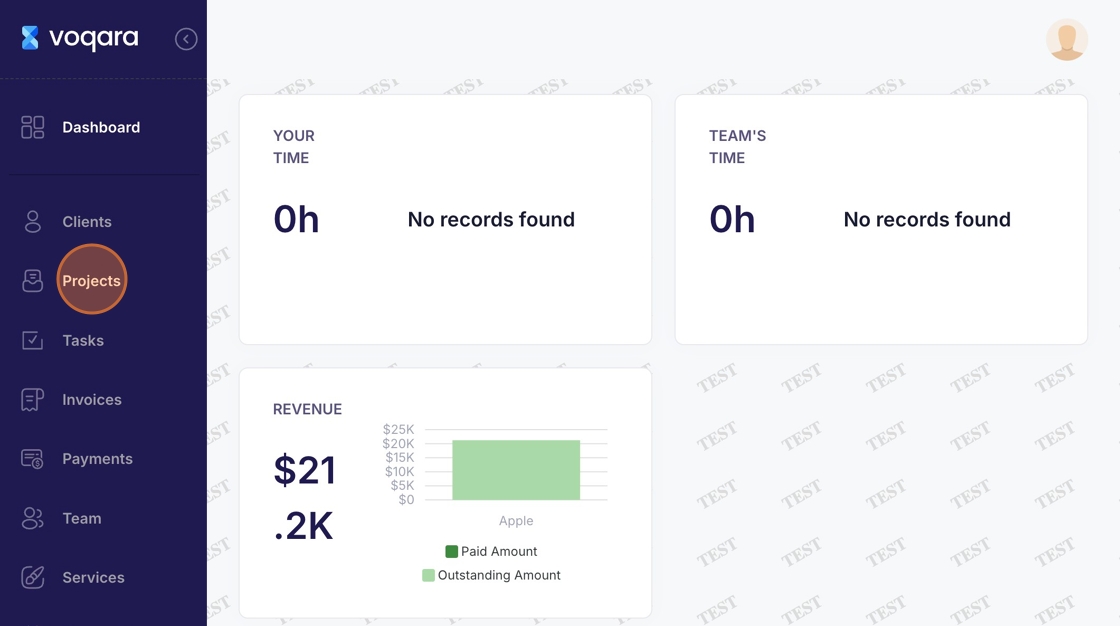
2. Navigate to "Projects"
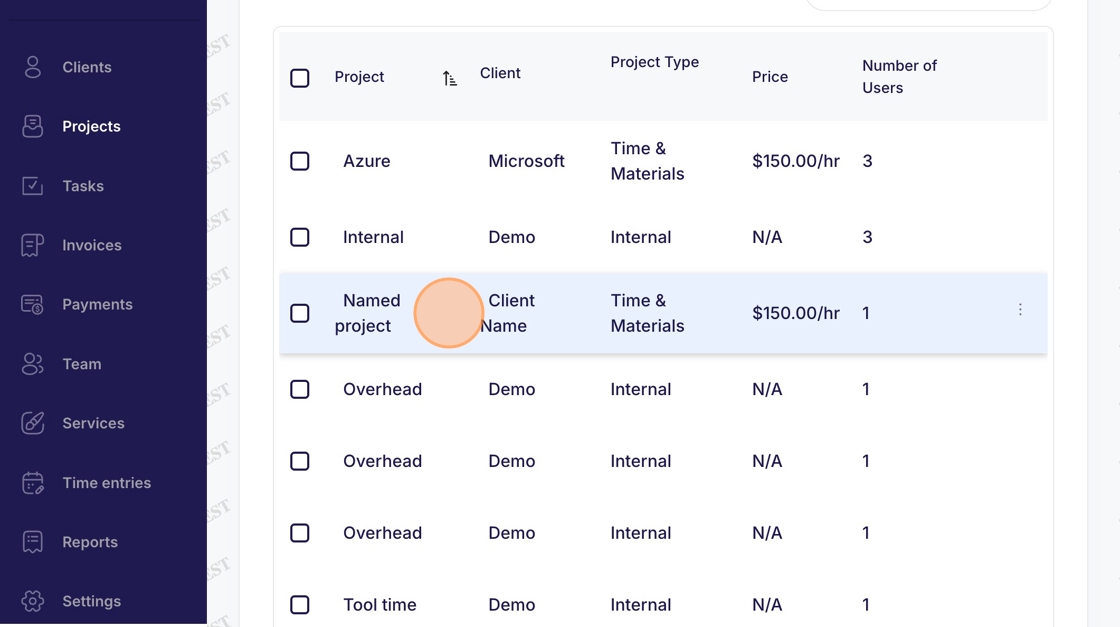
3. Select a project
4. Scroll down to "Assign User"
5. Click "Assign User"
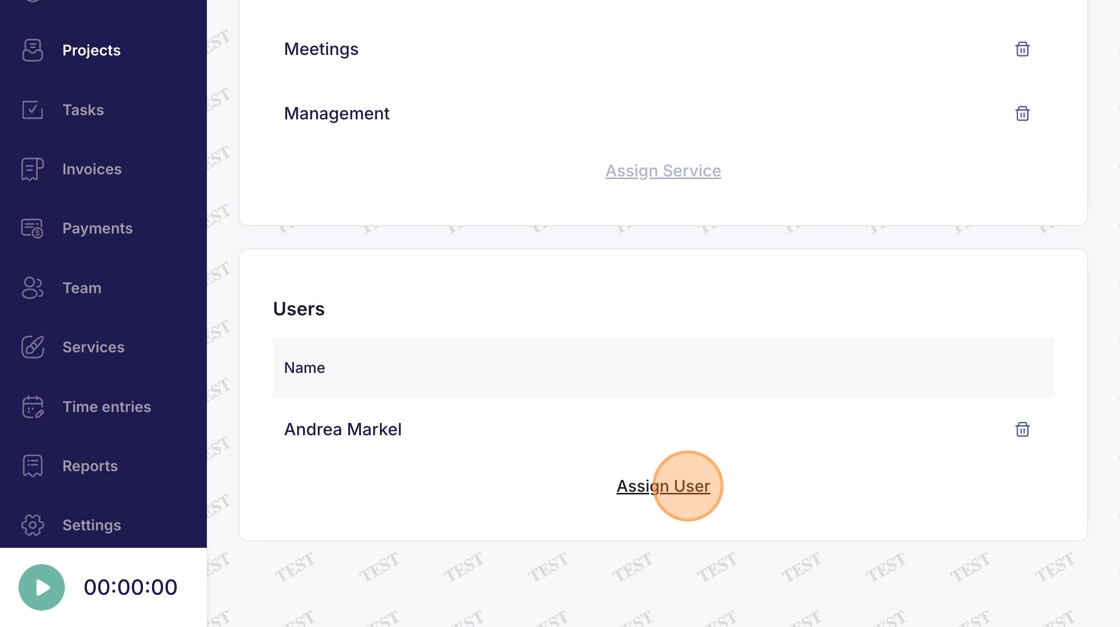
6. Click "Choose a user"
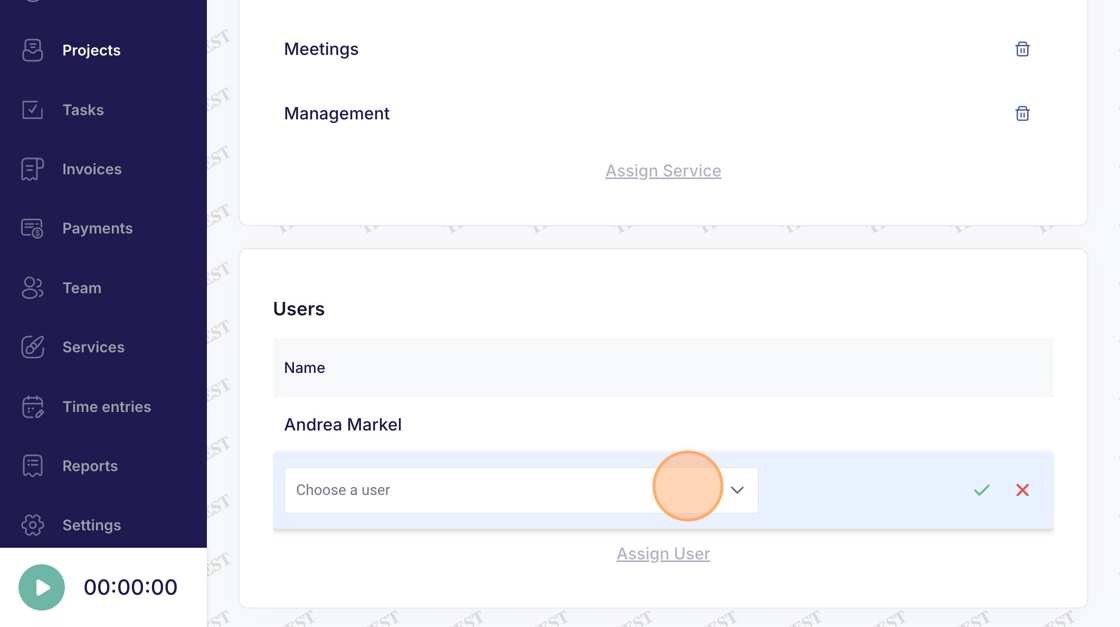
7. Select a new user
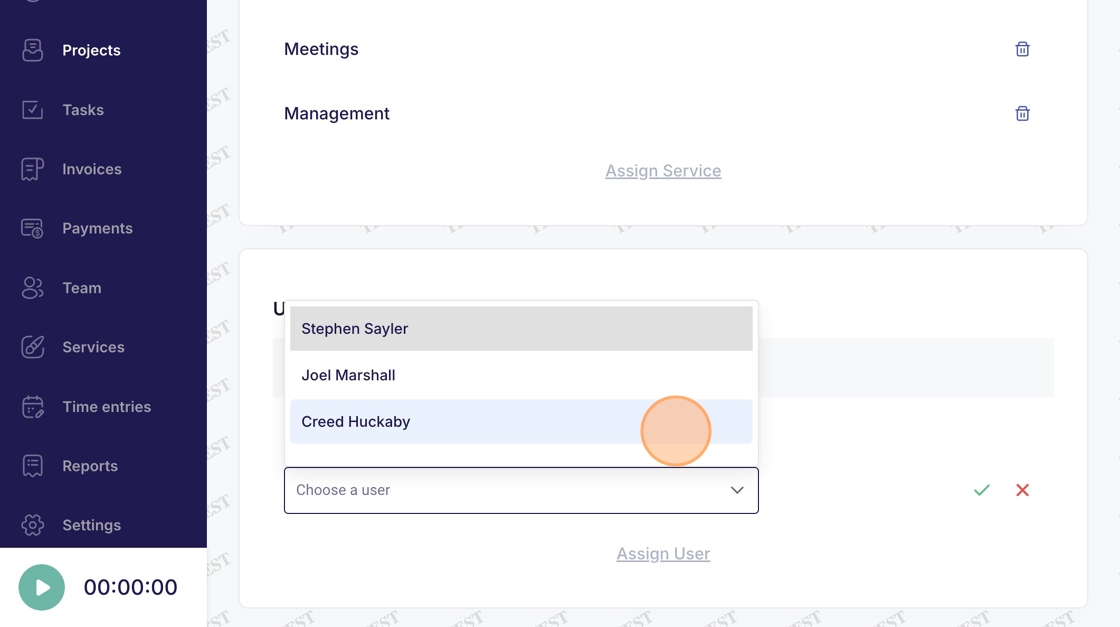
8. Click green checkmark to confirm new assigned user