Projects - Create
This guide provides a straightforward, step-by-step process for creating a new project in Voqara, making it easy for users to navigate the platform efficiently. By following these instructions, users can quickly set up projects tailored to their needs, ensuring they maximize the software's capabilities. Whether you're a beginner or looking to streamline your workflow, this guide is an essential resource for effective project management in Voqara.
Made by Tusk Support with Scribe
This guide provides a straightforward, step-by-step process for creating a new project in Voqara, making it easy for users to navigate the platform efficiently. By following these instructions, users can quickly set up projects tailored to their needs, ensuring they maximize the software's capabilities. Whether you're a beginner or looking to streamline your workflow, this guide is an essential resource for effective project management in Voqara.
1. Log into Voqara
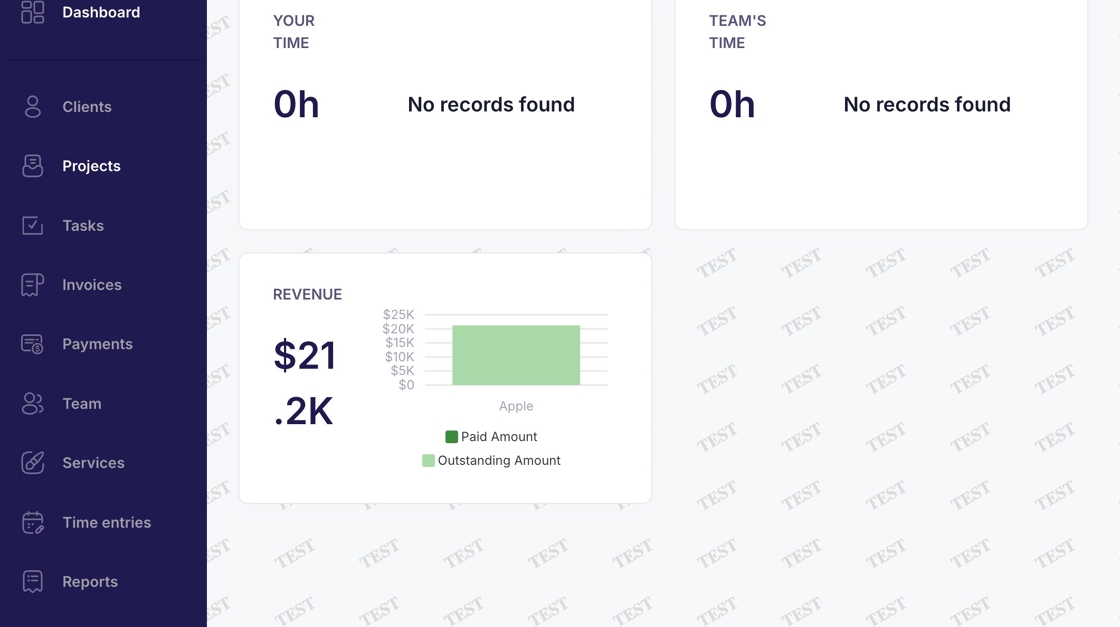
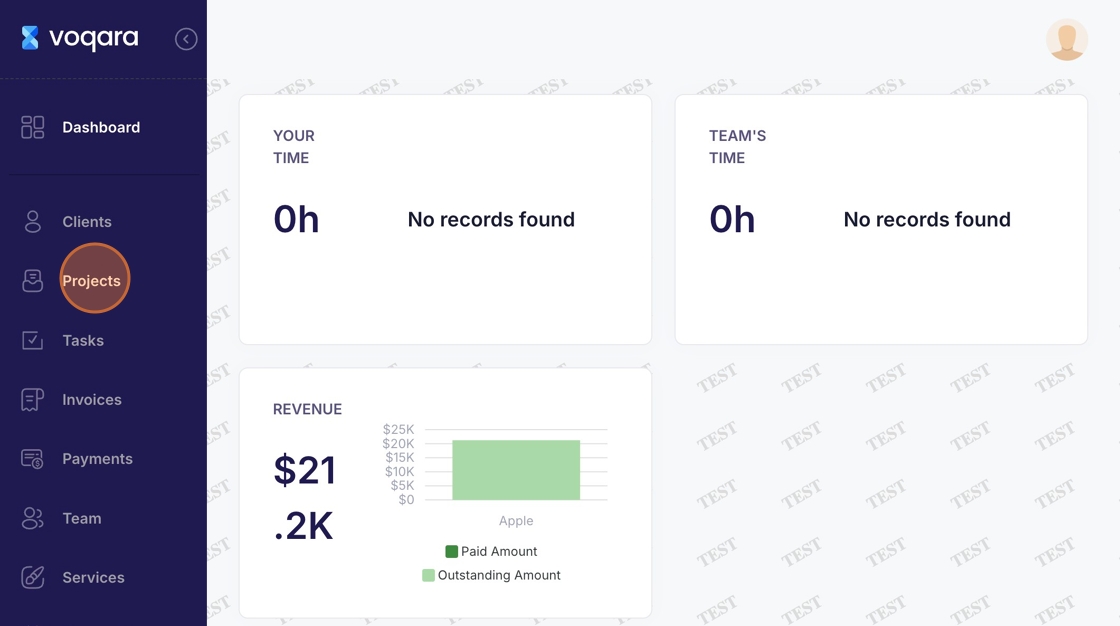
2. Navigate to the "Projects" section
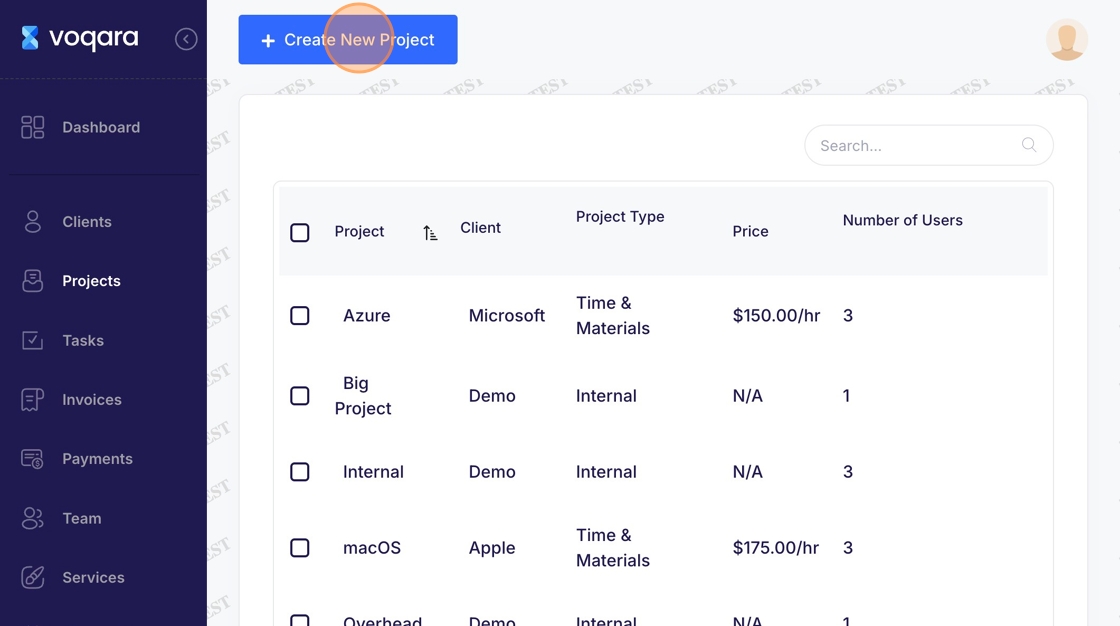
3. Navigate to "Create New Project"
4. Select the "Project Type" and client
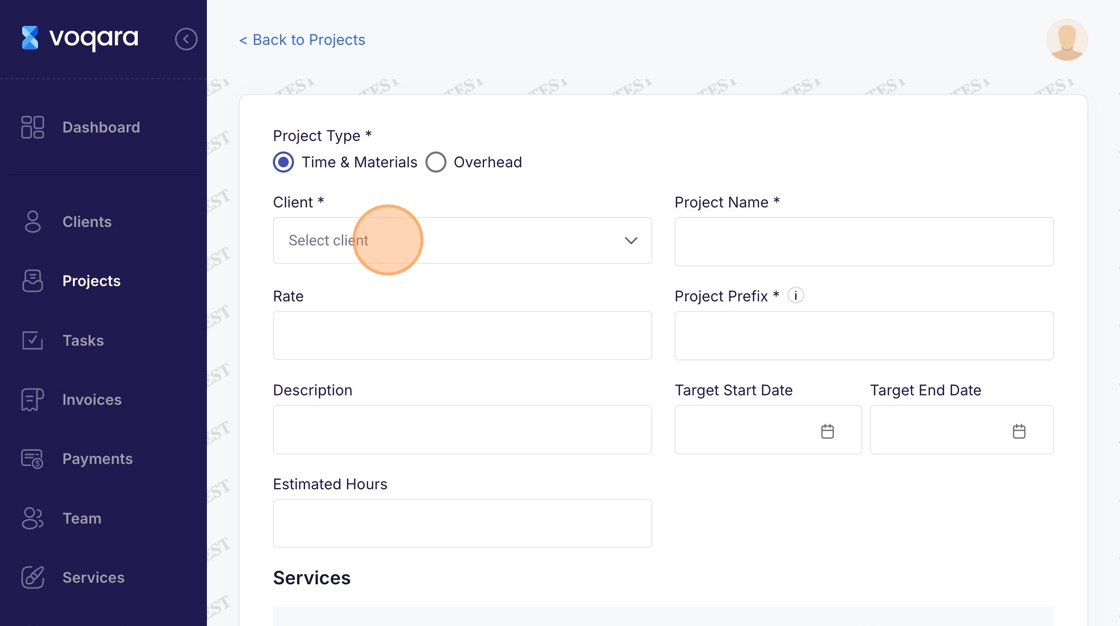
5. Click "Demo"
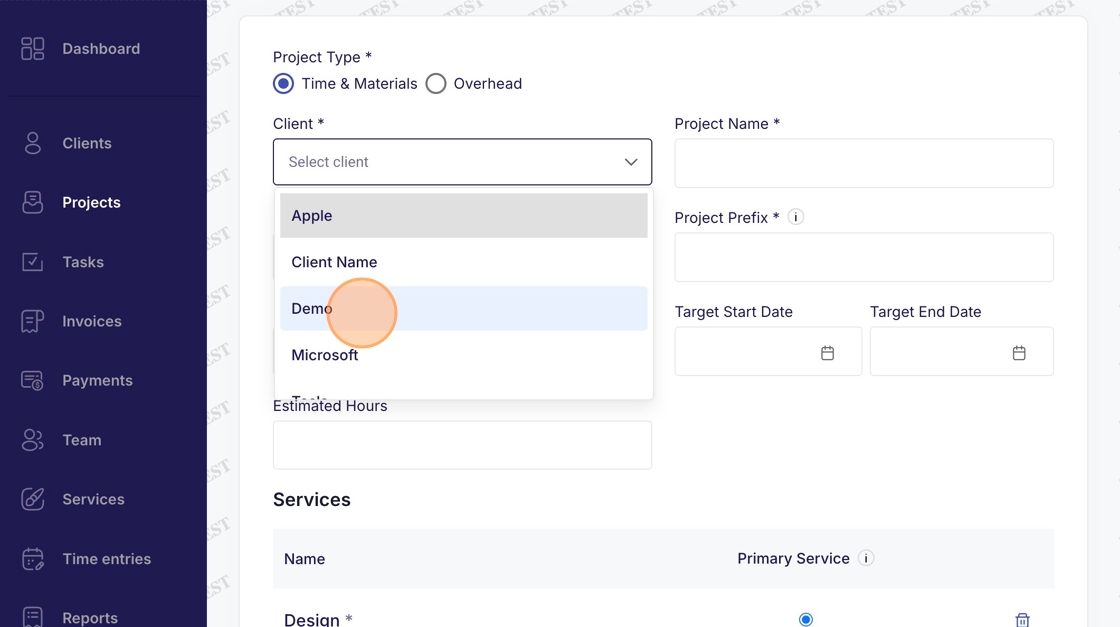
6. Enter a "Project Name"
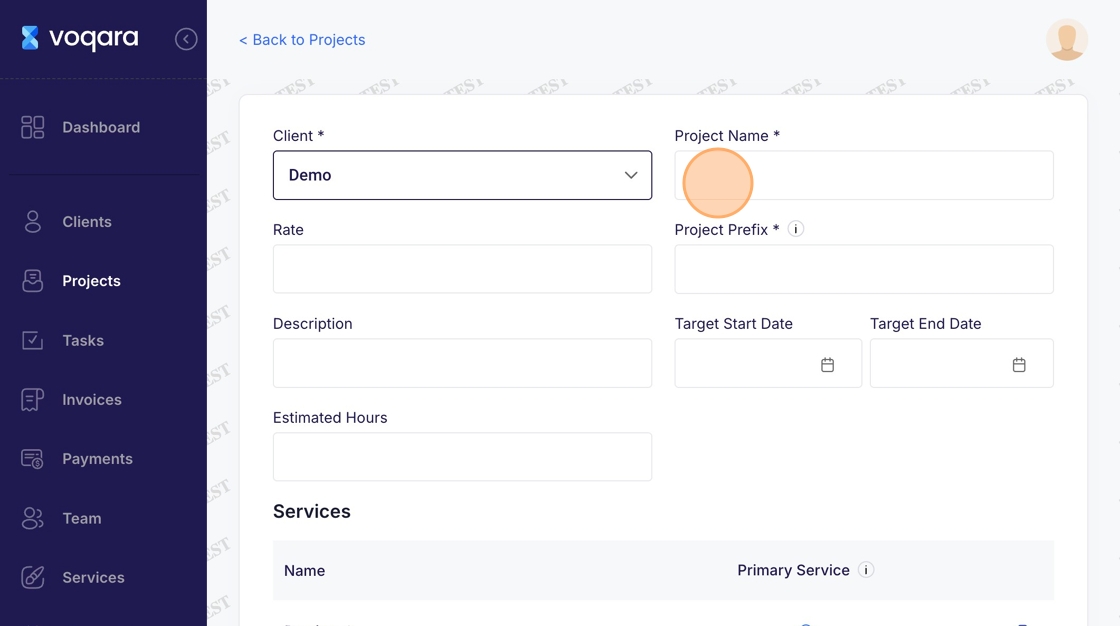
7. Enter project details
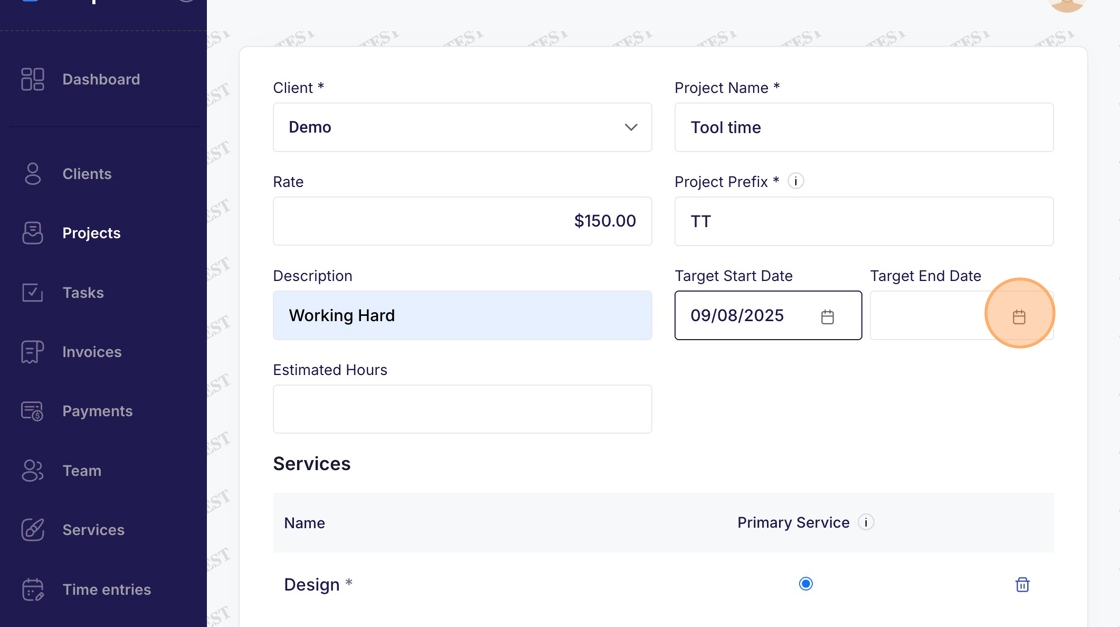
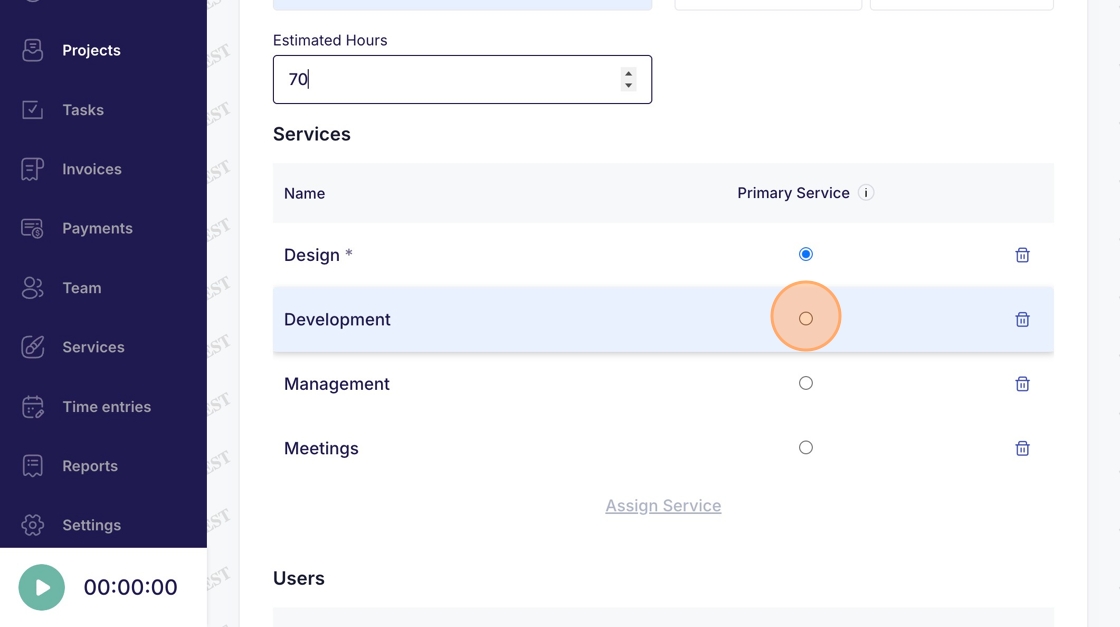
8. Type "70"
9. Select a primary service
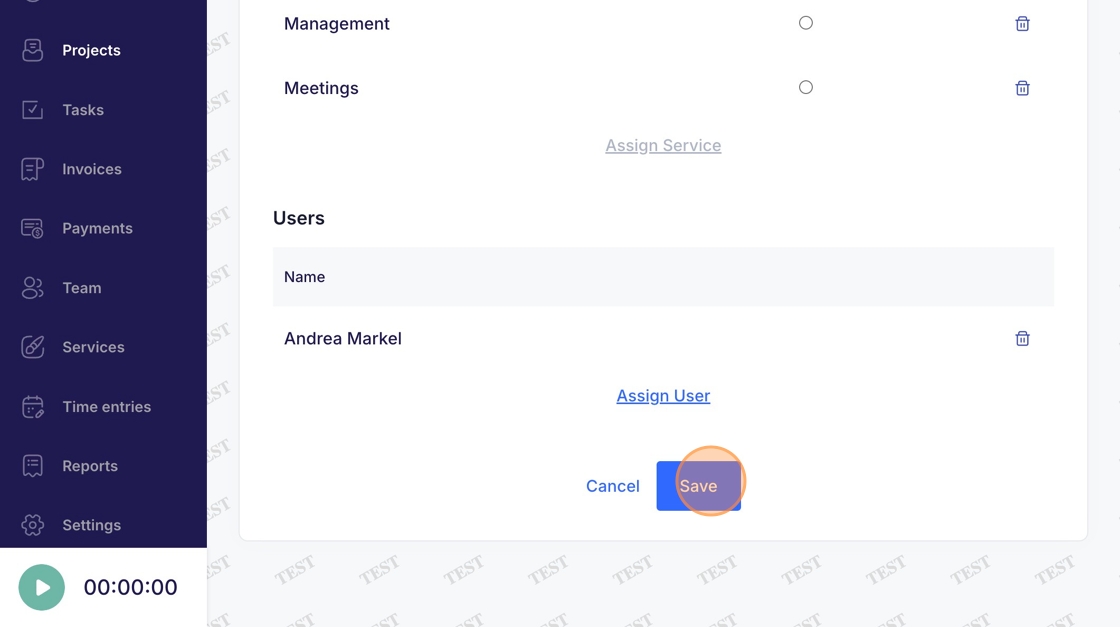
10. Click "Save" to complete adding the new project