Projects - Edit
This guide provides a straightforward walkthrough for editing a project in the Voqara app, ensuring users can efficiently manage their tasks. By following the steps outlined, users can easily navigate the interface and make necessary changes to their projects. It's an essential resource for anyone looking to streamline their project management process and enhance productivity.
Made by Tusk Support with Scribe
This guide provides a straightforward walkthrough for editing a project in the Voqara app, ensuring users can efficiently manage their tasks. By following the steps outlined, users can easily navigate the interface and make necessary changes to their projects. It's an essential resource for anyone looking to streamline their project management process and enhance productivity.
1. Log into Voqara
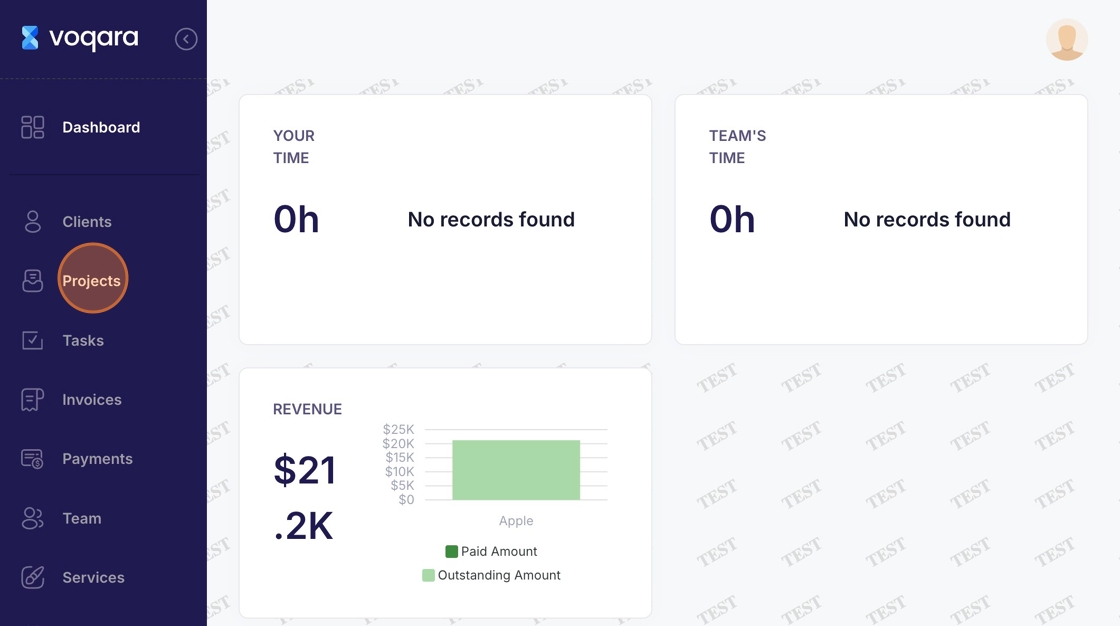
2. Navigate to "Projects"
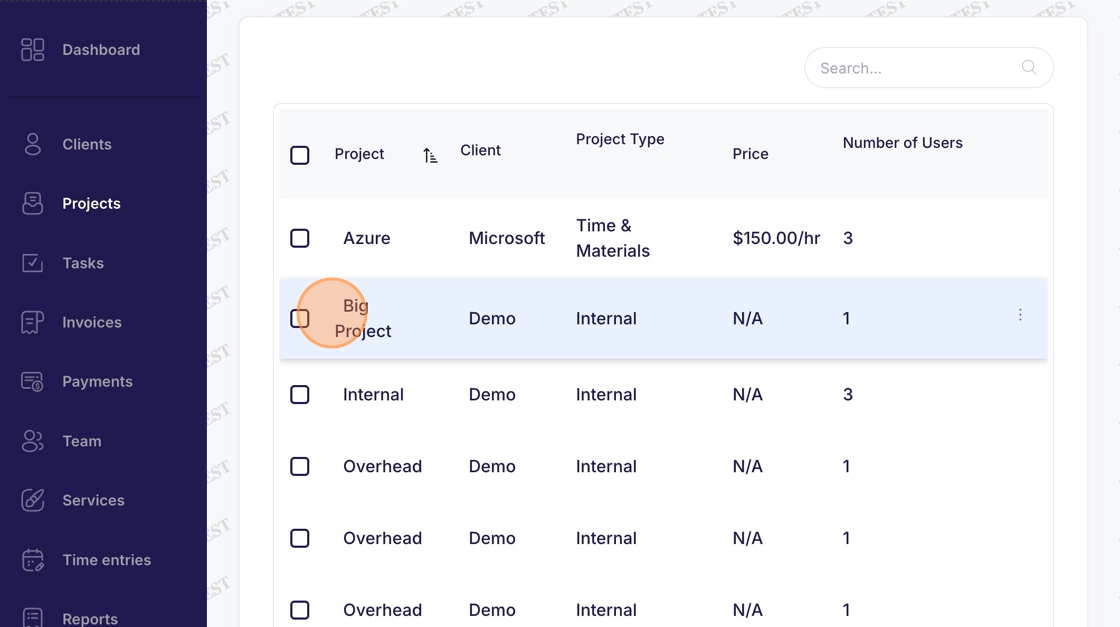
3. Select a project
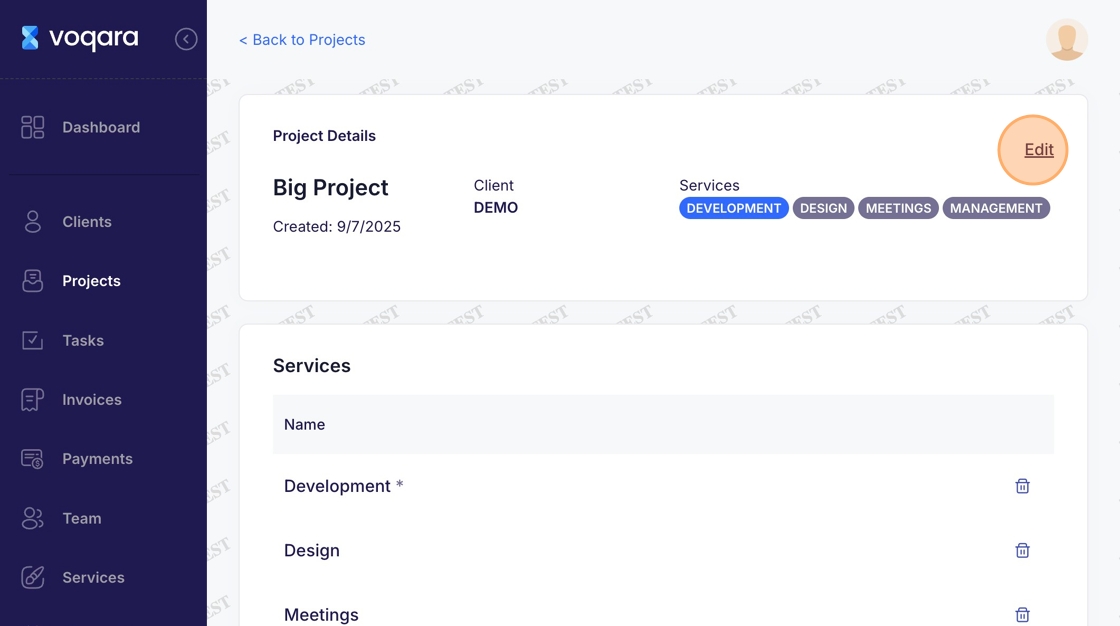
4. Navigate to "Edit"
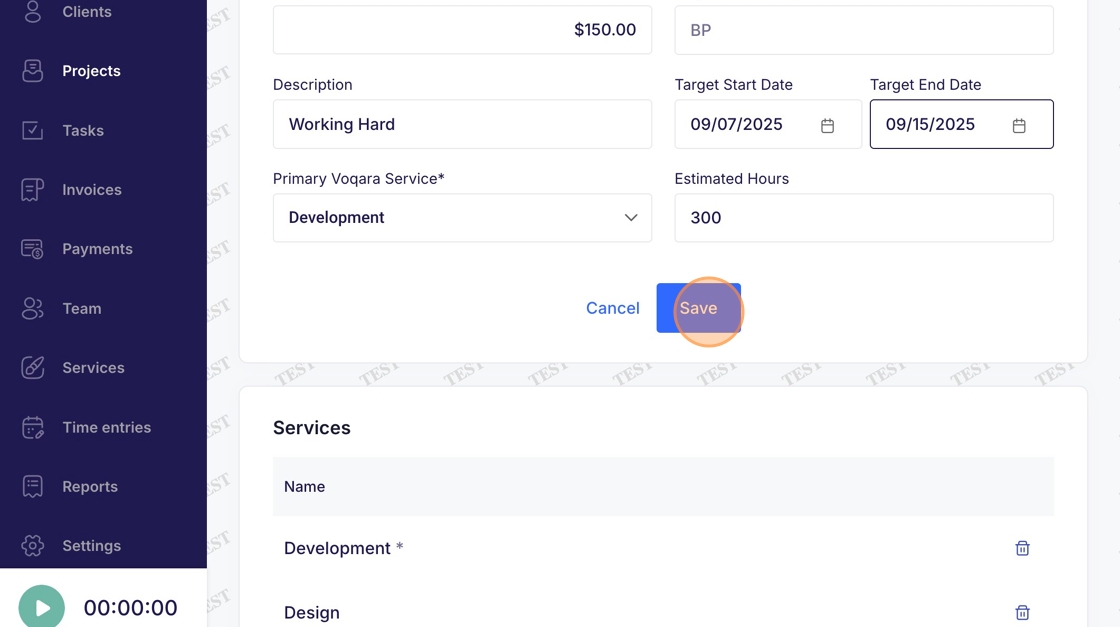
5. Make desired changes
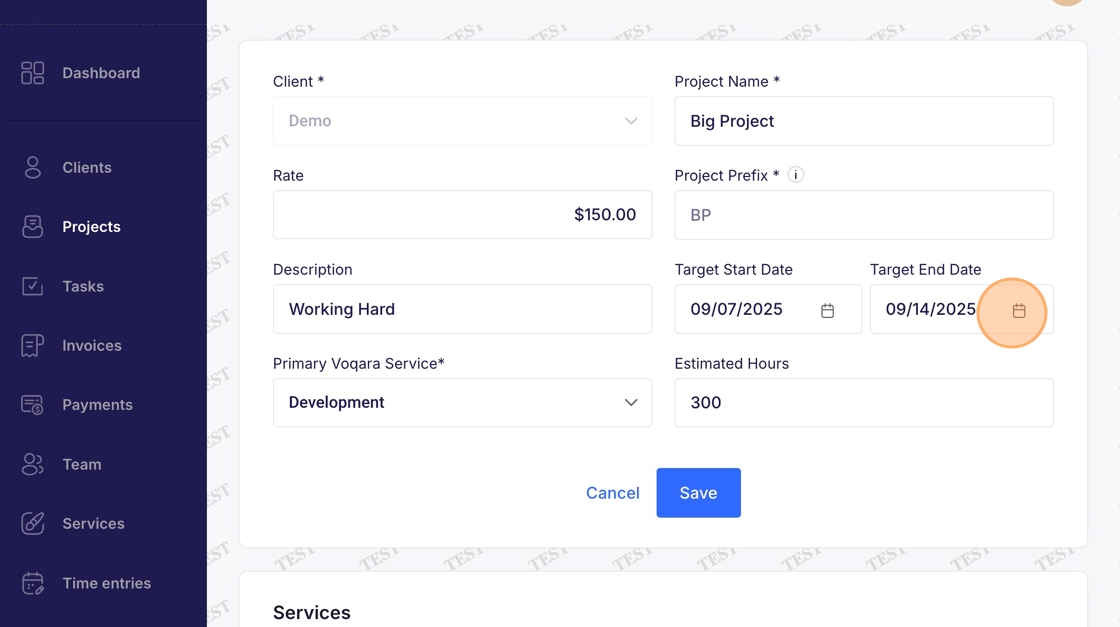
6. Click "Save" to complete project editing