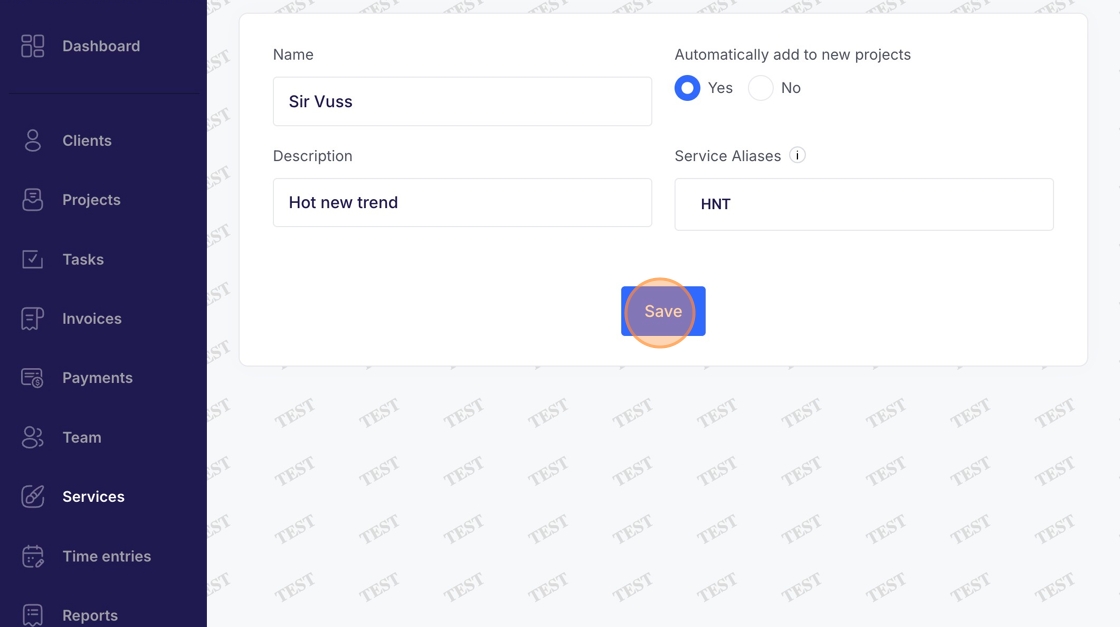
Services - Add New Service
This guide demonstrates the process for adding a new service in Voqara.
Made by Tusk Support with Scribe
This guide demonstrates the process for adding a new service in Voqara.
1. Log into Voqara

2. Navigate to "Services"

3. Click "Add Service"
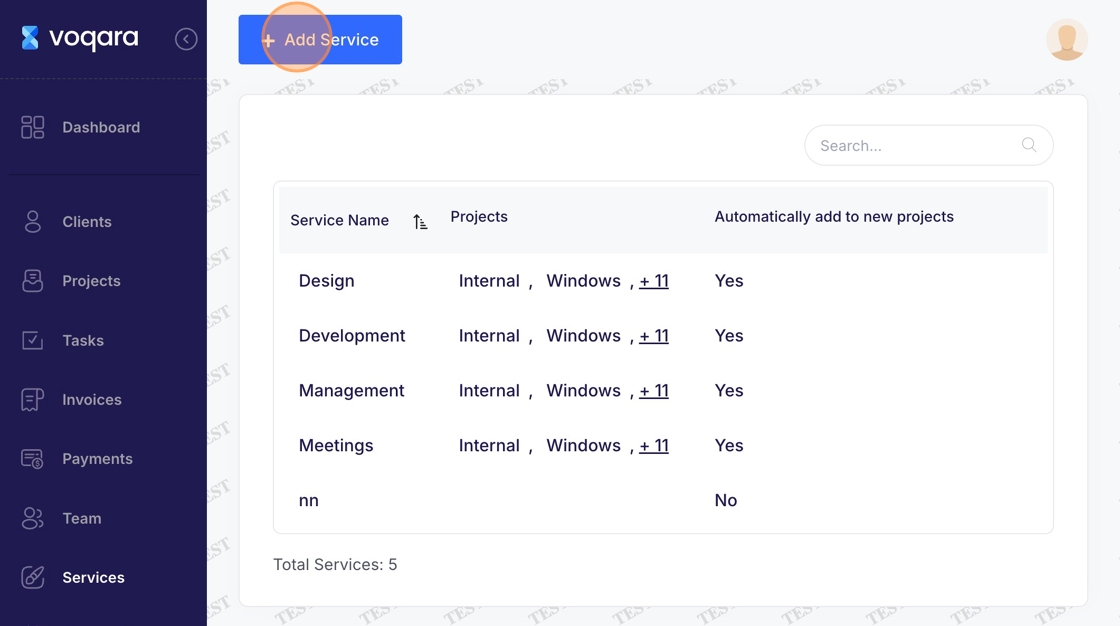
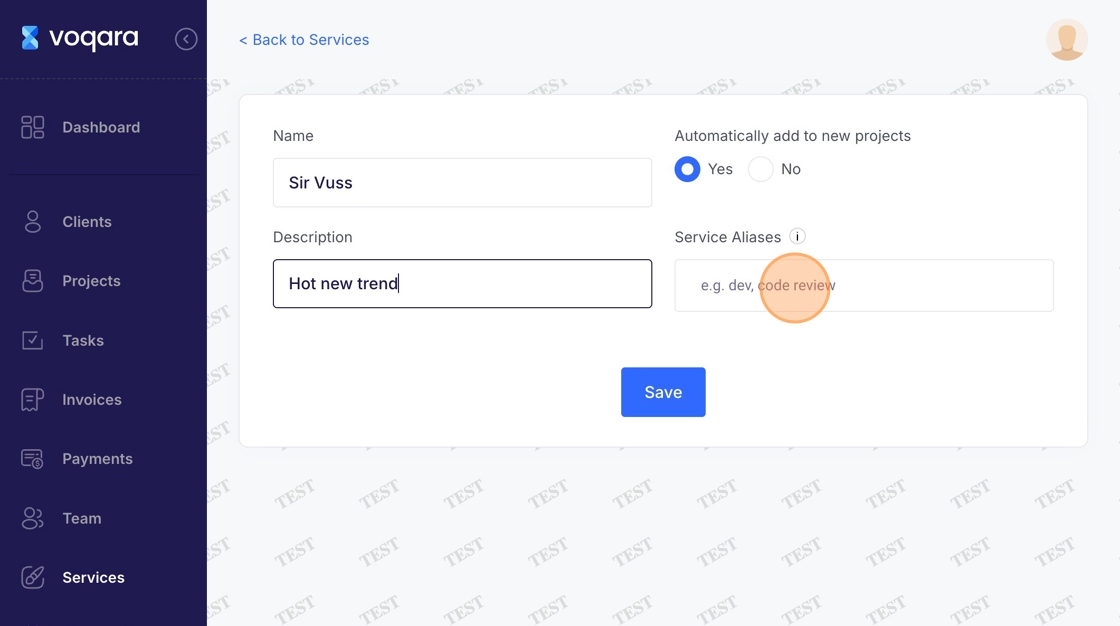
4. Enter a name in the text field

5. Select "yes" or "no" to indicate whether or not you want to automatically add a service to new projects

6. Enter service description (optional)

7. Enter service aliases (optional)
8. Click "Save" to complete adding new service