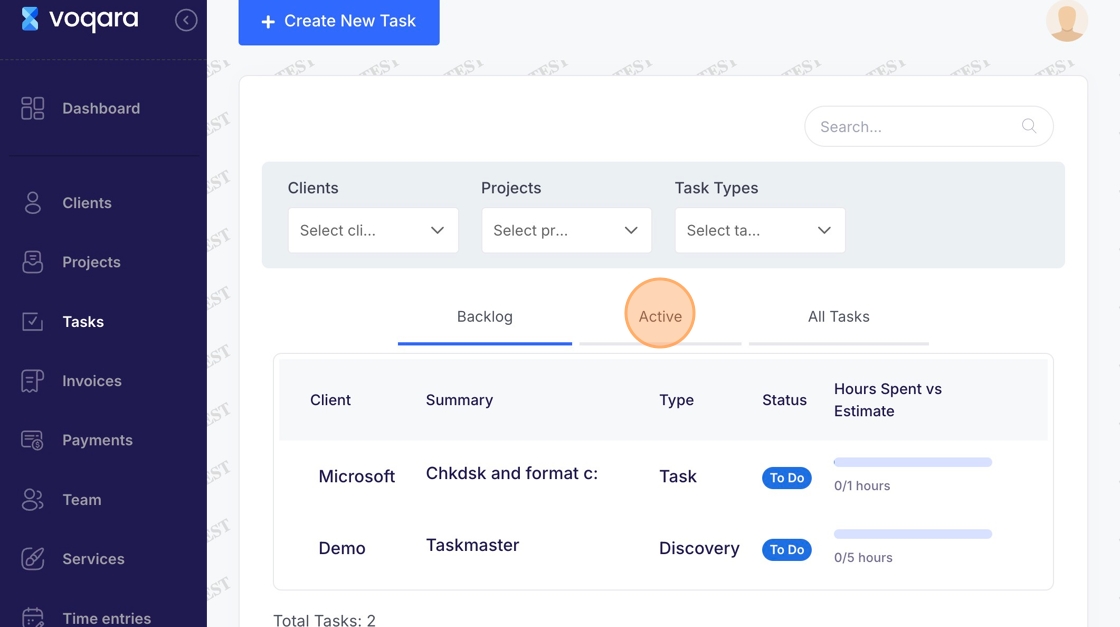
Tasks - Move to Active
This guide demonstrates how to make a backlogged task become active in Voqara.
Made by Tusk Support with Scribe
This guide demonstrates how to make a backlogged task become active in Voqara.
1. Log into Voqara
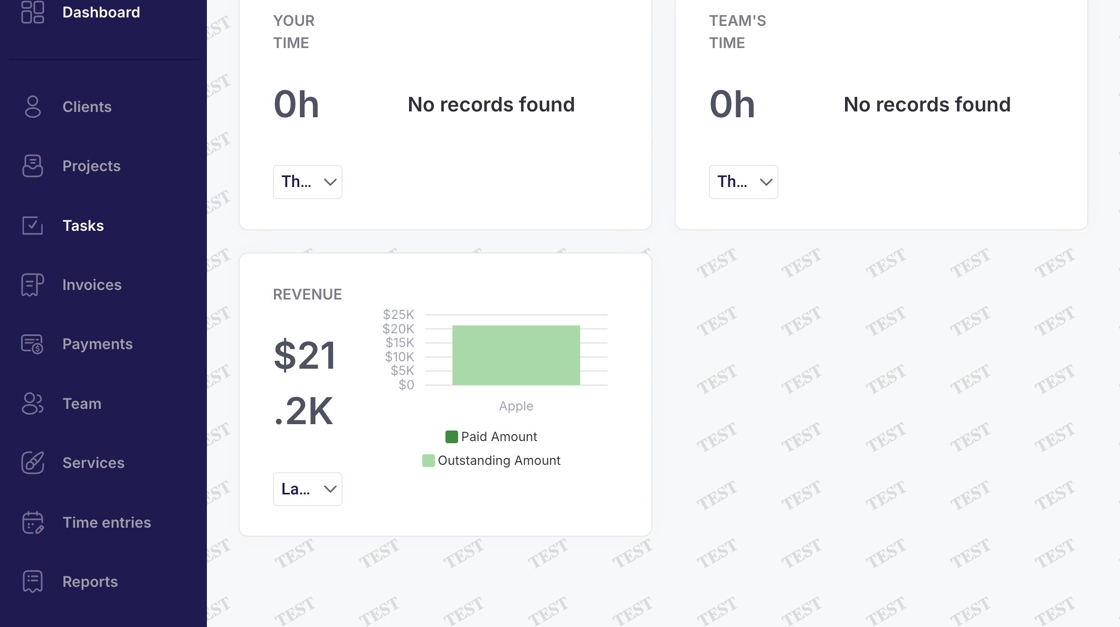
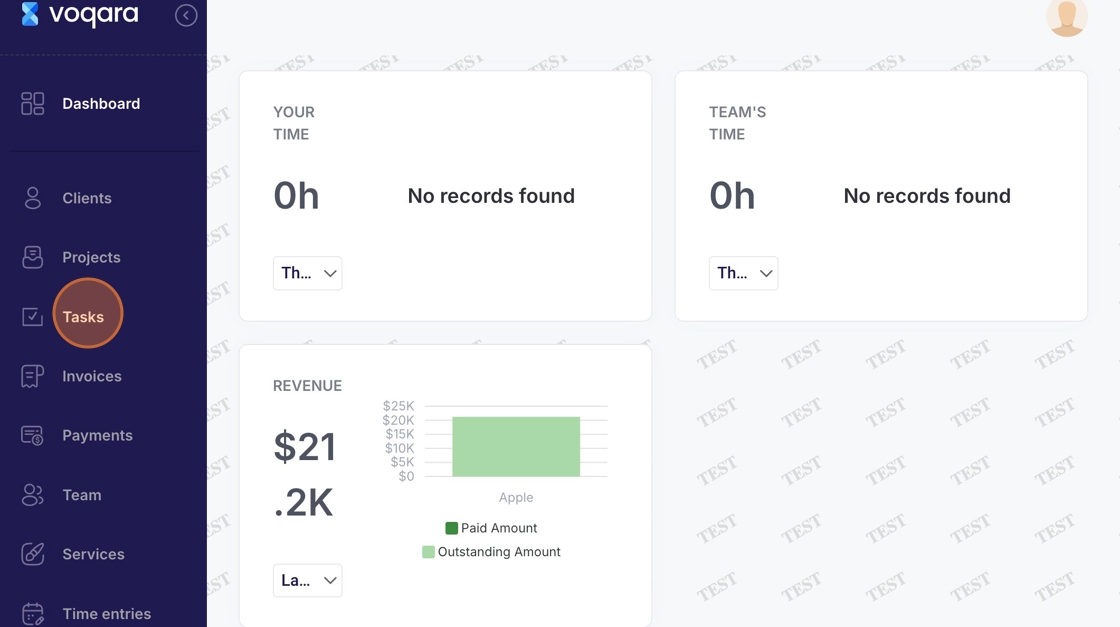
2. Navigate to "Tasks"
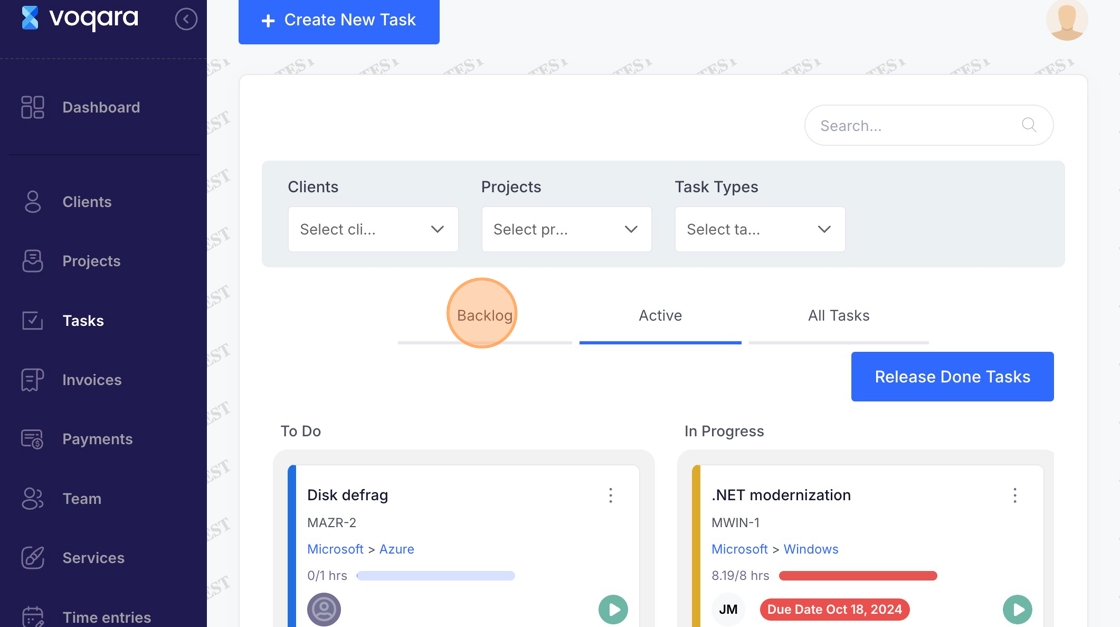
3. Click "Backlog"
4. Click on ellipses at far right end of the project line
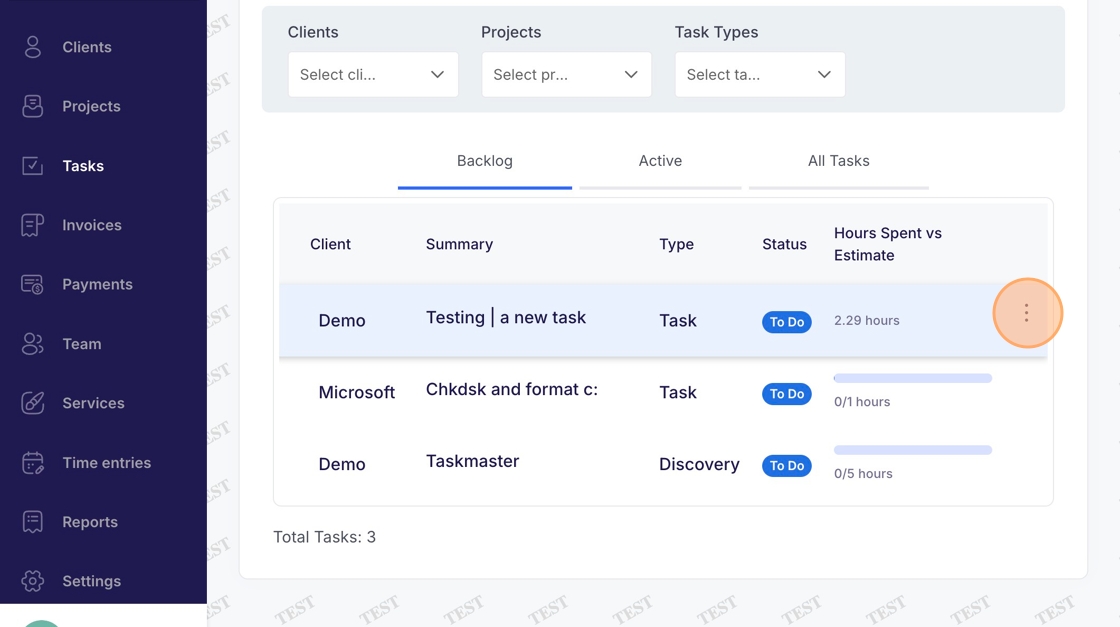
5. Select "Move to Active"
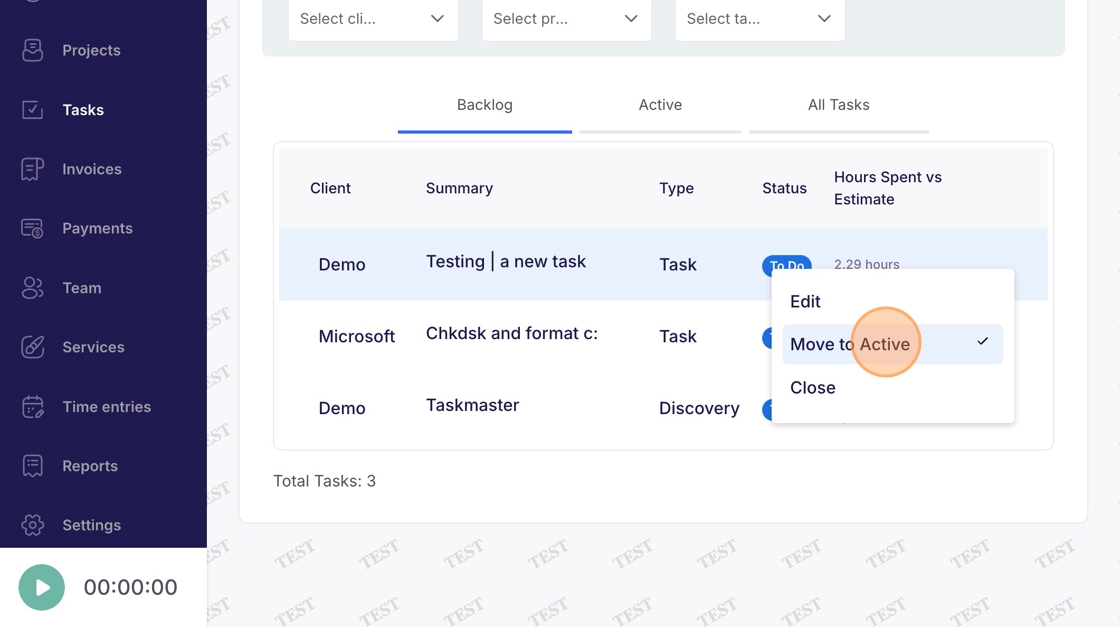
6. Project will now appear under "Active" tab