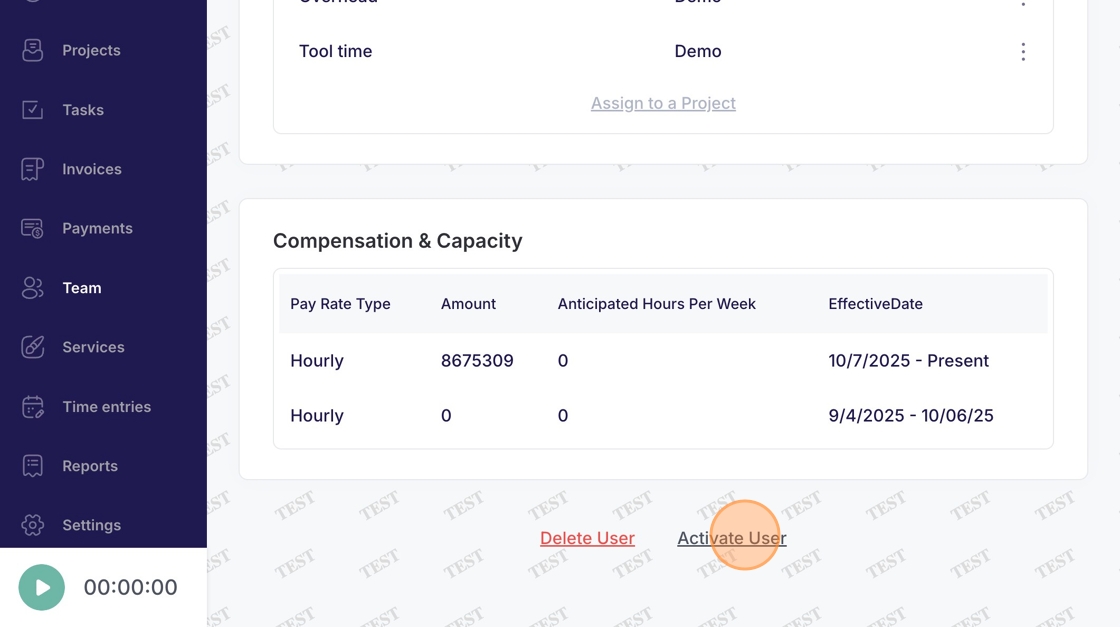
Team - Activate User
This guide provides a straightforward process for re/activating a user in Voqara.
Made by Tusk Support with Scribe
This guide provides a straightforward process for re/activating a user in Voqara.
1. Log into Voqara
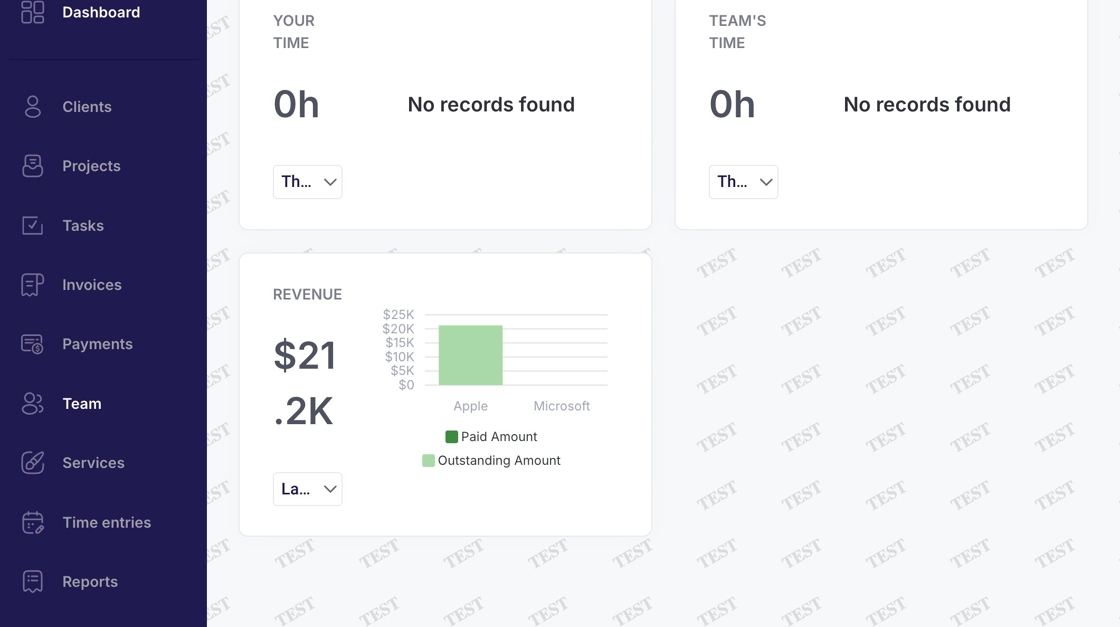
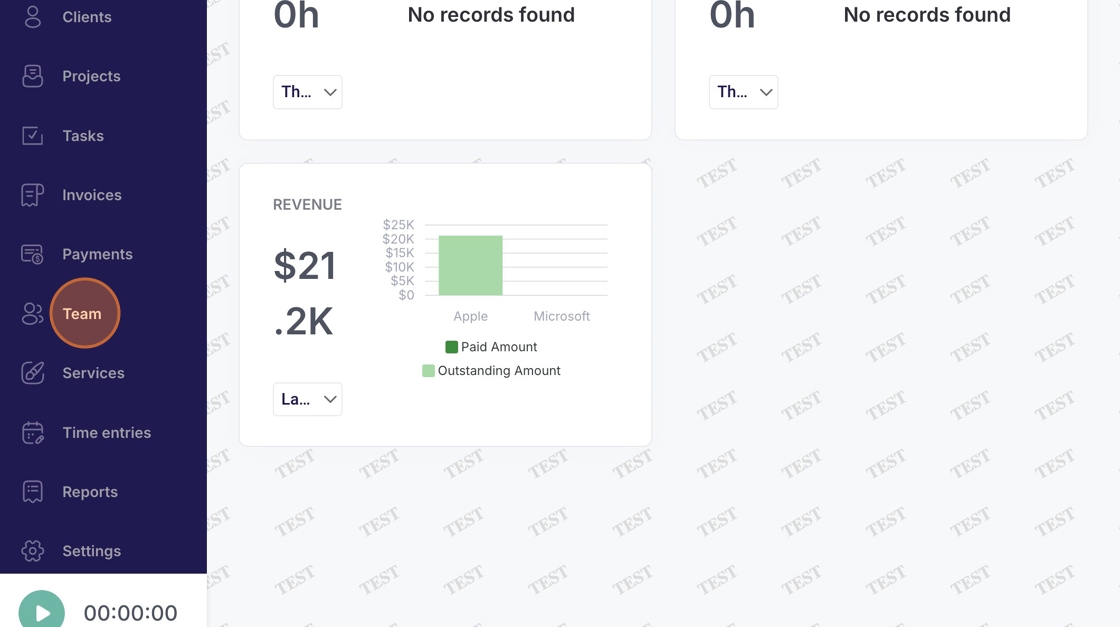
2. Navigate to "Team"
3. Click this icon
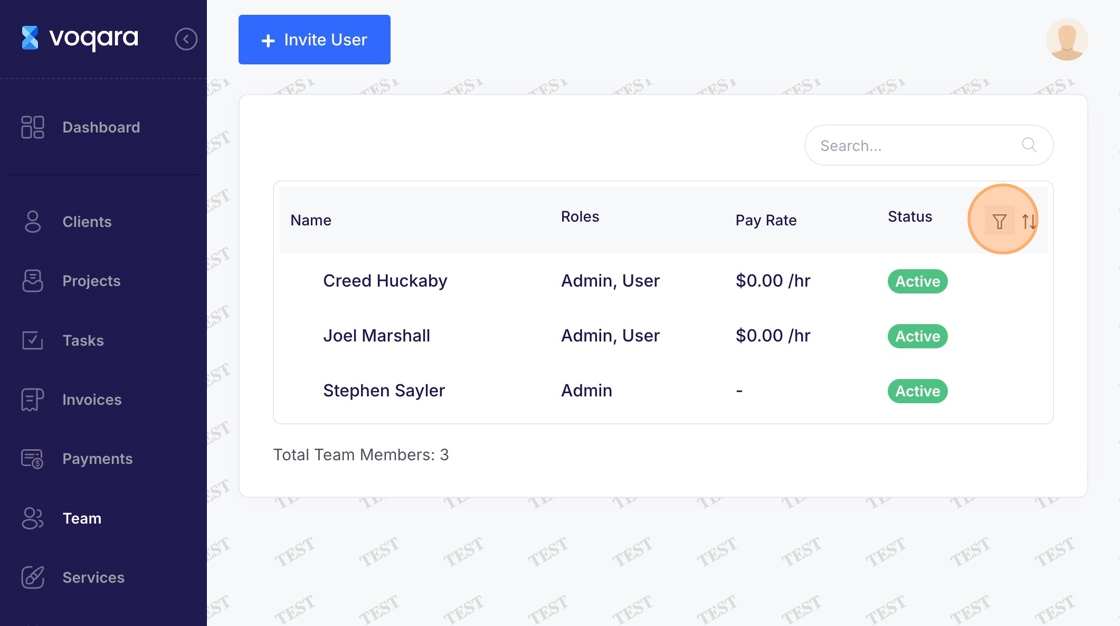
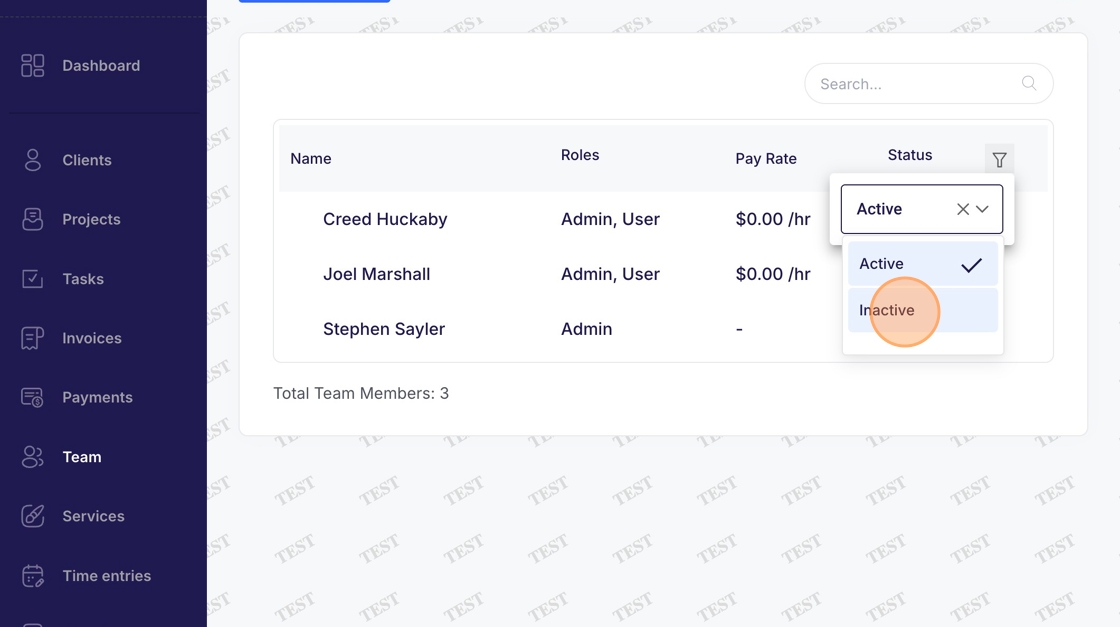
4. Scroll to "Inactive" in the dropdown box
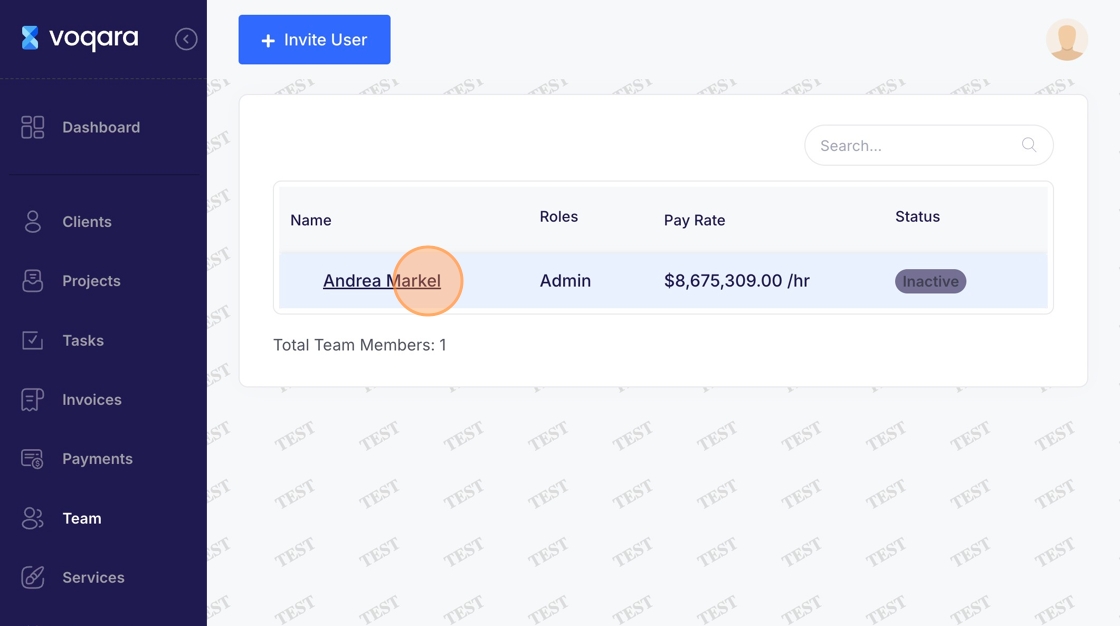
5. Click an "inactive" user
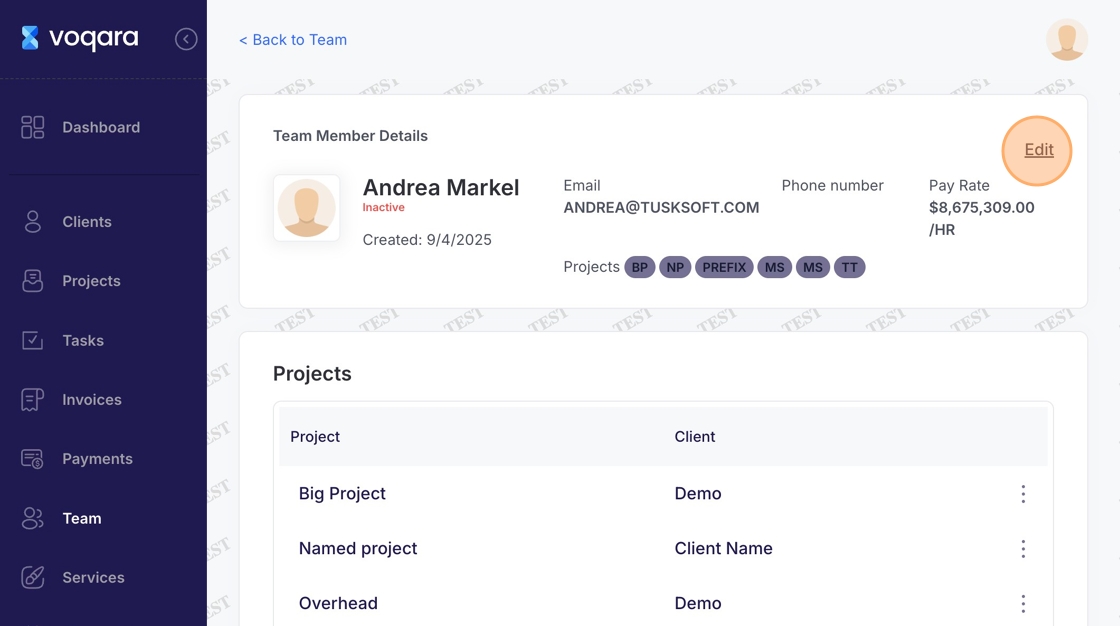
6. Click "Edit"
7. Scroll to bottom of page
8. Click "Activate User" to complete re/activating user