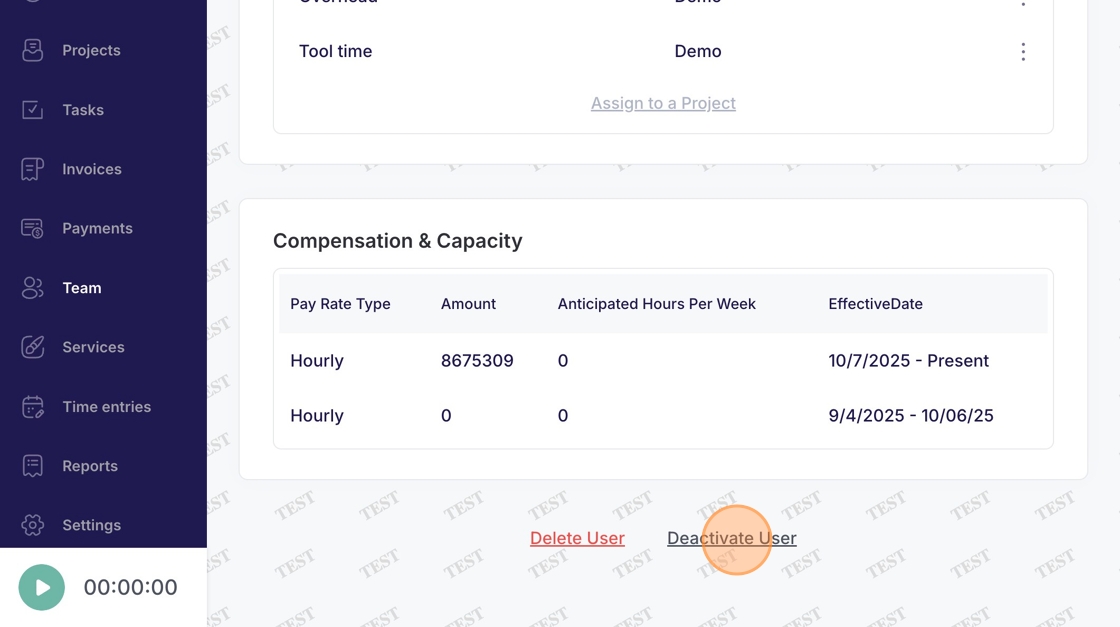
Team - Deactivate User
This guide demonstrates how to deactivate a user within Voqara.
Made by Tusk Support with Scribe
This guide demonstrates how to deactivate a user within Voqara.
1. Log into Voqara
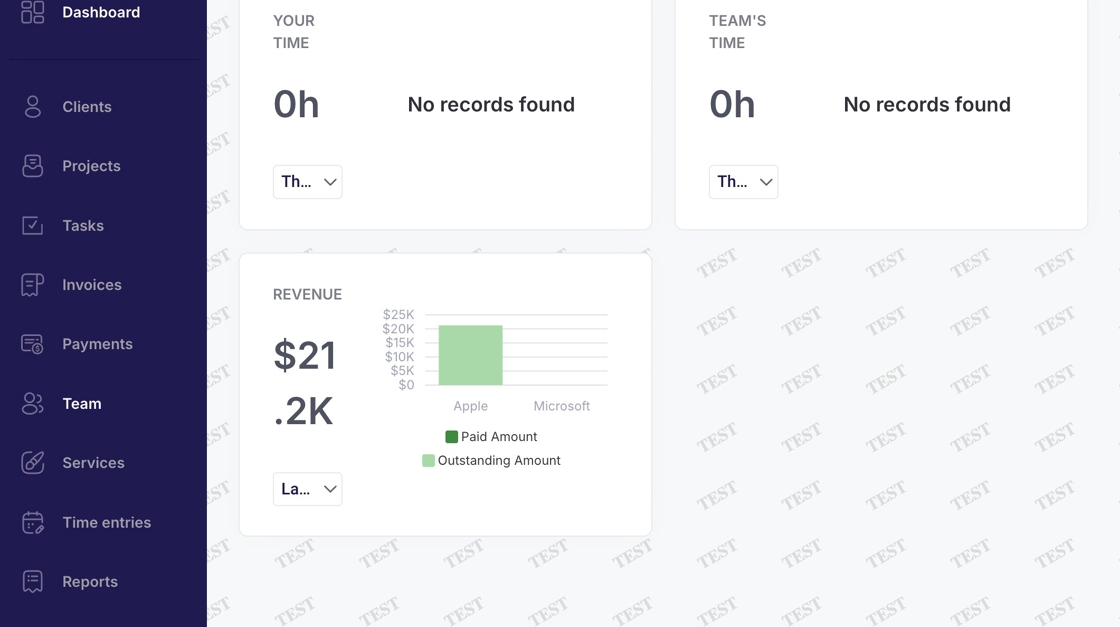
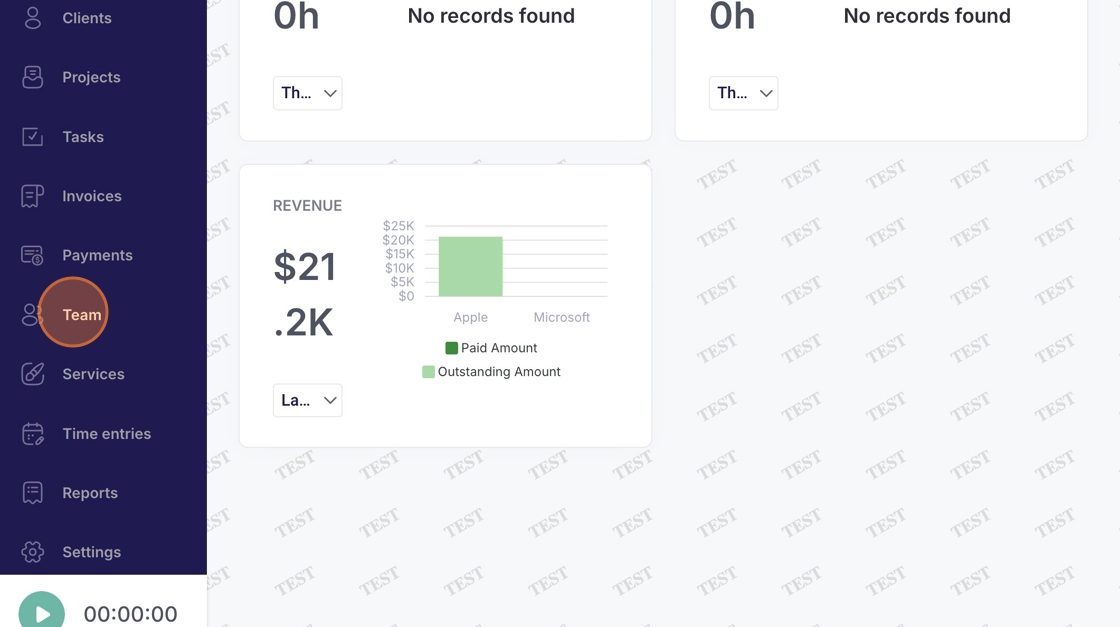
2. Navigate to "Team"
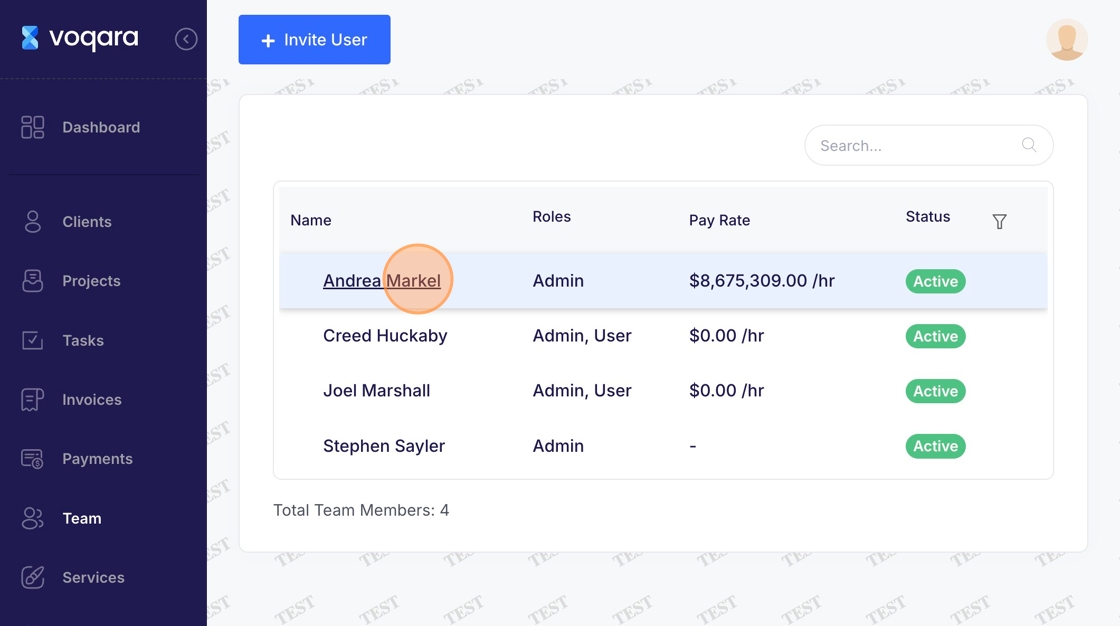
3. Select a user
4. Click "Edit"
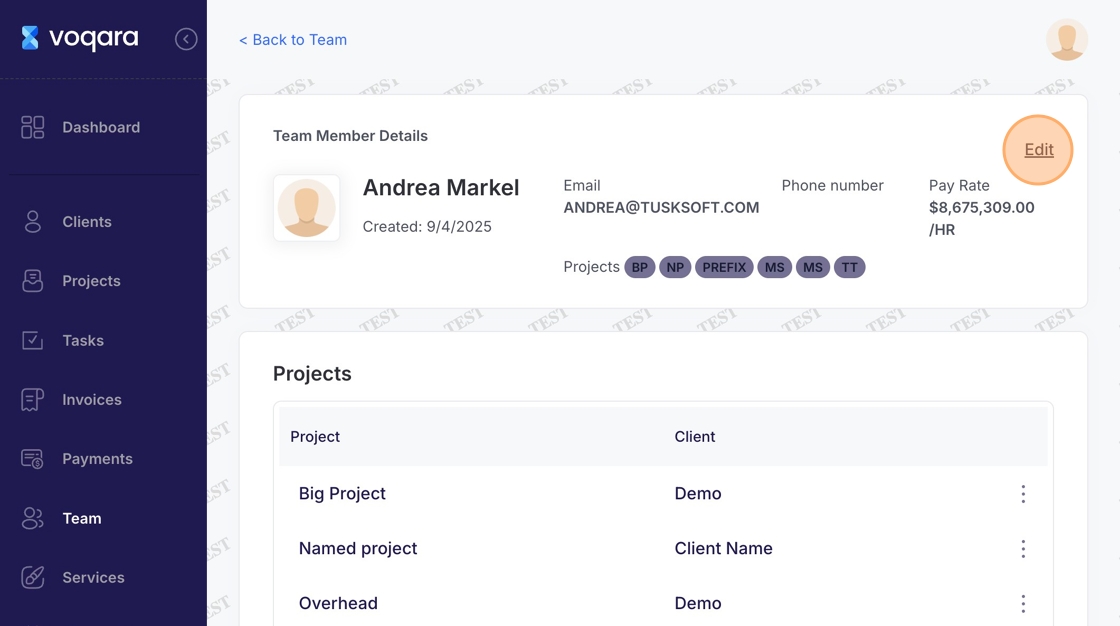
5. Scroll to bottom of page
6. Click "Deactivate User" to complete user deactivation