Team - Invite New User
This guide details the process for inviting new users to your team in Voqara.
Made by Tusk Support with Scribe
This guide details the process for inviting new users to your team in Voqara.
1. Log into Voqara
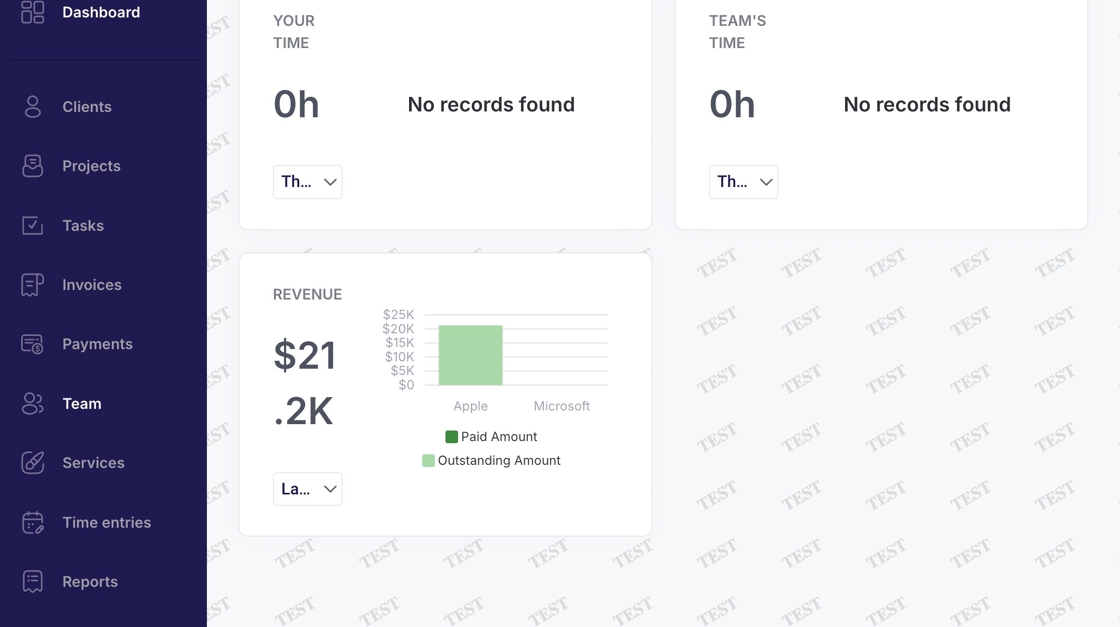
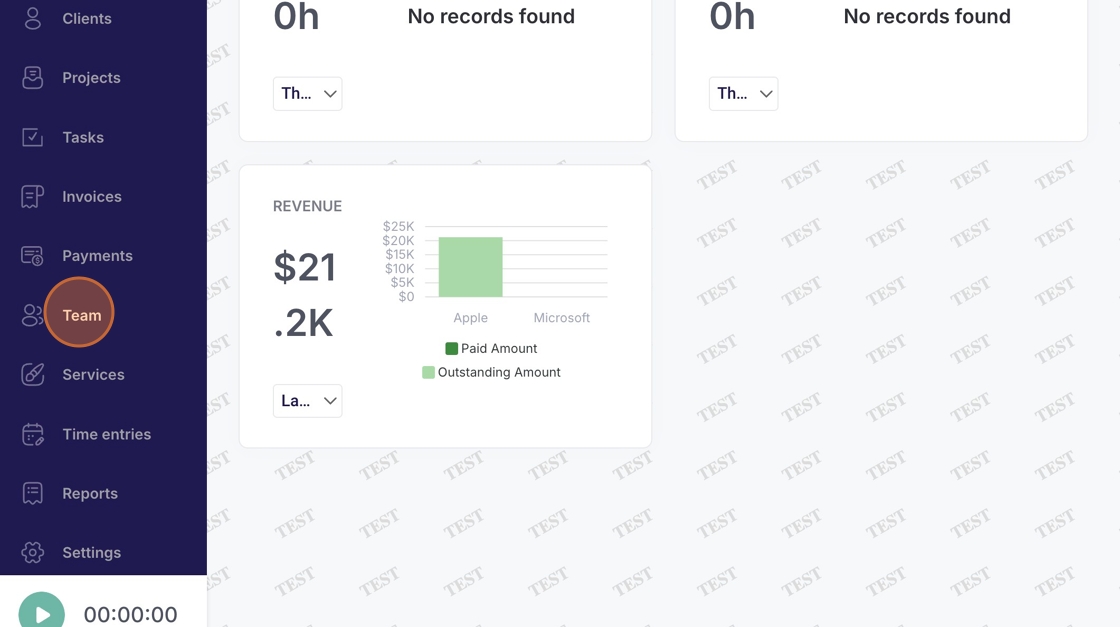
2. Navigate to "Team"
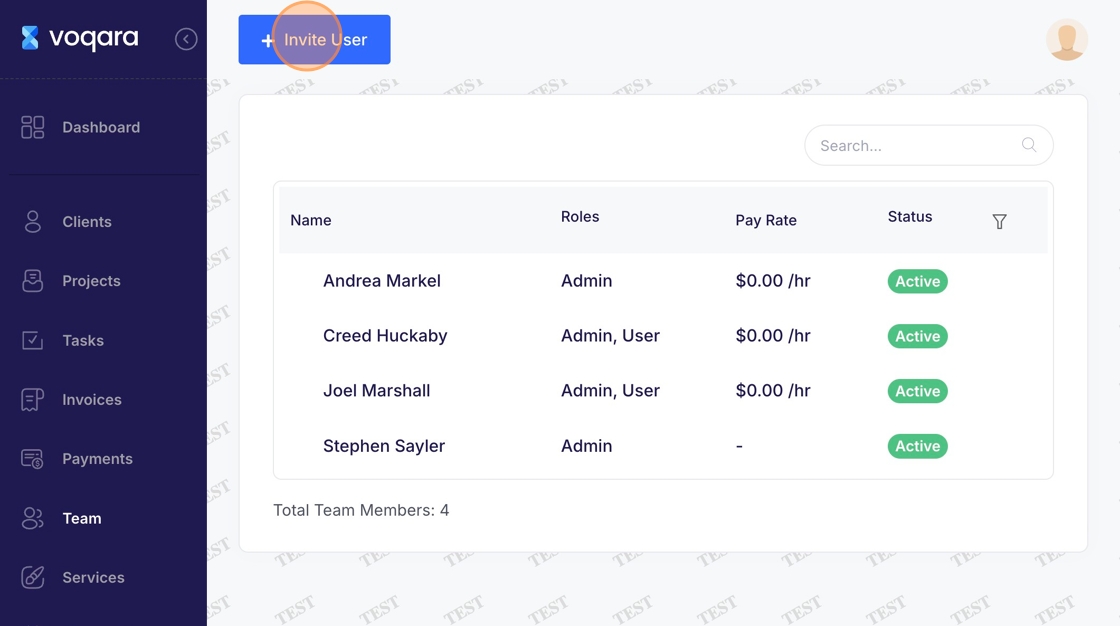
3. Click "Invite User"
4. Click "First Name" field and enter new user's first name
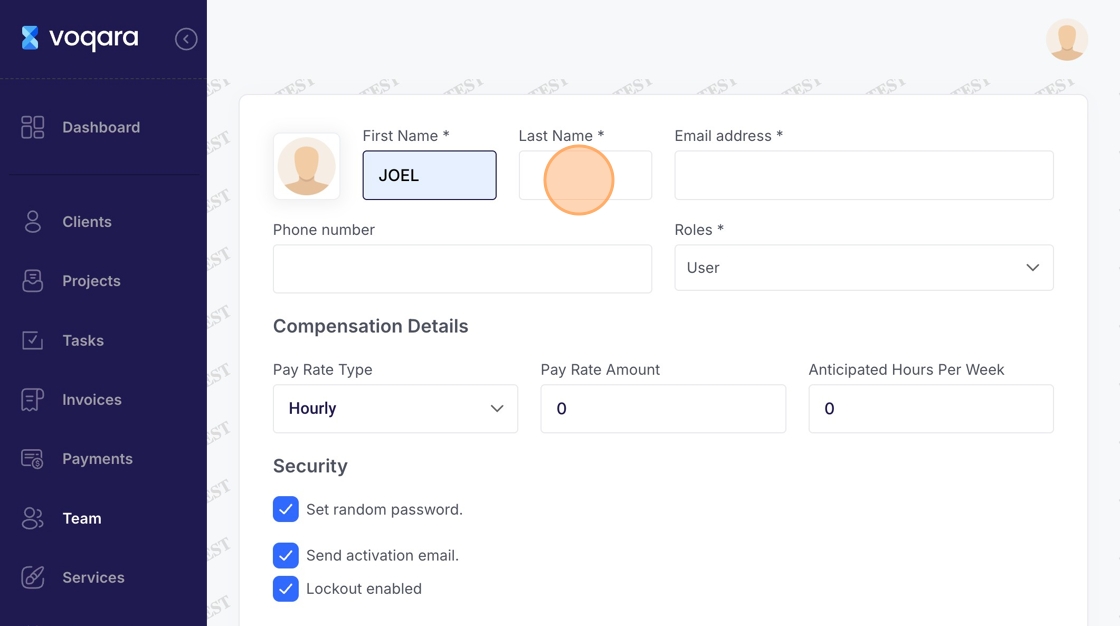
5. Click "Last Name" field and enter new user's last name
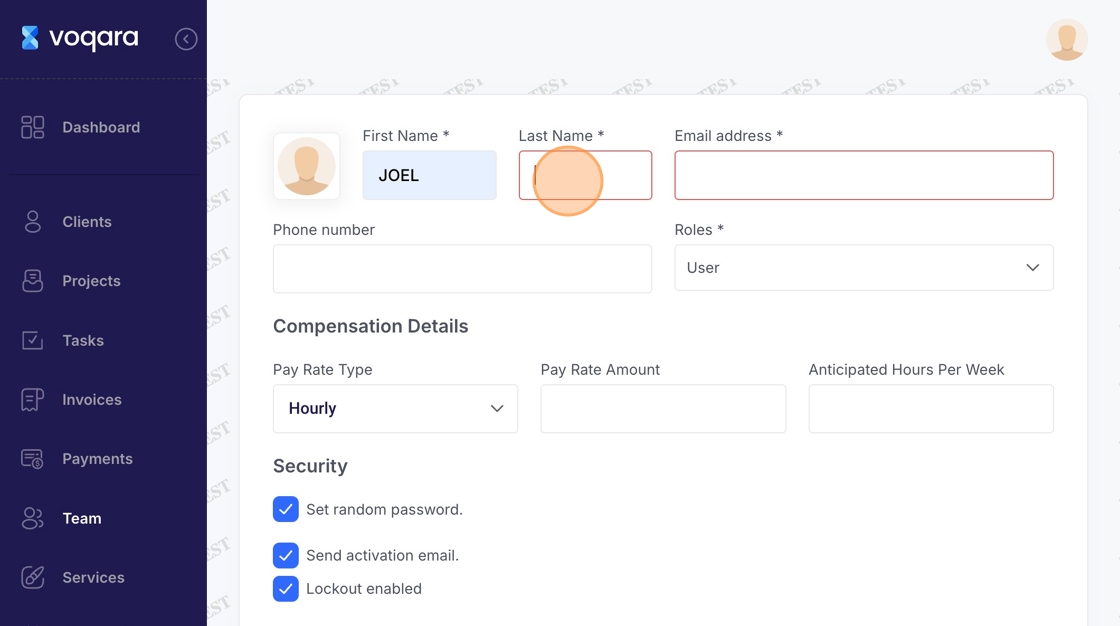
6. Click the "Email address" field and enter new user's email address
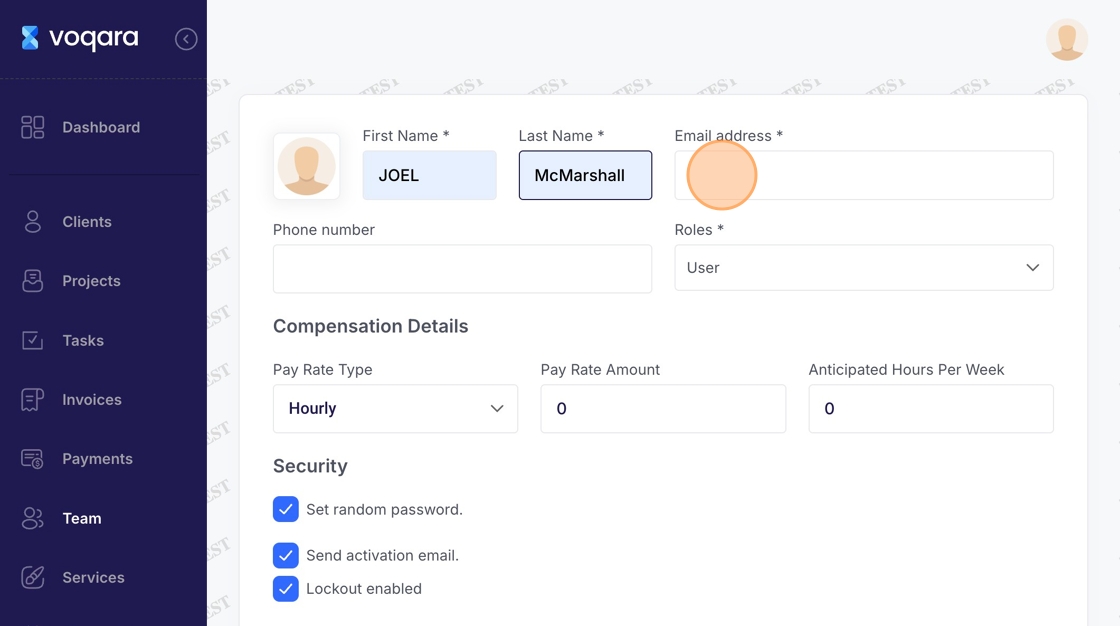
7. Click the "Phone number" field and enter new user's phone number
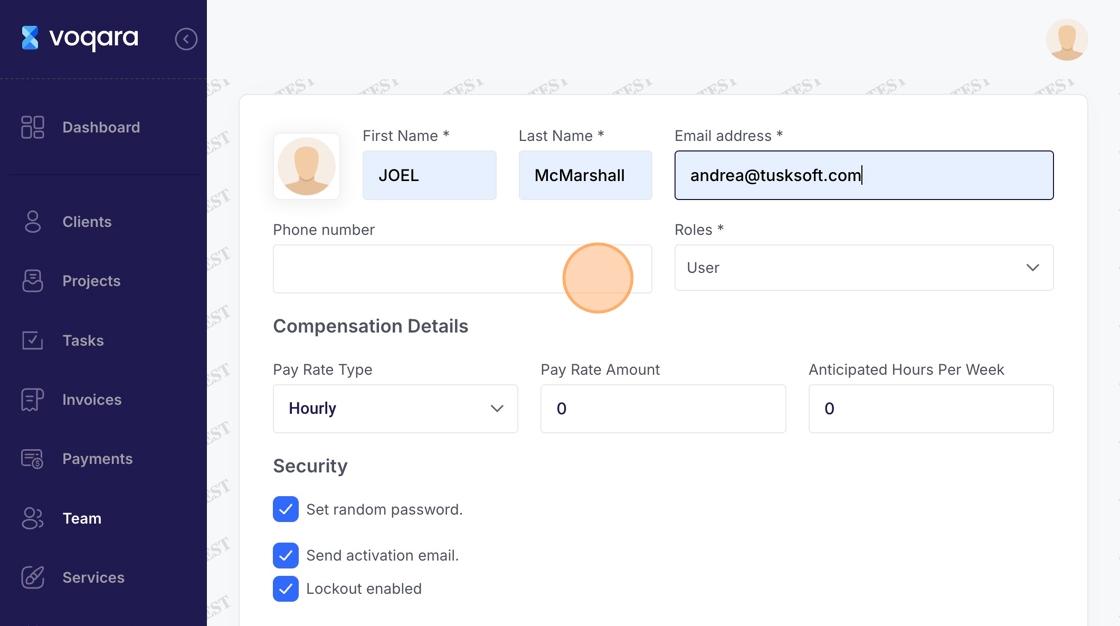
8. Click "Roles" menu
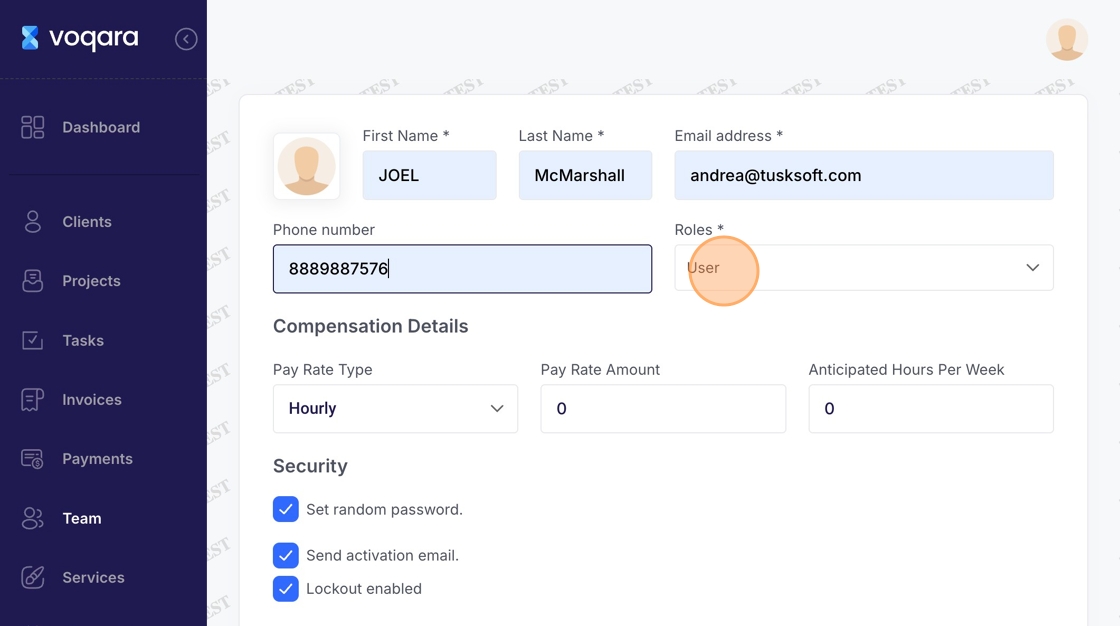
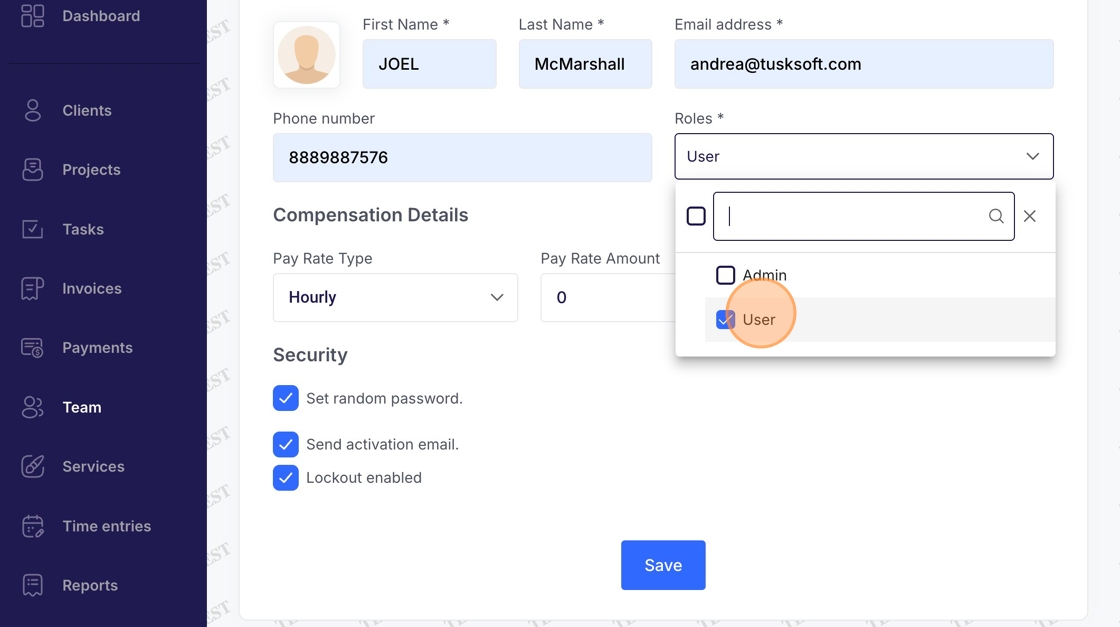
9. Select "admin" or "user" from the dropdown box
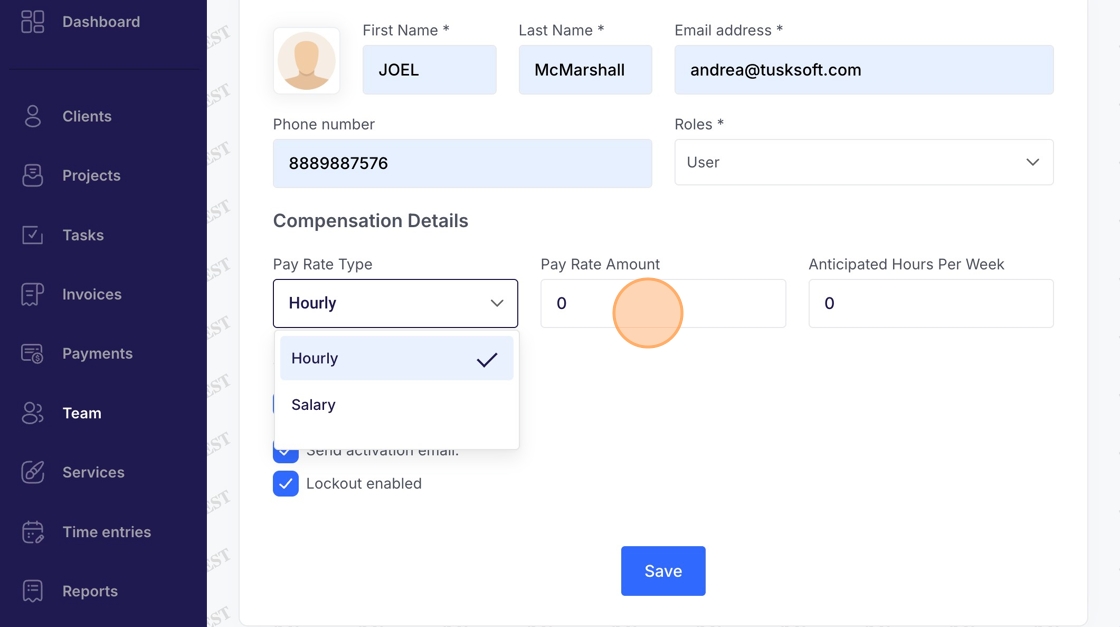
10. Click the "Pay Rate Amount" field and select hourly or salary from the dropdown box
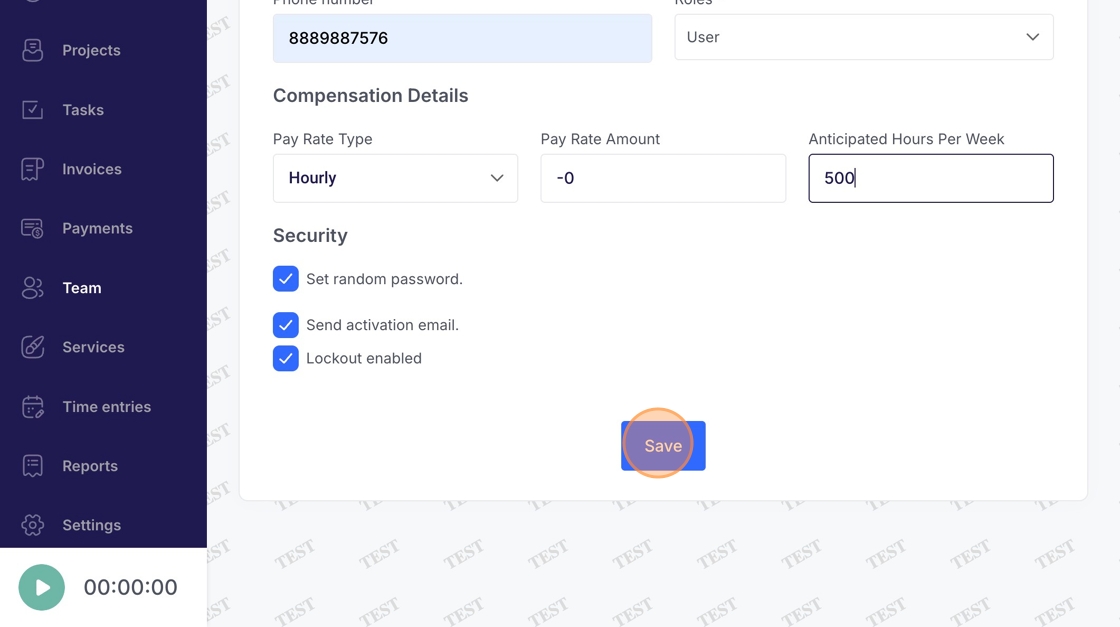
11. Enter pay rate amount and anticipated hours per week in respective field boxes
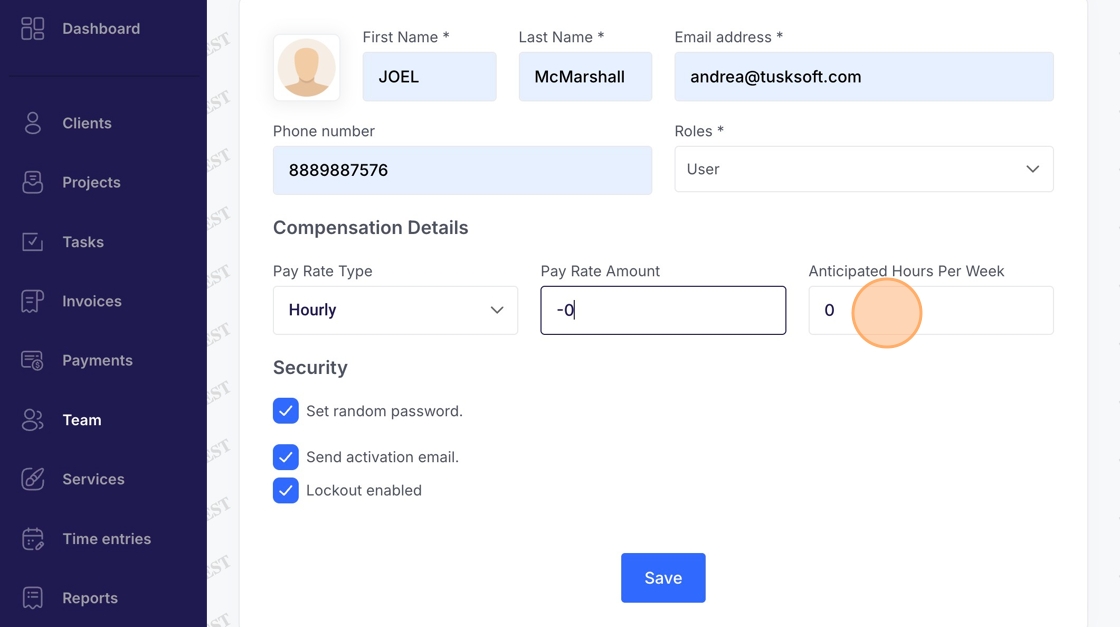
12. Click "Save" to complete inviting new user to your team